
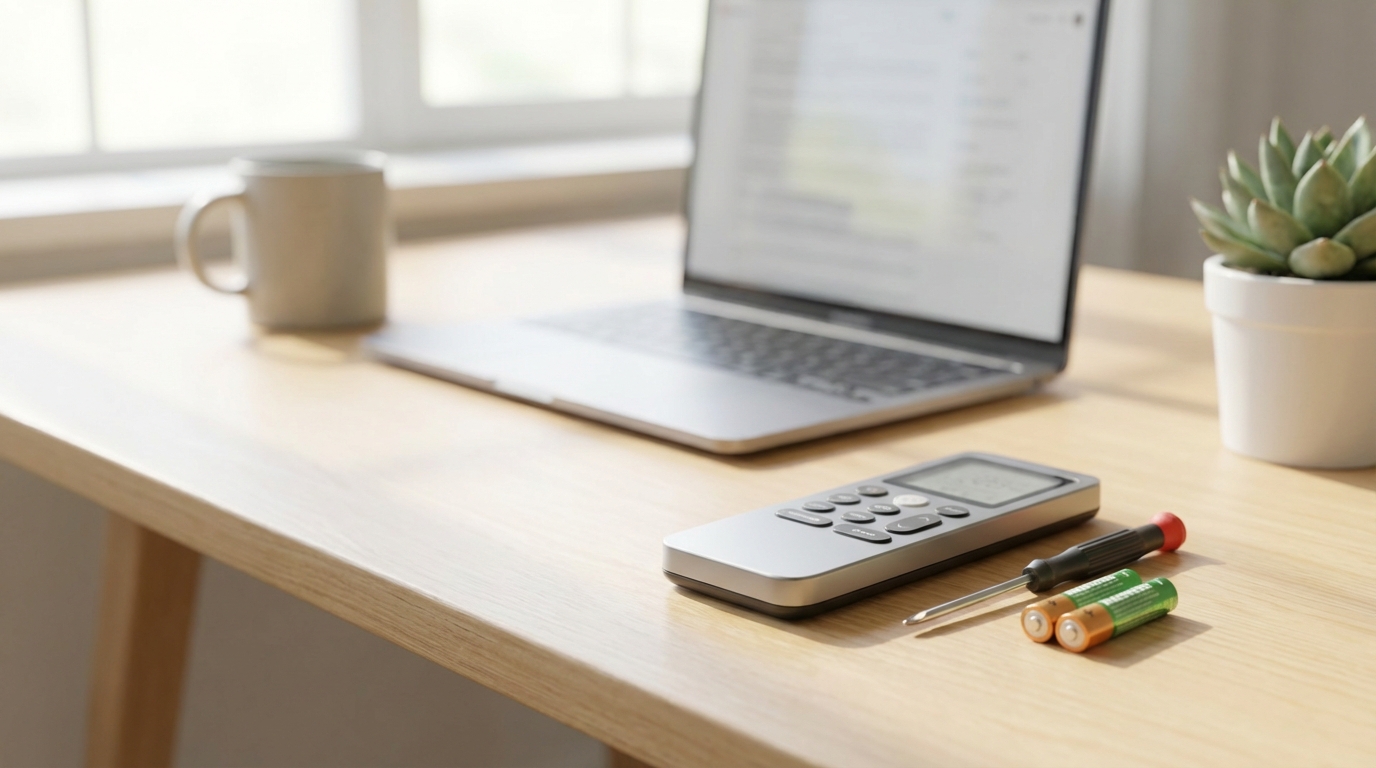
Key Takeaways: Quick Fixes
- The #1 Fix: Replace old batteries and roll them in the slot to clean the contacts.
- The Camera Trick: Use your smartphone camera to see if the remote is sending a signal (IR light is visible to cameras).
- Hard Reset: Remove batteries, hold the power button for 30 seconds, then put batteries back in.
- Check the Unit: Sometimes the breaker tripped or the AC's sensor is blocked by dust.
- Child Lock: If the screen is on but buttons dont work, look for a padlock icon.
First, Check the Batteries (And the Springs)
I know, I know. You probably already thought of this. But before you go tearing the house apart looking for a screwdriver, just humor me. Swap the batteries. But here is the thing, don't just put new ones in.
Sometimes the issue isn't that the batteries are dead, it's that the metal springs inside the remote are dirty or oxidized. This happens a lot if you live in a humid place or if the batteries leaked a little bit of acid.
Try this: Put the batteries in and spin them around with your thumb while they are in the slot. This friction scrapes off the invisible layer of oxidation on the contacts. If you see white powdery stuff (corrosion), get a cotton swab dipped in a little vinegar and wipe it off. Vinegar neutralizes the battery acid.
The "Magic" Camera Test
This is my favorite trick. I honestly felt like a genius when I learned this. You can actually see if your remote is broken or if your AC unit is the problem by using your phone.
Remote controls use Infrared (IR) light to talk to the AC. Human eyes can't see IR light, but digital cameras can. According to most tech forums and even Samsung's support page, this is the gold standard for testing remotes.
How to do it:
- Open the camera app on your phone. (Use the selfie mode or the back camera, either works usually, though some newer iPhones filter IR on the back camera, so try the front one if unsure).
- Point the remote control’s bulb (the top part) directly at the camera lens.
- Look at your phone screen while you press buttons on the remote.
If you see a purple or pink light flashing on your screen: The remote is working! This is bad news and good news. It means your remote is fine, so the problem is likely the AC unit's receiver (the sensor on the wall unit).
If you see NO light: The remote is dead. If you already changed the batteries, the internal board is probably fried, and you need a replacement.
Perform a "Hard Reset" on the Remote
Electronics get confused. It happens. Inside your remote, there are little capacitors that hold onto an electrical charge even when the batteries are out. Sometimes this charge keeps the remote in a "frozen" state, kinda like when your laptop crashes and you have to hold the power button.
To fix this, we need to drain that residual power. Here is exactly how to do it:
- Take the batteries out of the remote completely.
- With the batteries OUT, press and hold the Power button for about 20 to 30 seconds.
- Release the button.
- Put fresh batteries back in.
I’ve fixed my TV remote and my AC remote doing this. It sounds fake but it resets the logic board inside.
Is the Child Lock On?
Check the display on your remote. Do you see a tiny icon that looks like a padlock? Or maybe a key?
If you see that, your remote isn't broken, it's just locked. This feature exists so kids dont mess with the temperature settings, but its super easy to activate by accident if you sit on the remote or drop it.
To unlock it, the method changes depending on the brand (LG, Carrier, Mitsubishi, etc), but usually, it involves holding down two buttons at the same time. Common combinations are:
- Plus (+) and Minus (-) temperature buttons together.
- Mode and Timer buttons together.
- On/Off and Fan buttons.
Hold them for 3-5 seconds until the lock icon disappears.
Check the AC Unit's Receiver
Okay, so you did the camera test and the remote IS flashing light. But the AC won't beep or turn on. That means the remote is screaming, but the AC isn't listening.
The receiver is that little black shiny window on the front of your air conditioner.
1. Wipe it down: If that sensor is covered in dust, kitchen grease, or grime, the signal can't get through. Use a damp cloth to wipe the plastic window on the AC unit.
2. Check for bright lights: Believe it or not, strong sunlight hitting the AC sensor directly can "blind" it. It interferes with the IR signal. If the sun is blasting your AC unit, try closing the curtains and see if the remote works then.
3. Reset the AC Unit (The Breaker): Just like the remote, the AC computer might have crashed. Go to your home's circuit breaker panel (fuse box). Find the switch labeled "AC" or "HVAC". Flip it off. Wait one full minute. Flip it back on. This reboots the main board.
Cleaning the Inside of the Remote (Advanced)
If you passed the camera test but the buttons are really hard to press, or you have to mash them to get a response, the contacts are probably dirty. This happens a lot if you spill soda or just from the humidity of your hands over time.
You can actually clean this. You just need patience.
- Remove batteries.
- Look for screws. Usually there is one in the battery compartment. If not, the case just snaps together.
- Use a butter knife or an old credit card to gently pry the plastic shell apart. Don't force it too hard or the plastic clips will snap.
- Once open, you'll see a rubber sheet with buttons and a green circuit board.
- Take a Q-tip with rubbing alcohol (isopropyl) and gently clean the black contacts on the circuit board and the back of the rubber buttons.
- Let it dry completely before putting it back together.
I did this on a remote that was ten years old and it worked like new. The gunk that comes off is pretty gross, just warning you.
The Temporary Solutions (While you wait for a new one)
If none of this worked, your remote is likely toast. But you don't have to melt in the heat while you wait for an Amazon delivery. You have a couple of options.
1. Turn it on manually
Almost every split-system AC unit has a manual power button hidden somewhere. It's usually under the front plastic cover (the part you lift up to clean the filters). Lift that cover and look to the right side usually. There is often a tiny button labeled "Auto" or "On/Off". Pressing this will usually turn the AC on to a default setting (usually 75°F or 24°C).
2. Use a Universal Remote App
If your phone has an "IR Blaster" (some Xiaomi, Huawei, and older Android phones have this), you can download a remote app and control the AC directly. If you have an iPhone, you sadly don't have the hardware to do this directly, unless you have a "Smart AC" that connects to WiFi.
3. Buy a Universal Remote
Don't worry about buying the expensive brand-name replacement. You can go to a hardware store and grab a "Universal AC Remote." They cost like $10. They come with a list of codes. You just find your brand (Daikin, Gree, Panasonic, etc), punch in the code, and you're good to go.
Frequently Asked Questions
Why is my AC remote screen on but not working?
This is usually the "Child Lock" feature or the remote is sending a signal but the AC sensor is dirty. Check for a padlock icon on the screen. If there is no lock, try the camera test mentioned above to see if the IR bulb is actually firing.
How do I reset my AC remote control?
Remove the batteries. Press and hold the power button for 30 seconds to drain the capacitors. Re-insert batteries. Some remotes also have a tiny hole on the back labeled "Reset" that you can press with a paperclip.
Can I use my phone as an AC remote?
Only if your phone has an IR Blaster built-in (mostly Android phones like Xiaomi or Huawei) OR if your AC unit is a "Smart" unit connected to your home WiFi. If you have a standard AC and an iPhone, you cannot use an app to control it without buying extra hardware (like a Broadlink RM Mini).
What does it mean if my remote works only when I stand really close?
This is a classic sign of weak batteries. Even if the screen looks bright, the burst of energy needed to send the IR signal is high. Change the batteries. If that doesn't fix it, the IR LED bulb on the remote might be dying out.
How much does a replacement remote cost?
A genuine replacement from the manufacturer can cost $50 or more. However, generic "Universal AC Remotes" on Amazon or at Home Depot usually cost between $10 and $15 and they work just as well for 99% of units.