
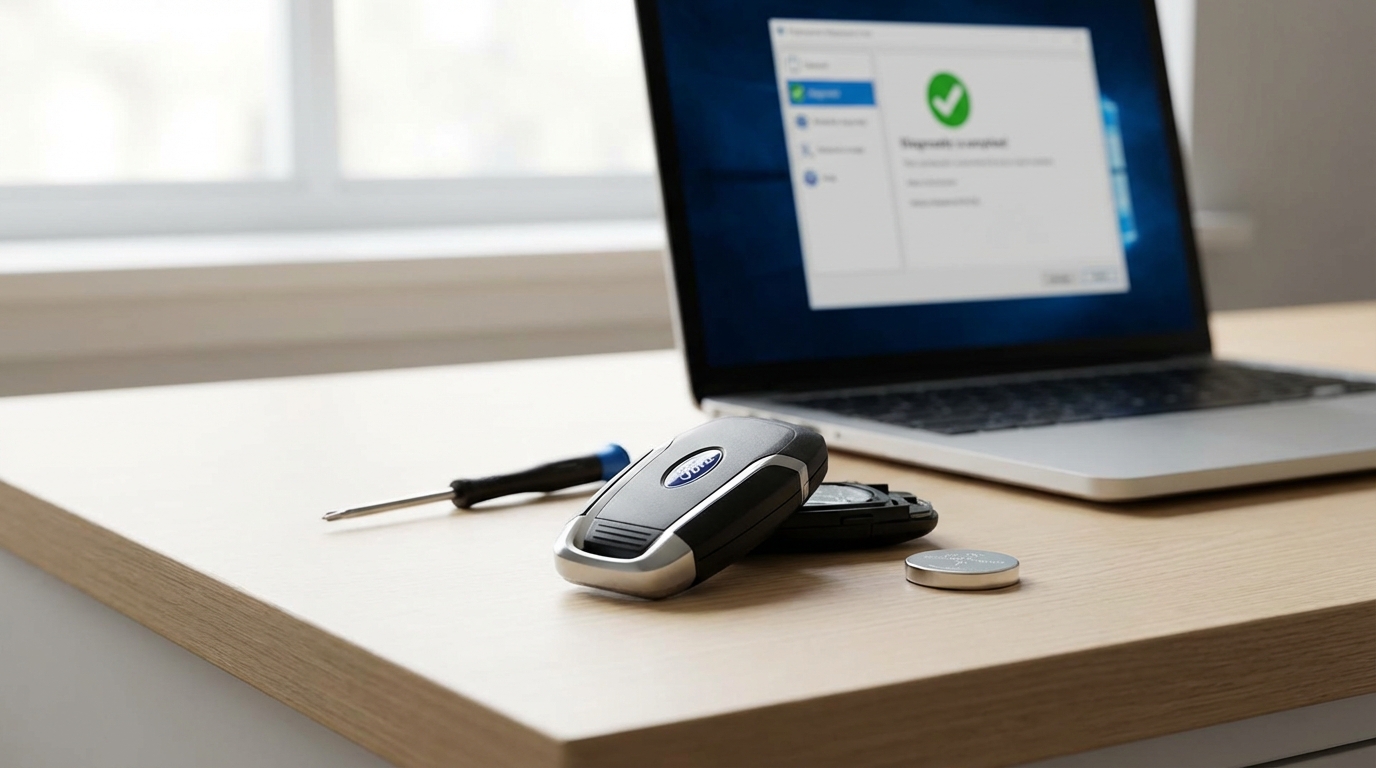
Key Takeaways: The Quick Fix
- It’s usually the battery: 90% of the time, you just need a new CR2032 or CR2450 battery.
- Reprogramming might be needed: If the battery is good, the car might have "forgotten" the key. There is a simple ignition trick for this.
- Check the "Backup Slot": If you have a Push-to-Start button and the key is dead, place the fob in the backup slot (usually in the cupholder or steering column) to start the engine.
- Clean the contacts: sometimes the little metal prongs inside the remote get bent or dirty.
- Car battery issues: If your actual car battery is low, the remote receiver won't work.
If you are standing in a parking lot right now pressing the unlock button and nothing is happening, stop panicking. Seriously, take a breath. The fix is usually super simple and costs less than five bucks.
Your Ford remote key isn't working because the coin battery inside is dead. That is almost always the answer. Before you call a tow truck or a locksmith who charges way too much, you need to swap that battery and check the metal contacts inside the plastic shell. If you have a newer Ford with a push-button start, there is a hidden slot in your center console that will let you start the car even with a dead fob.
Below, I’m going to walk you through exactly how to troubleshoot this, how to reprogram the key yourself if it got "de-synced," and what to do if the problem is actually with your car and not the key.
Step 1: The Battery (Do This First)
I cannot stress this enough. Even if you think "I just changed it six months ago," change it again. Batteries you buy in bulk packs on Amazon sometimes sit on shelves for years and degrade. It happens.
Most Ford keys use a CR2032 battery. Some of the newer "Smart Keys" (the ones shaped like a rectangle with rounded edges) use a CR2450. These are available at literally any grocery store, pharmacy or gas station.
How to open the remote
You don't need fancy tools. Usually, a small flathead screwdriver or even a butter knife works. Look at your key fob. There is usually a small notch on the side or the bottom seam. Twist the tool gently in that notch. The plastic case will pop open like a clamshell.
Once it's open, look at the battery. Is it seated correctly? The positive side (+) usually faces up towards you. Also, look at the brand. If it's some generic brand you've never heard of, swap it for a Duracell or Energizer. Voltage stability matters with these things.
Step 2: The "Magic" Reprogramming Sequence
Okay, so you changed the battery and the unlock button still does absolutely nothing. Frustrating, right? Sometimes, when the battery dies completely, the key fob loses its "sync" with the car's computer. The car basically forgets who the key is.
For most Fords built between roughly 1998 and 2012 (and some newer ones that still use a physical metal key for the ignition), you can reprogram the remote yourself in your driveway. You don't need a computer.
Here is the sequence:
- Get inside the car and close all the doors. Make sure they are unlocked.
- Put your key in the ignition.
- Cycle the key from the OFF position to the RUN position (the spot right before the engine cranks) 8 times rapidly inside of 10 seconds.
- End with the key in the RUN position.
- Listen: If you did it right, the door locks will cycle (lock and unlock) automatically to tell you the car is in "programming mode."
- Within 8 seconds, press any button on your remote (usually the Lock button). The door locks should cycle again to confirm that key is learned.
- If you have a second key fob, press a button on that one too right now. You have to do all keys in the same session.
- Turn the ignition to OFF. The locks will cycle one last time to signal you have exited programming mode.
If this doesn't work the first time try it again. It relies on timing. If you do it too slow, the car gets bored and ignores you.
Step 3: Fixes for "Smart Keys" (Push Button Start)
If you drive a newer Ford Fusion, Escape, Explorer, or F-150 with a push-button start, the "8 times" trick usually won't work for you. These systems are more complex.
However, you likely have a different problem. If your car dashboard says "No Key Detected" but you have the key in your hand, it's a dead fob signal. But you can still drive.
Finding the Emergency Backup Slot
Ford engineers aren't totally crazy; they built a backup plan for when the battery dies. You need to place the dead key fob directly onto a special sensor pad in the car. This allows the car to read the chip inside the key using induction (kind of like wireless phone charging) even if the key has zero battery power.
Where to look:
- Cup Holders: Lift up the rubber mat at the bottom of your cup holders. There is often a key-shaped indentation there. Drop the key in.
- Center Console: Open the armrest. Look for a slot specifically designed for the key, sometimes on the front wall of the compartment.
- Steering Column: On some models, there is a circular plastic cap on the steering column where a keyhole used to be. Hold the fob flat against that plastic piece while pushing the Start button.
Once the key is in the slot, press the brake and push the Start button. The car should fire right up.
Step 4: Check the Internal Contacts
Let's go back to the hardware. I once had a Ford Focus key that stopped working, and I bought three different batteries before I realized the problem wasn't the power-it was the connection.
When you open the key fob, look at the metal prongs that touch the battery. Over time, or if you drop your keys a lot (we all do it), those metal prongs can get pushed flat. If they are flat, they don't touch the battery tightly.
The fix: Take a small screwdriver or a pin and very, very gently pry those metal contacts up just a tiny bit. You want to create tension so when you close the case, the metal pushes hard against the battery. Also, grab a pencil eraser or a Q-tip with a little rubbing alcohol and clean the contacts. Battery acid or finger oils can create a film that blocks the electricity.
Step 5: Is it the Key or the Car?
If you have tried a new battery and the programming trick, and it's still dead, we need to figure out if the key is broken or if your car's receiver is broken.
Do you have a spare key?
If the spare key works perfectly, then your main key is toast. The circuit board inside might have a micro-crack, or the buttons are worn out internally. If the spare key also doesn't work, the problem is your car.
Car-Side Issues
If no fobs are working, check these things on the vehicle:
- The Car Battery: If your car battery is weak (not dead, just low voltage), the first thing the car shuts down to save power is the remote receiver system. If your car turns over slowly when you start it, replace the car battery and your key will probably start working again.
- Interference: This sounds like sci-fi, but it's real. Are you parked near a massive radio tower, a military base, or even cheap LED lights you just installed? Sometimes external radio frequency (RF) signals block the key fob. Drive the car to a different location (using the manual key) and try the remote again.
- The Fuse: Check your owner's manual for the fuse box diagram. Look for a fuse labeled "Body Control Module," "Remote Keyless Entry," or "Smart Junction Box." If that fuse is blown, the receiver can't hear the key.
Step 6: Cleaning the Buttons
Sometimes the problem is just gunk. If you have the rubber keypad style remote, dirt and sticky liquids get under the buttons. When you press "Unlock," the rubber button isn't actually making contact with the circuit board.
Open the fob up again. Remove the rubber pad. You will see the green circuit board with little black or gold contact points. Clean those gently with isopropyl alcohol (90% or higher is best) and a cotton swab. Let it dry completely before snapping it back together. I've saved a few "broken" remotes just by cleaning out five years of pocket lint and coffee spills.
Step 7: Aftermarket vs. OEM Keys
Okay, so your key is definitely dead and you need a new one. You are probably looking at Amazon or eBay right now seeing keys for $15, while the dealer wants $200. Whats the deal?
The cheap keys can work, but they are a gamble. The electronics inside are cheaper and the range is usually worse. If you buy a cheap key online, you will likely still need a locksmith to program it if you only have one working key.
The "Two Key" Rule: According to the manual in many Fords, if you have two working keys, you can program a third one yourself (for the chipped ignition keys). You put key 1 in, turn it, take it out. Put key 2 in, turn it, take it out. Put the new (unprogrammed) key in, turn it, and the car learns it.
If you only have one working key, you are stuck. You generally cannot program a second spare yourself. You have to go to a locksmith or the dealer because they need to plug a computer into the OBDII port to bypass the security system.
When to Call a Locksmith (Not the Dealer)
If you've tried everything above and it's dead, don't go straight to the Ford dealership unless your car is under warranty. Dealerships charge "book rates" for labor which can be crazy high for a 10-minute job.
Automotive locksmiths are usually mobile (they come to you) and they have the exact same computer tablets the dealer has. They can usually cut a new key and program the fob for about half the price of the dealer. Plus, they usually carry Ford-compatible keys in their van.
Summary of the Troubleshooting Checklist
Before you spend money, run through this list one last time:
- Replace the battery (CR2032 usually).
- Bend the battery contacts up slightly to ensure a tight fit.
- Clean the circuit board with alcohol.
- Try the 8-cycle ignition reprogramming method.
- Check if your car battery is low.
- Check the backup slot if you have a Push-Button start.
Most of the time, it's just a $5 battery and a little bit of patience. Good luck!
Frequently Asked Questions
Why does my Ford key fob only work when I'm really close to the car?
This is the classic sign of a dying battery. The signal strength is getting weak. Change the battery immediately. If you change the battery and the range is still bad, the antenna inside the fob might be damaged or disconnected from dropping it.
Can I program a Ford key fob myself?
Yes and no. If it is just the buttons (lock/unlock) on an older Ford, yes, use the ignition cycle method mentioned above. If it is the "transponder" chip (the part that lets the engine start), you usually need two working keys to program a third one yourself. If you only have one, you need a pro.
Which battery does a Ford key fob take?
Most standard Ford fobs take a CR2032 3-volt coin battery. Some of the larger "Smart Keys" for newer SUVs and trucks take a CR2450, which is a bit thicker. Always open your fob to check before buying.
My key fob got wet. Is it ruined?
Not necessarily. Remove the battery immediately. Do not press any buttons while it is wet. Dry the circuit board gently with a paper towel and let it sit in a warm, dry place (or a bag of silica gel packets) for 24 hours. Put a fresh battery in and try it. These things are surprisingly tough.
How much does a new Ford key cost?
If you buy a simple key online, it might be $20. But getting it cut and programmed is the expensive part. Expect to pay a locksmith between $100 and $200 for a modern chipped key. The dealership might charge between $250 and $400 depending on the model.