
Key Takeaways: The Quick Fix
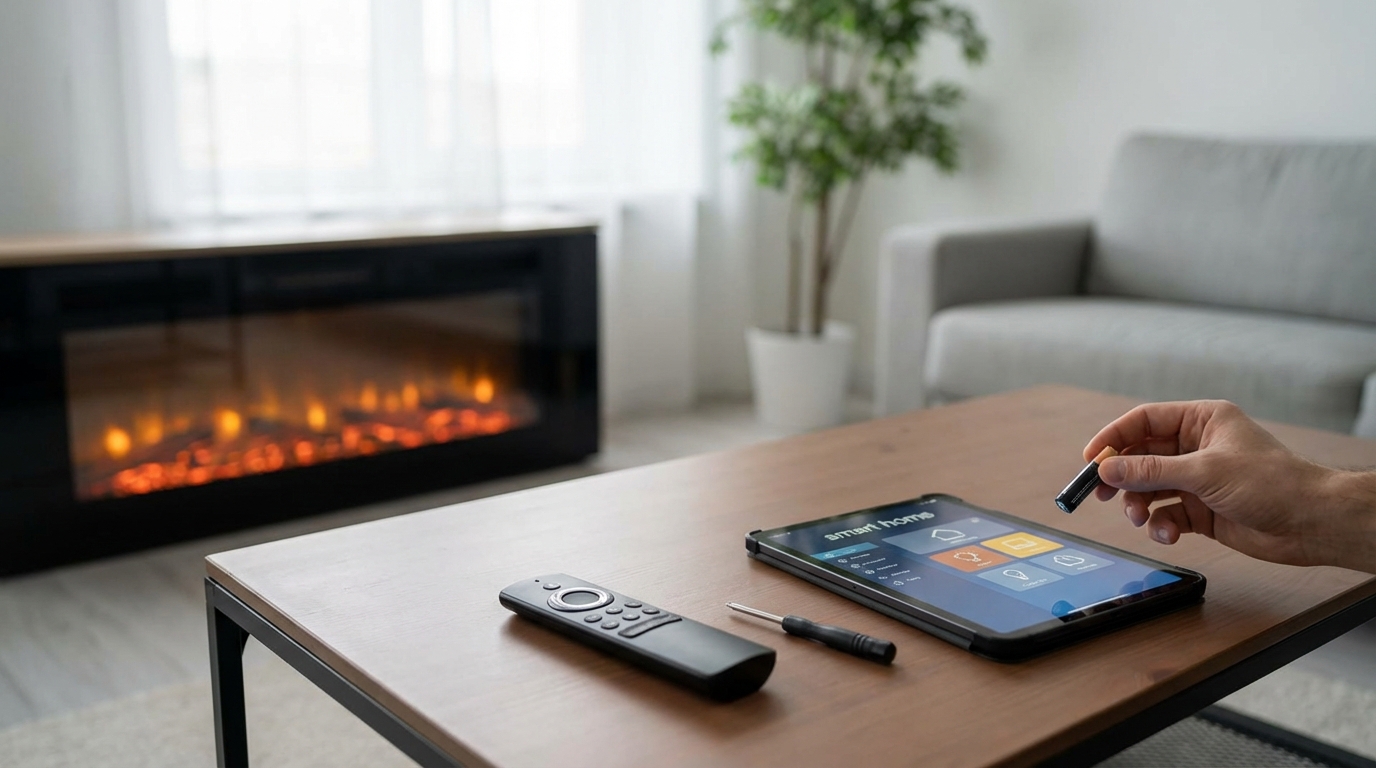
- Check the Receiver Box Batteries: This is the #1 cause. Your handheld remote has batteries, but there is also a "receiver box" under the fireplace that takes 4 AA batteries. If these die, the remote can't talk to the fire.
- The "Remote" Switch: Ensure the black slider switch on the receiver box is set to the middle position labeled "REMOTE". If it's on "OFF" or "ON", the remote won't work.
- Re-Sync (The Learn Button): After changing batteries, you often have to re-pair them. Press the small "Learn" button on the receiver box, listen for a beep, then press the "On" button on your remote.
- Check the Pilot: If your pilot light is out (on older models), the remote cannot turn the main burner on.
The Batteries You Forgot About
Okay, let’s get straight to it. If you are clicking that button and nothing is happening, don't panic. You probably don't need a new fireplace. Most of the time, the issue is batteries. But not the ones you’re thinking of.
Everyone changes the batteries in the handheld remote. That’s obvious right? But here is the thing that trips up almost everyone I talk to: There is a second set of batteries.
Inside your fireplace, usually behind the bottom metal grate or louver (the part that flips down), there is a black control box. This is called the Receiver Box. It’s the brain of the operation. It listens for the signal from your remote. If that box doesn't have power, it cant hear the signal.
If you have a power outage, your fireplace can run on battery backup. But even if you have electricity, many older Heat & Glo models use these batteries as the primary power source for the igniter or the receiver.
How to fix it:
- Flip down the bottom panel of your fireplace.
- Look for a black box (about the size of a pack of cards). It usually has a slider switch on it.
- Remove the battery cover. It usually takes 4 AA batteries.
- Pro Tip: Use high-quality alkaline batteries like Duracell or Energizer. Cheap dollar-store batteries sometimes don't have enough "juice" to throw the spark needed to light the gas.
- Check for corrosion. If the old batteries leaked white crusty stuff, clean it out with a little vinegar on a Q-tip before putting new ones in.
Once you swap those out, try the remote. 80% of the time, you're back in business. If not, keep reading.
The Magic Slider Switch
On that same receiver box I just mentioned, there is a slider switch. It is super important. It usually has three positions:
- ON: This turns the fireplace on manually. It overrides the remote. Use this if you lost your remote and just want heat.
- REMOTE: This is where it needs to be. This tells the box "Hey, listen for a signal from the handheld device."
- OFF: This cuts power to the switch. Nothing will happen.
Sometimes, when people are vacuuming or cleaning the dust out of there, they accidentally bump this switch. Or maybe you set it to "OFF" in the summer and forgot. Just double check that it is slid firmly into the REMOTE position. If its stuck halfway between positions, it wont work either.
Re-Syncing: The "Learn" Process
Okay, so you put fresh batteries in the handheld remote AND the receiver box. The switch is set to Remote. And still... nothing.
It’s possible the two devices stopped talking to each other. They lost their "pairing." This happens sometimes when batteries die completely or if the power goes out for a long time. You need to reintroduce them. This works for most standard Heat & Glo remotes (like the RC300 or the older smart stats).
Step-by-Step Syncing:
1. Locate the Learn Button: Get down on the floor and look at that black receiver box again. Near the slider switch, there should be a small hole or a small button labeled "PRG" (Program) or "LEARN".
2. Press and Release: Take a paperclip or a pen tip (or your finger if it's a raised button) and press it quickly. You should hear a distinct "BEEP" from the box.
3. Hit the Remote: As soon as you hear that beep, you have about 10 seconds to act. Press the "ON" button (or the Flame Up button) on your handheld remote.
4. Listen for Confirmation: The receiver box should beep again (usually a couple of fast beeps) to say, "Okay, I hear you. We are paired."
If you don't hear the first beep when you press the Learn button, ensure your batteries in the box are inserted the right way. If you still hear no beep, the receiver box itself might be fried and needs replacing.
Is Your Pilot Light On?
This depends on how old your Heat & Glo is.
Older Models (Standing Pilot):
If you have an older unit, you might have a "standing pilot." This means a little blue flame stays on 24/7. If that flame blows out, the safety sensor (thermopile) gets cold. When it's cold, it stops producing electricity. No electricity means the gas valve won't open, no matter how hard you press the remote.
Check if the pilot is lit. If not, you need to manually relight it using the piezo igniter (the clicker) and the gas knob. Once the pilot is back and hot, try the remote again.
Newer Models (IPI - Intermittent Pilot Ignition):
Most modern Heat & Glo units use IPI. This means there is no standing flame. When you press the remote, the unit sparks, lights the pilot, and then lights the main burner all in a few seconds. If you hear it clicking and clicking but the pilot won't light, you might have a gas supply issue or a dirty pilot assembly, not a remote issue.
The Thermostat Trap
This one gets me all the time. Many remotes have a "Thermostat" mode and a "Manual" mode.
If your remote screen shows a temperature, you might be in Thermostat mode. Let's say you have the remote set to 70 degrees. If the room is currently 72 degrees, the remote is doing its job by not turning the fireplace on. It thinks you are warm enough!
Look at your screen. Does it say "SMART" or "THERMO"? If so, try cycling the mode button until it just says "ON" or goes to manual mode. This forces the fire to light regardless of the room temperature.
Corrosion and Loose Wires
Since the receiver box sits on the floor under the firebox, it gets exposed to heat, cooling cycles, and sometimes moisture if you’re unlucky. It’s a harsh environment for electronics.
Pull the receiver box out gently (it’s usually just velcroed down). Look at the two wires connecting to the "TH" and "TP/TH" terminals (or just labeled wires coming out the back). Make sure they are tight. If a wire has wiggled loose, the signal can't travel to the gas valve.
Also, look at the battery contacts again. If you see green or white crust, that is battery acid. It acts like an insulator. You can scrape it off with a small knife or sandpaper. If the contacts are rusted through, you just need to buy a new receiver kit. You can usually find them online for about $100-$150. According to most HVAC techs, these boxes last about 5 to 8 years before they get finicky.
Resetting the Control Module (Advanced)
If you have a newer IntelliFire system (the ones with the RC300 or RC400 touch screens), sometimes the main computer gets confused. It acts like a frozen laptop.
You can try a "hard reset."
- Find the power source for the fireplace (usually plugged into an outlet under the unit, or a switch on the wall that controls the outlet).
- Unplug it or flip the breaker off.
- Wait about 30 seconds.
- Plug it back in.
- Listen for the unit to beep or cycle.
This reboots the control module. It's surprisingly effective for glitchy behavior.
When to Call a Professional
Look, I'm all for DIY. I hate paying service fees. But gas fireplaces aren't something you want to mess with too much if you don't know what you're doing. If you have changed the batteries, synced the remote, checked the switch, and it still wont light-it might be the gas valve or the solenoid.
If you smell gas (more than just a faint whiff on startup), shut the gas supply off immediately and call a tech. Also, if you notice soot building up on the glass or the logs look like they have moved, get a service check. Heat & Glo recommends an annual inspection anyway (though let's be honest, most of us do it every 3 years).
Preventative Maintenance for Remote Health
To avoid this headache next winter, here is what I do:
- End of Season: When you turn the heat off for the spring, take the batteries OUT of the receiver box. Batteries tend to leak when they sit in a hot environment without being used for 6 months. This saves your receiver box from corrosion.
- Keep the Remote Cool: Don't leave the handheld remote sitting on the hearth right in front of the fire. The heat can warp the plastic and damage the LCD screen.
- Clean the Contacts: Once a year, just rub the battery contacts with a rough cloth to keep them shiny.
Frequently Asked Questions
Q: My remote screen is blank, but I put new batteries in.
A: Double check the orientation of the batteries. Also, spin them in place a bit to ensure good contact. If the screen is still blank, the remote itself is dead. You can buy just the replacement handheld remote online, but make sure you match the model number exactly.
Q: The fireplace beeps when I press the remote, but no fire starts.
A: A beep means the signal was received-so your remote and receiver are working! The problem is likely in the fireplace mechanics. It could be a locked-out module (try the reset mentioned above), a bad igniter, or no gas supply.
Q: Can I use a universal remote for my Heat & Glo?
A: Generally, no. Gas fireplaces operate on specific radio frequencies and millivolt systems. You really need the OEM (Original Equipment Manufacturer) remote or a specific replacement kit compatible with Heat & Glo systems (like Skytech, though you have to replace the receiver box too).
Q: Why does my fire turn off by itself after a while?
A: Check your remote's timer function. You might have accidentally set a sleep timer. Also, check the batteries in the receiver box. When they get low, they sometimes have enough power to turn the fire ON, but the voltage drops after 20 minutes and the valve snaps shut.
Q: How do I know which model remote I have?
A: Flip the handheld remote over. There is usually a sticker with a model number like "RC300", "Smart-Stat", or "RCT-MLT". If the sticker is worn off, Google "Heat and Glo remote" and look at the images to match yours.
Hopefully, this gets you warmed up. There is nothing worse than a cold living room when you have a perfectly good fireplace sitting right there!