
The Quick Fix: Read This First
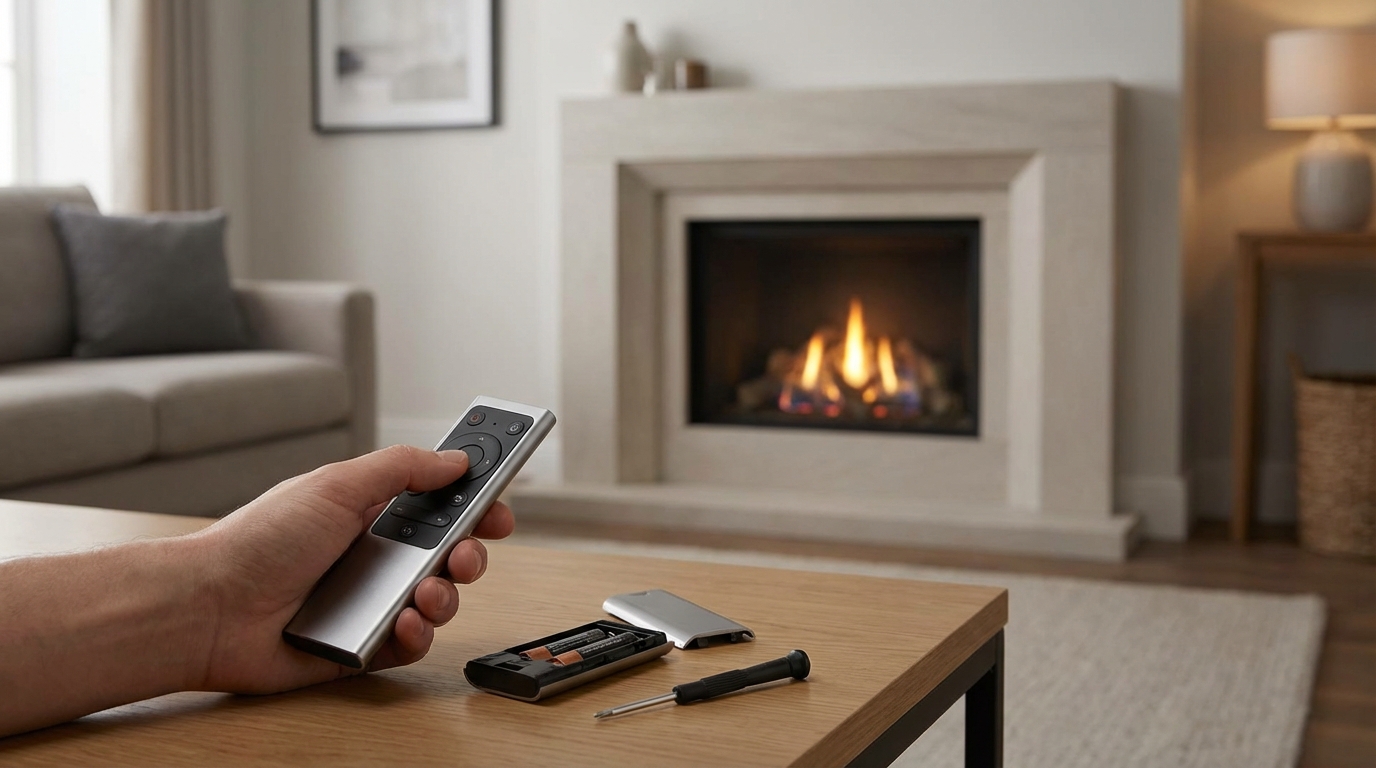
If your gas fireplace remote isn't working, do this immediately: replace the batteries in the receiver box, not just the remote in your hand. The receiver is usually a black box located behind the control panel at the bottom of the fireplace. It has a slide switch that says ON/REMOTE/OFF.
Put the switch to REMOTE. If that doesnt work, find the small "Learn" or "Program" button on the receiver, press and release it until it beeps, then immediately press the "On" button on your hand-held remote to re-sync them. That fixes about 90% of the issues.
Key Takeaways
- It’s usually the Receiver: There is a box under the fireplace that needs fresh AA batteries. It eats them faster than the remote does.
- Check the Switch: The receiver box switch must be set to "REMOTE" or "RS". If it's on "OFF" or "ON", the remote won't control it.
- The Sync Fix: Remotes often lose their connection. Re-pairing them takes 10 seconds.
- Cold Sensor: If the remote is in "Thermostat" mode and the room is warmer than the setting, the fire won't turn on.
- Pilot Light: If the pilot light is out, the remote cannot ignite the main burner.
Why Your Remote Is Probably Fine (But the Receiver Isn't)
Hey, I've been there. You settle in for a movie, grab the remote to get things cozy, press the button... and absolutely nothing happens. You mash the button harder (because that always works, right?) and still nothing. You check the batteries in the remote, they seem fine. So what gives?
Here is the thing most people forget or don't even know: It is a two-part system.
You have the Transmitter (the thing in your hand) and the Receiver (the thing hiding under the fireplace). The receiver is the brains of the operation. It sits near the hot firebox, usually on the floor behind that metal louver or grill at the bottom of your fireplace unit. Because it sits in a warmer environment, and because it’s constantly "listening" for a signal, it drains batteries way faster than the remote does.
I can't tell you how many times friends have called me saying their fireplace is broken, and I go over there, swap four AA batteries in the bottom tray, and look like a wizard. It's almost always the batteries in the receiver.
Step-by-Step Troubleshooting Guide
Lets walk through this systematically so you don't waste time or money calling a repair tech for a $5 problem.
1. Locate the Receiver Box
First, get down on the floor. Most gas fireplaces (like Heat-N-Glo, Majestic, or Napoleon) have a bottom grill or louver area. This usually flips down on a hinge or lifts off entirely.
Once you open that, it's gonna look like a mess of wires and pipes. Don't panic. You are looking for a small black plastic box, about the size of a pack of cigarettes but thicker. It usually has a slider switch on the front.
Warning: The metal down there can be sharp, and if the pilot has been on, things might be hot. Be careful where you stick your hands.
2. The Slide Switch Trick
On that receiver box, look at the switch. It usually has three positions:
- ON: This manually turns the fire on. If you slide it here and the fire lights up, congratulations! Your fireplace works, and the problem is definitely the remote system.
- OFF: This kills the connection. The remote wont work here.
- REMOTE (or RS): This is where it needs to be for the clicker to work.
Sometimes, kids or pets bump this switch. Or maybe you vacuumed too aggressively. Slide it to ON just to test the main burner. If the fire lights, slide it back to REMOTE.
3. Change the Receiver Batteries
Even if you think they are new, change them. The receiver usually takes 4 AA batteries. There is a battery cover on the box. Sometimes you have to slide the whole box out of a heat shield to get to it.
Pro Tip: Look at the metal contacts where the batteries touch. Are they shiny? If they look dull, white, or crusty, you have battery corrosion. Grab a pencil with an eraser or a little piece of sandpaper and scrub those contacts until they shine. Corrosion blocks the electricity flow even with brand new batteries.
4. The "Re-Sync" Procedure (The Magic Fix)
Okay, so you have fresh batteries in the remote and fresh batteries in the receiver. The switch is on REMOTE. And still nothing?
The remote and the receiver have stopped talking to each other. They lost their "handshake." This happens sometimes when batteries die or if there was a power surge.
Here is how you fix it (this works for Skytech and most generic brands):
- Locate the LEARN or PRG button on the receiver box. It is usually a tiny button you need to press with a pen tip or a paperclip, or sometimes a small black button you can push with your finger.
- Press and release the button quickly. You should hear a distinct "BEEP" from the box. This means it is listening for a new partner.
- Immediately (within a few seconds) press the ON button on your hand-held remote.
- You should hear a series of beeps (usually 3 rapid beeps) from the receiver.
That sound is the receiver saying, "Okay, I hear you. We are friends again." Try turning the fireplace on and off now. It should work.
Check Your Thermostat Settings
This is embarassing to admit, but I've done it. Modern remotes often have different "Modes." usually: Manual, Auto, and Timer.
If your remote is set to Auto (Thermostat) mode, it acts like the thermostat on your wall. You set a target temperature (say, 72 degrees). If the remote senses that the room is already 74 degrees, it will not turn the fireplace on.
It’s not broken; it’s just doing its job. It thinks you are warm enough. To test if this is the issue, switch the mode to Manual (ON). This forces the fireplace to ignite regardless of the room temperature.
Is the Pilot Light On?
This might seem obvious, but we gotta cover it. The remote control operates a valve that sends gas to the main burner. But it relies on the Pilot Light (that tiny blue flame that stays on all the time) to actually ignite that gas.
If your pilot light is out, the remote can open the valve all day long, but nothing is going to catch fire (and actually, safety features usually prevent the valve from opening at all if the pilot is out).
Look into the fireplace logs. Do you see a little blue flame? If no, you need to relight your pilot before the remote can do anything.
How to Relight the Pilot (Briefly)
Usually, there is a knob near that receiver box we talked about. You turn it to "Pilot," push it in, hit the sparker button (piezo igniter) until it lights, hold the knob in for 30 seconds, and release. If it stays lit, turn the knob to "ON." Now try your remote.
Advanced Troubleshooting: The "Millivolt" Issue
Okay, if you’ve done all the above and it’s still not working, we are getting into slightly nerdier territory. But you can still handle this.
Gas fireplaces usually run on a Millivolt system. Basically, that little pilot flame heats up a metal sensor called a Thermopile (or thermocouple). According to physics (and Wikipedia), when dissimilar metals get hot, they generate electricity. Your fireplace literally makes its own electricity!
The receiver box helps complete this electrical circuit to open the main gas valve. If your pilot is weak, or the thermopile is getting old, it might be generating just enough power to keep the pilot lit, but not enough power to open the big valve when the remote signals it.
The Test: If the manual switch on the receiver (when you slide it to ON) doesn't light the fire, and you know the pilot is on, your problem isn't the remote. It's likely a weak thermopile or a bad valve. At that point, unless you are comfortable with a multimeter, it might be time to call a pro.
When to Call a Professional
I love DIY, but gas is serious business. There are times you should put the tools down and call a certified technician.
- Gas Smell: If you smell rotten eggs or sulfur, stop everything. Turn off the gas supply if you know how, leave the house, and call the gas company.
- Melting/Burning Smells: If the receiver box looks melted or you smell burning plastic, don't just replace it. Something caused it to get too hot. Get it checked.
- Soot Build-up: If your glass is turning black quickly, the burn isn't clean. This needs adjustment.
A Note on "Universal" Remotes
A lot of folks ask me, "Can I just buy a cheap remote on Amazon?"
Yes, mostly. The Skytech 1001-TH is basically the industry standard. It comes with a new remote and a new receiver box. If your old receiver is dead (corroded contacts, fried electronics), buying a whole new kit is usually cheaper than paying a service call. Swapping them out is plug-and-play. You just unplug the two wires from the old box (they connect to the "TH" and "TP/TH" terminals on the valve) and plug the new box wires in. Easy peasy.
FAQ: You Asked, I Answered
My remote beeps when I press a button, but nothing happens. Why?
That beep is actually a cry for help. On many systems, a long beep or a specific pattern of beeps when you press "ON" indicates that the battery in the Receiver box is low. It has enough power to beep, but not enough power to throw the mechanical switch for the gas. Change the receiver batteries.
Can I use my phone to control my fireplace?
Out of the box? Probably not. But, there are "Smart" fireplace remotes (like the Bond Bridge or specific smart home relays) that you can wire in where the receiver box goes. If you are tech-savvy, it's a great upgrade. Then you can say, "Alexa, turn on the fire."
How long should the batteries last?
In the remote (transmitter), they should last a year or two. In the receiver (under the fire), they usually last one heating season. I make it a habit to change them every fall when the weather starts to turn. Use high-quality alkalines (like Duracell or Energizer). Cheap dollar-store batteries struggle with the temperature fluctuations under the fireplace.
Why does my fire turn off by itself after a while?
If your remote is in "Auto" or "Thermostat" mode, it turned off because the room reached the target temperature. If it's in "Manual" mode and shuts off, you might have a safety sensor tripping (like a vent safety switch) or a weak pilot flame that is blowing out. If it's the latter, you need a service tech to clean the pilot assembly.
I lost my remote. Can I just buy a new clicker?
You can, but you have to make sure it's the exact same frequency and brand to talk to your existing receiver. Honestly? It is often cheaper and easier to buy a whole new "Remote + Receiver" kit for about $100-$150 and replace the whole system. That way you know they are compatible.
Hopefully, you are reading this while warming your feet by a nice, crackling fire. Troubleshooting is annoying, but 9 times out of 10, it’s just those sneaky batteries hiding under the unit. Stay warm!