
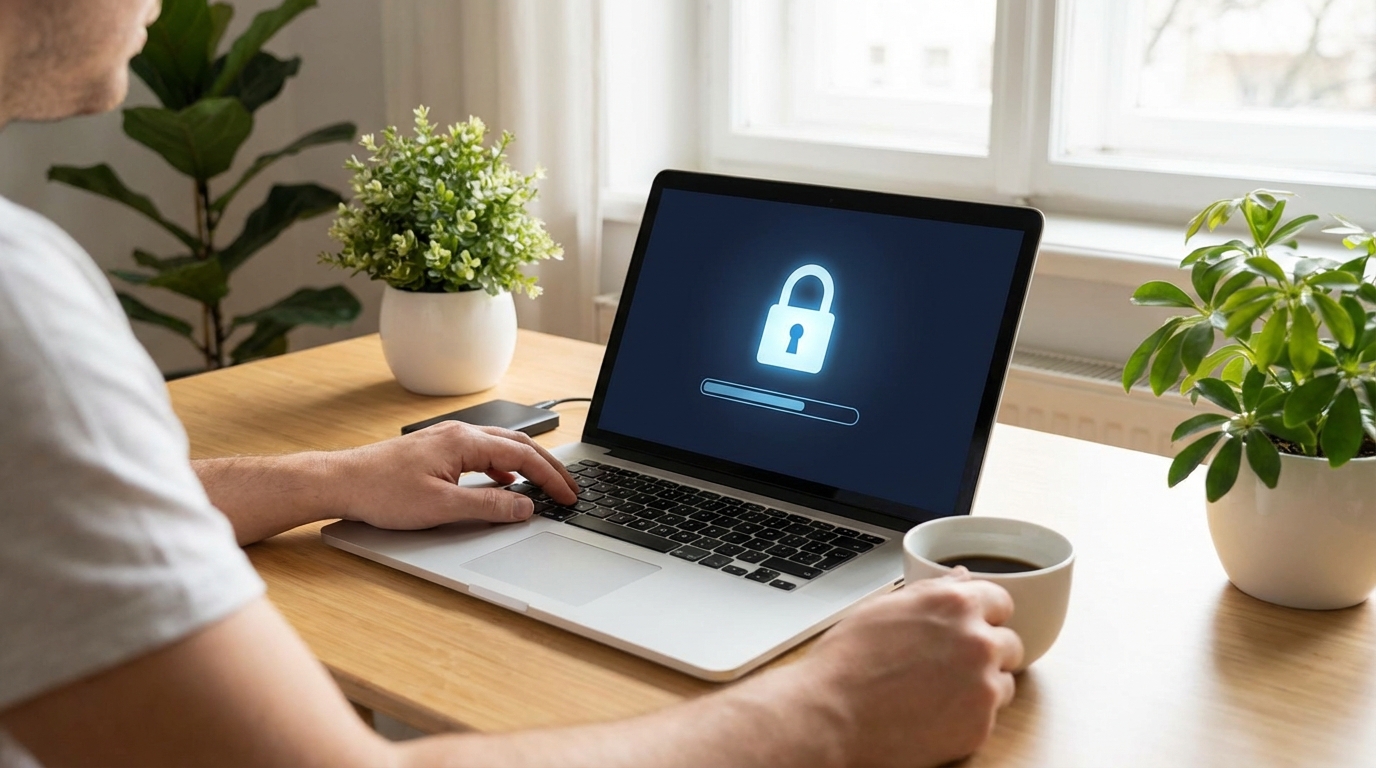
Security Checklist
- • Never use public WiFi without a VPN.
- • Enable 2FA on all accounts (preferably using a hardware key).
- • Encrypt your laptop's hard drive (BitLocker or FileVault).
- • Use a privacy screen protector when working in cafes.
When you leave the corporate office, you leave the corporate firewall. As a remote worker, you are your own IT department. A single security breach can cost you your job, your clients, or your identity.
This guide covers the non-negotiable tech and security practices every digital nomad needs to adopt in 2025.
1. The VPN: Your First Line of Defense
Public WiFi in airports and cafes is a hacker's playground. A Virtual Private Network (VPN) encrypts your internet traffic, making it unreadable to anyone snooping on the network.
Top Recommendations
- NordVPN: Fast, reliable, and huge server network.
- ExpressVPN: Best for bypassing geo-restrictions.
- Tailscale: Best for accessing your home network securely.
2. Two-Factor Authentication (2FA)
Passwords are not enough. If you aren't using 2FA, you are low-hanging fruit. But not all 2FA is created equal. SMS 2FA is vulnerable to SIM swapping.
The Hierarchy of 2FA
- Hardware Key (YubiKey): The gold standard. Phishing-resistant.
- Authenticator App (Authy/Google): Secure and convenient.
- SMS: Better than nothing, but avoid if possible.
3. Internet Redundancy
"Sorry, my internet is down" is not an acceptable excuse for a professional remote worker. You need a backup plan.
Mobile Hotspot
Always have a local SIM card with a generous data plan. Don't rely solely on roaming.
Travel Router
Devices like the GL.iNet allow you to repeat public WiFi securely or tether your phone via USB.
4. Physical Security
It's not just about digital threats. Laptop theft is common in major cities.
- Kensington Lock: If you work in busy spaces, lock your laptop to the table.
- Privacy Screen: Prevent "shoulder surfing" when working on sensitive documents.
- Never Leave Gear Unattended: This sounds obvious, but it happens. Take your bag to the bathroom.
FAQ: Remote Work Security
Is it safe to use hotel WiFi?
Generally, no. Hotel networks are often poorly secured. Always use a VPN.
Do I really need a YubiKey?
If you access sensitive client data or financial accounts, yes. It's a $50 investment that can save you thousands.
Planning Your Next Trip?
Now that you're secure, find out where you can go with our visa guide.
Check Visa Requirements