
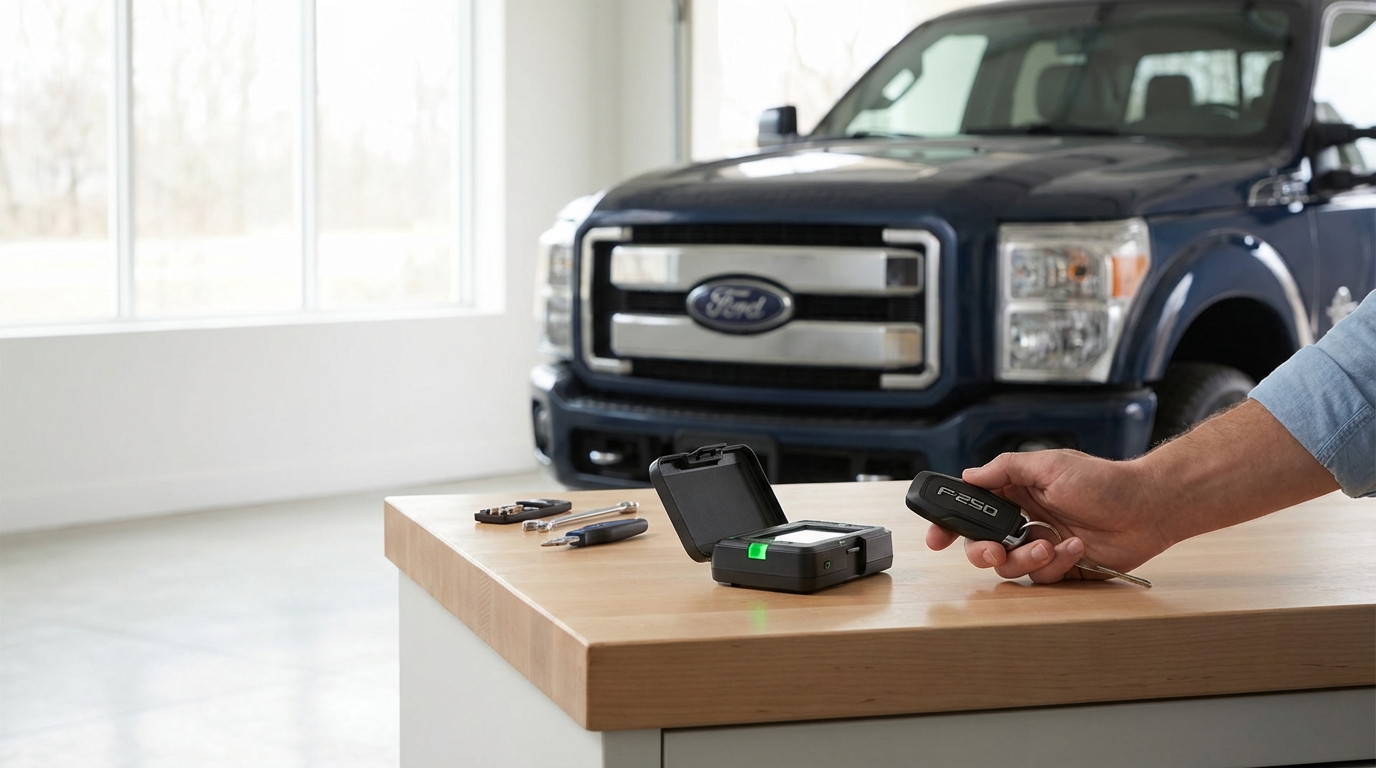
Key Takeaways: Quick Fixes for F250 Remote Start
- Check the Hood Switch: This is the #1 culprit. If the bracket is bent or the sensor is dirty, the truck thinks the hood is open and wont start.
- Look for the Check Engine Light: If your dash has an engine light on, the remote start is automatically disabled by the computer to save the engine.
- Verify Menu Settings: Go to Settings > Vehicle > Remote Start on your dash to make sure the "System" is actually toggled to ON.
- Battery Management System: If your truck battery is old or low on voltage, the truck kills remote features to save power for a physical start.
- Door Ajar Sensors: A faulty door latch sensor usually prevents the system from engaging.
The Most Common Problem: The Hood Switch
If you are standing in your driveway freezing your tail off because your 2015 F250 won't auto-start, stop panicking. The vast majority of the time, this issue is caused by the hood plunger switch.
Here is the deal. For safety reasons, Ford designed the truck so it cannot remote start if the hood is open. They don't want the engine turning over while a mechanic has their hands near the fan belt. It makes sense, right? But on the 2015 Super Duty, the bracket holding this switch is a little flimsy.
Over time, mechanics leaning on the radiator support or just the weight of closing the hood can bend the bracket downward. When that happens, the hood doesn't push the button down far enough to close the circuit.
How to Test and Fix the Hood Switch
Pop the hood and look on the driver's side, near the fender wall about halfway up. You'll see a rubber plunger.
The Test: press that plunger down with your thumb and have a friend hit the remote start button on the fob (lock, then the 2x button twice). If the truck fires up while you are holding the button, you found your problem.
The Fix: You can literally just grab the metal bracket with a pair of pliers and bend it upward slightly. You just need it to make better contact with the hood. If the switch itself is broken, a replacement part is cheap-usually under $30 at an auto parts store or Ford dealer.
The "Check Engine Light" Safety Feature
This is the second most common reason I see people scratching their heads. According to the Ford Owner's Manual, the remote start system is designed to disable itself if the Check Engine Light (CEL) is illuminated.
The logic here is pretty simple. If there is something wrong with the engine, the truck doesn't want to run without a driver present to watch the gauges. It's a fail-safe.
Even if the truck runs fine when you start it with the key, a "silent" code or a solid CEL will block the remote signal. You might see the lights on the truck flash once and then nothing happens, or the horn might honk once to tell you "No, I can't do that."
What to do:
You need to plug in an OBDII scanner. If you don't have one, most auto parts stores will scan it for free. You might have a minor issue, like a loose gas cap or a bad O2 sensor, that is tripping the light. Once you clear the code and fix the issue, your remote start should work immediately.
Sometimes, simply clearing the codes works temporarily, but if the issue comes back, the remote start will quit again.
Check Your Dashboard Settings
Sometimes, gremlins get into the electronics. Or, more likely, a battery disconnect reset your settings to default. Your 2015 F250 has a menu in the instrument cluster (the productivity screen) that controls the remote start system.
If this setting gets toggled to "Off," the key fob buttons wont do anything. I've seen this happen after a dead battery or sometimes after the truck has been in for service.
Step-by-Step Menu Navigation:
- Sit in the truck and turn the key to the ON position (you don't need to start the engine).
- Use the arrow pads on the left side of the steering wheel.
- Scroll to Settings.
- Select Vehicle.
- Scroll down to Remote Start.
- Select System.
- Make sure there is a checkmark next to On.
While you are in there, check the "Duration" setting too. You can set it to run for 5, 10, or 15 minutes. If it's running but shutting off too early for your liking, this is where you change that.
The Battery Management System (BMS)
Modern Fords are smart. Maybe a little too smart for their own good sometimes. The 2015 F250 is equipped with a Battery Management System. This system monitors the voltage and the health of your batteries (especially if you have the diesel with dual batteries).
If the BMS detects that your battery voltage is getting low, it starts shutting down "non-essential" features to save enough juice to crank the engine manually. Remote start is considered non-essential.
If your batteries are the originals or are getting old, they might have enough power to start the truck with the key, but the voltage drop might be scaring the computer into disabling the remote start. This is really common in the winter when cold temps drop battery efficiency.
The solution: Have your batteries load tested. If they are weak, replacing them usually brings the remote start back to life. Also, if you just replaced the battery, you are supposed to let the truck sit for 8 hours undisturbed (locked, engine off) so the BMS can "relearn" the battery state of charge.
Door Ajar and Pin Switches
Just like the hood switch, the truck needs to know that all doors are closed before it will start remotely. It's a security thing. You don't want the truck running with the doors wide open.
The 2011-2016 Super Duty trucks are kinda notorious for having sticky door latch sensors. You know you have this problem if:
- The "Door Ajar" light stays on the dash even when the doors are closed.
- The dome lights stay on way too long.
- The radio stays on after you open the door to get out.
If the truck thinks a door is open, it will abort the remote start sequence. Try spraying some WD-40 or silicone lubricant into the door latches and opening/closing them a few times to free up the sensor mechanism.
Valet Mode and MyKey Issues
Ford introduced a feature called "MyKey" which allows parents to limit the speed and radio volume for teen drivers. It's a cool feature, but it can be a headache if you buy the truck used and don't have the "Admin" key.
If your key is programmed as a "MyKey" with restricted privileges, it might have remote start disabled depending on how the previous owner set it up. You need the Admin key (usually the one you keep in the safe) to go into the settings menu and clear all MyKeys to return them to Master status.
Additionally, check if your truck has an aftermarket alarm system added on. Many of these have a "Valet Mode" which disables remote starting features so a parking valet doesn't accidentally trigger it. This is usually toggled by a combination of button presses on the aftermarket fob or a toggle switch under the dash.
The Key Fob Battery and Contacts
I know, I know. This sounds too obvious. But you would be surprised how often we overlook the simple stuff. Even if the unlock/lock buttons work, a weak battery in the fob might struggle to send the continuous signal needed for the start sequence.
The remote start usually requires a specific sequence (Lock, then Start button 2x). If the button contacts inside the fob are worn out or dirty, the chip inside might register the "Lock" but miss one of the "2x" presses.
Pop the fob open. It usually takes a CR2032 battery. While it's open, look at the little metal contact pads. If they look gunked up with pocket lint or spilled coffee, clean them gently with some rubbing alcohol and a Q-tip.
Troubleshooting the "1-Honk" vs "2-Honk" Error
The truck actually tries to talk to you when the remote start fails. If you have the factory remote start, listen closely when you try to activate it.
No response at all: Usually means the key fob battery is dead, or the feature is turned off in the menu.
One Honk of the horn: This usually means the system tried to start but was stopped by a safety switch. This points directly to the Hood Switch, a Door Ajar, or the truck is already running.
Two Honks: This is less common on the 2015s, but on some Ford models, this indicates the brake pedal is being pressed (faulty brake switch) or the key is in the ignition.
Aftermarket vs. OEM
We have to make a distinction here. Is your remote start the one built into the keyhead (OEM Ford), or is it a separate little fob that hangs on your keychain?
If it is aftermarket (brands like Viper, Compustar, or a plug-and-play module), the troubleshooting is totally different. Aftermarket systems often have an antenna mounted behind the rearview mirror. Sometimes that cable comes loose.
Also, aftermarket systems often have a "toggle switch" installed under the dash near the driver's knees. If you kicked that switch by accident, you might have turned the whole system off manually. I did this on my old truck and spent three hours tearing the dash apart before I realized I just flipped a switch with my boot.
Resetting the Body Control Module (BCM)
If you have checked the hood switch, the CEL, the batteries, and the settings, and it still wont work, you might need a hard reset. The computers in these trucks can get "stuck" just like a laptop that has been running too long.
To do a BCM reset:
- Disconnect both negative battery terminals (if you have a diesel) or the single negative terminal (gas).
- Turn the headlight switch to the "On" position. This drains any residual capacitor power in the system.
- Wait about 15 to 20 minutes. Go grab a coffee.
- Turn the headlight switch off.
- Reconnect the battery terminals.
This forces all the modules to reboot. It fixes a surprising amount of electronic glitches in the 2011-2016 Super Dutys.
When to see the Dealer
If you've gone through this whole list and nothing is happening, it might be an issue with the Remote Start Antenna (which is actually part of the Tire Pressure Monitor System module in some years) or a corrupt key code.
Sometimes, keys just lose their programming. It's rare, but it happens. If the truck starts with the key in the ignition but won't remote start, the "Remote Start" permission bit on the key's chip might be corrupted. A dealer or a high-end locksmith with Ford computer tools (IDS) can re-flash the truck and keys.
Frequently Asked Questions
Does the 2015 F250 have a separate remote start antenna?
Yes and no. On the 2015 models, the receiver is often integrated into the TPMS (Tire Pressure Monitoring System) module or a dedicated Remote Function Actuator (RFA) located in the headliner or behind the glove box, depending on the trim level. It's not usually a stick-on antenna like aftermarket ones unless you have the "Long Range" extender installed by the dealer.
Will a "Check Engine Light" always disable remote start?
Yes. According to Ford's safety parameters, any active fault code that triggers the MIL (Malfunction Indicator Light) will disable the remote start. This prevents the engine from running unsupervised if there is a potential for overheating or oil pressure issues.
Can I disable the "honk" when I remote start?
In the factory settings menu (under Vehicle > Remote Start), there is usually an option for "Quiet Start." This doesn't stop the horn from honking if there is an error, but it keeps the truck quieter when it starts up normally. However, the horn honk during locking is controlled by the "Feedback" settings.
How do I extend the run time?
Go to the dashboard menu: Settings > Vehicle > Remote Start > Duration. You can usually choose between 5, 10, and 15 minutes. You can also "extend" the time while it's running by repeating the start sequence (Lock + 2x Start button) on the fob, which restarts the countdown.
Why does my truck shut off as soon as I open the door?
This is actually a feature of some aftermarket remote starts, or MyKey restrictions, but on a stock 2015 F250, the engine should stay running. However, you must insert the key and turn it to "Run" before touching the brake pedal. If you touch the brake pedal before turning the key, the engine will cut out immediately as an anti-theft measure.