
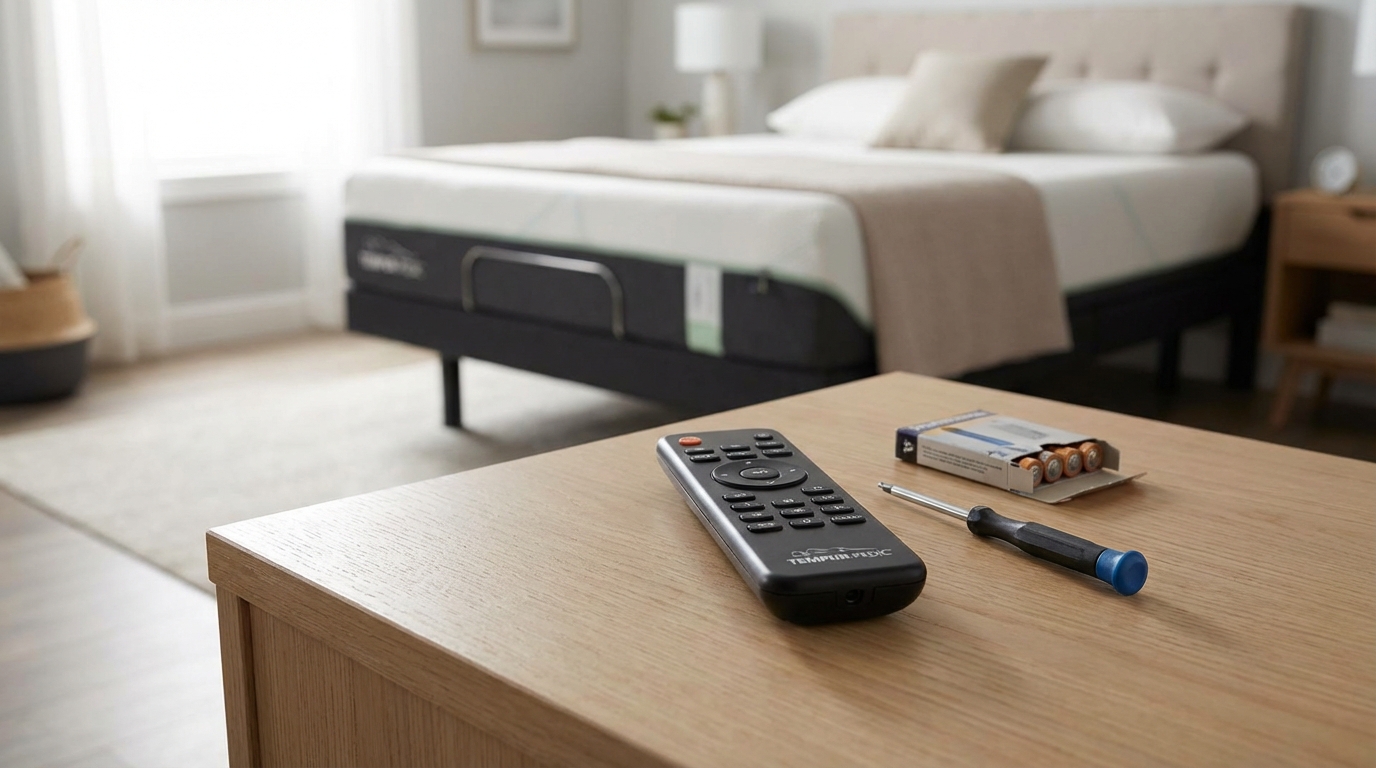
Key Takeaways: Quick Fixes
- Check the Lock: Most remotes have a "Child Lock" feature. If a red light flashes when you press a button, hold the Lock button for 5-10 seconds to unlock it.
- The "Hard Reset": Unplug the bed from the wall outlet for at least 2 minutes. This clears the computer's memory.
- Re-Pairing is Key: 90% of the time, the remote just lost connection to the control box under the bed. You need to resync them.
- Batteries: Even if they look new, try a fresh set of name-brand alkaline batteries.
- Check Under the Bed: Ensure the green light is on the power supply brick and that no cords were kicked loose.
Is Your Adjustable Bed Remote Dead? Try This First.
Okay, lets get right to it. There is nothing worse than getting stuck in the "taco" position (head up, feet up) and realizing your remote is totally unresponsive. Before you go out and spend $150 on a replacement remote or call a technician, you need to try these steps. I've helped a bunch of friends with this, and honestly, it's almost always a simple fix that takes five minutes.
Here is the step-by-step getting your bed moving again.
1. The "Child Lock" Safety Feature (Most Common Issue)
You would be surprised how many people think their remote is broken when it's actually just locked. Most modern adjustable beds (like Tempur-Pedic, Sleep Number, and generic brands from Amazon) have a safety lock to keep kids or pets from squishing themselves.
How to check: pick up your remote and press any button. Look at the little LED light at the top or the backlight of the buttons.
- If the light flashes RED quickly: Your remote is locked.
- If the light is Green or Blue but nothing happens: It's a pairing issue (we'll get to that).
- If there is no light at all: It's a battery issue.
The Fix: Look for a button that looks like a padlock or says "LOCK." Sometimes its hidden on the back of the remote. Press and hold that button for about 5 to 10 seconds. usually the backlight will flash, indicating it is unlocked. Try moving the head section now.
2. The "IT Crowd" Method: Power Cycle Everything
If the lock wasn't the issue, we need to reset the brain of the bed. Underneath your mattress, there is a control box (the computer) and a power supply.
Just like when your WiFi acts up, you gotta turn it off and on again. But you have to do it the right way.
- Unplug the bed from the wall outlet. Don't just turn off the surge protector, actually pull the plug.
- Wait at least 2 minutes. This part is crucial. There are capacitors in the power box that hold electricity. If you plug it back in too fast, it doesn't actually reset. You need to let all that power drain out.
- Take the batteries out of the remote while you wait. This resets the remote too.
- Plug the bed back in.
- Put the batteries back in the remote.
- Test it immediately.
According to many manufacturers, this "power cycle" clears out minor glitches in the control box logic.
3. Check Your Power Connections (The "Kicked Cord" Scenario)
Before we try the complicated pairing process, you need to make sure the bed is actually getting juice. I know, I know, "it's plugged in," right? But sometimes the connections under the bed get loose.
Grab a flashlight and crawl under there. It's dusty, sorry.
Look for the "Power Brick": This is the black box that sits on the floor between the wall outlet and the bed motor. nearly all of them have a little green LED light on them.
- No Light on Brick: The outlet might be dead, or the brick is blown. Try plugging a lamp into that wall socket to see if the outlet works. If the outlet works but the brick has no light, you might need a new power supply.
- Light is On: Good. Now follow the cord from the brick to the motor under the bed. There is usually a connection point there that can wiggle loose if you store boxes under the bed or if a pet ran through there. Push all the connections together tight.
4. Re-Pairing (Syncing) the Remote
Okay, this is the big one. If your batteries are good and the bed has power, but the remote isn't talking to the bed, they have lost their "pairing." This happens sometimes after a power outage or if the batteries died completely.
Every brand is slightly different, but the logic is the same. The bed needs to be in "listening mode" and the remote needs to send a "hello" signal.
For Most Generic / Online Brands (Classic Brands, Lucid, etc):
- Unplug the bed from the wall.
- Wait 1 minute.
- Plug the bed back in.
- Within 10 seconds of plugging it in, press and hold the "Head Up" and "Foot Up" buttons on your remote at the same time. (Check your manual, sometimes it's the "Pair" button on the back).
- Hold them until you hear a beep from under the bed or the remote light flashes.
For Leggett & Platt / Tempur-Pedic Bases:
These are a bit fancier. Look under the bed at the control box (the main computer mounted to the frame).
- Locate the Power Down Box or the Control Box.
- There should be a small "Learn" or "Reset" button on the side of the box. It's often really small, you might need a pen to click it.
- Click that button twice (or hold it, depending on the model). An LED light on the box should light up.
- Immediately grab your remote and hold down the pairing buttons (usually the top two buttons or a specific Sync button).
- Listen for the clicks. The relay clicking means it worked.
Pro Tip: If you can't find your manual, search Google for "[Your Bed Brand] remote pairing instructions". You'll usually find a PDF or a YouTube video quickly.
5. Battery Contacts and Simple Physics
Sometimes the problem is stupidly simple. Open the battery compartment on the remote. Look at the metal springs where the battery touches.
Are they corroded? Is there white powdery stuff there? If so, clean it with a little vinegar on a Q-tip.
Even if they look clean, sometimes the springs get squished flat and don't push hard enough against the battery. Take a small screwdriver or your fingernail and gently pry the spring out a little bit so it's tighter when you put the battery back in. I've fixed three different remotes just by doing this. It sounds too easy to work, but it does.
6. Radio Frequency Interference
This one is rare, but it happens. Adjustable bed remotes use Radio Frequency (RF) signals. Other things in your house use RF too.
If you recently moved your WiFi router right next to your bed, or if you have a baby monitor sitting on the nightstand, it might be interfering with the signal. It's unlikely, but try moving those devices away from the bed for a minute and test the remote again.
Also, if you have two adjustable beds in the same room (Split King setup), sometimes Remote A starts controlling Bed B. If this happens, you have to unplug one bed while you pair the other one to keep the signals separate.
7. Is the Remote Actually Broken?
If you have done all the above-changed batteries, checked the lock, power cycled, and tried to re-pair-and it still won't work, the remote hardware might be toast. Dropping it on hardwood floors a few times can break the circuit board inside.
One way to verify: Does your bed have an app?
Many newer beds (Sleep Number, Tempur-Pedic Ergo, etc.) have a smartphone app that can control the bed via Bluetooth. Download the app for your brand. If you can move the bed with your phone, you know the bed motor and computer are fine, and the problem is definitely the physical remote control.
If the app also doesn't work, the problem is the control box under the bed, not the remote.
When to Buy a Replacement
If you've determined the remote is dead, you gotta buy a new one. Here is the tricky part: Universal remotes basically don't exist for adjustable beds.
Because every manufacturer uses different radio frequencies and codes, you usually have to buy the exact replacement for your model. You can't just grab a generic one from Walmart.
Where to look:
- eBay: honestly the best place to find older remotes.
- Manufacturer Support: Call them. If your bed is under 10 years old, they might send you one for free or sell you one.
- AdjustableBedRemotes.com: There are sites that specialize in this.
Make sure you match the serial number or the button layout exactly. If the buttons look different, it probably won't work.
How to Manually Lower the Bed (Emergency Mode)
If you are stuck with the head elevated and you just want to sleep flat while you wait for a new remote, look under the bed.
Most motors have a spot for a 9-volt battery (the square kind). It's usually on the power brick or the motor itself. If you snap a 9V battery onto that connector, it usually triggers the "Emergency Lower" function that flattens the bed so you can at least sleep comfortably.
Check your owner's manual for "Emergency Power Down." It's a life saver.
Frequently Asked Questions
Why does my remote light up but the bed won't move?
This means the remote has power (batteries are good) but it isn't talking to the bed. It's either a pairing issue (needs to be re-synced) or the Child Lock is on. If the light flashes rapidly, it's the lock. If it lights up solid but nothing happens, try the re-pairing steps above.
Can I use a universal remote for my adjustable bed?
Generally, no. Unlike TV remotes where a code works for all Samsungs, adjustable beds use proprietary frequencies. You usually need the specific OEM remote for your model.
What if I lost my adjustable bed remote?
First, check if your bed has a mobile app. That can save you immediately. If not, contact the manufacturer to order a replacement. In the meantime, use the power brick's emergency battery backup (usually a 9V battery slot) to get the bed flat.
How do I know if the motor is blown or just the remote?
Listen closely when you press a button. Do you hear a "click" sound under the bed? If you hear a click but no movement, the remote is working but the motor or lifting mechanism might be broken. If you hear absolutely nothing, it's likely the remote signal isn't getting through.
The remote works, but only sometimes. Why?
This is usually weak batteries or interference. RF signals get weaker as batteries drain, even if the light still turns on. Swap for brand new Duracell or Energizers (avoid the cheap dollar store ones for this). Also, check if the control box antenna under the bed is buried under a pile of wires; try to pull it out so it has a clear signal path.