
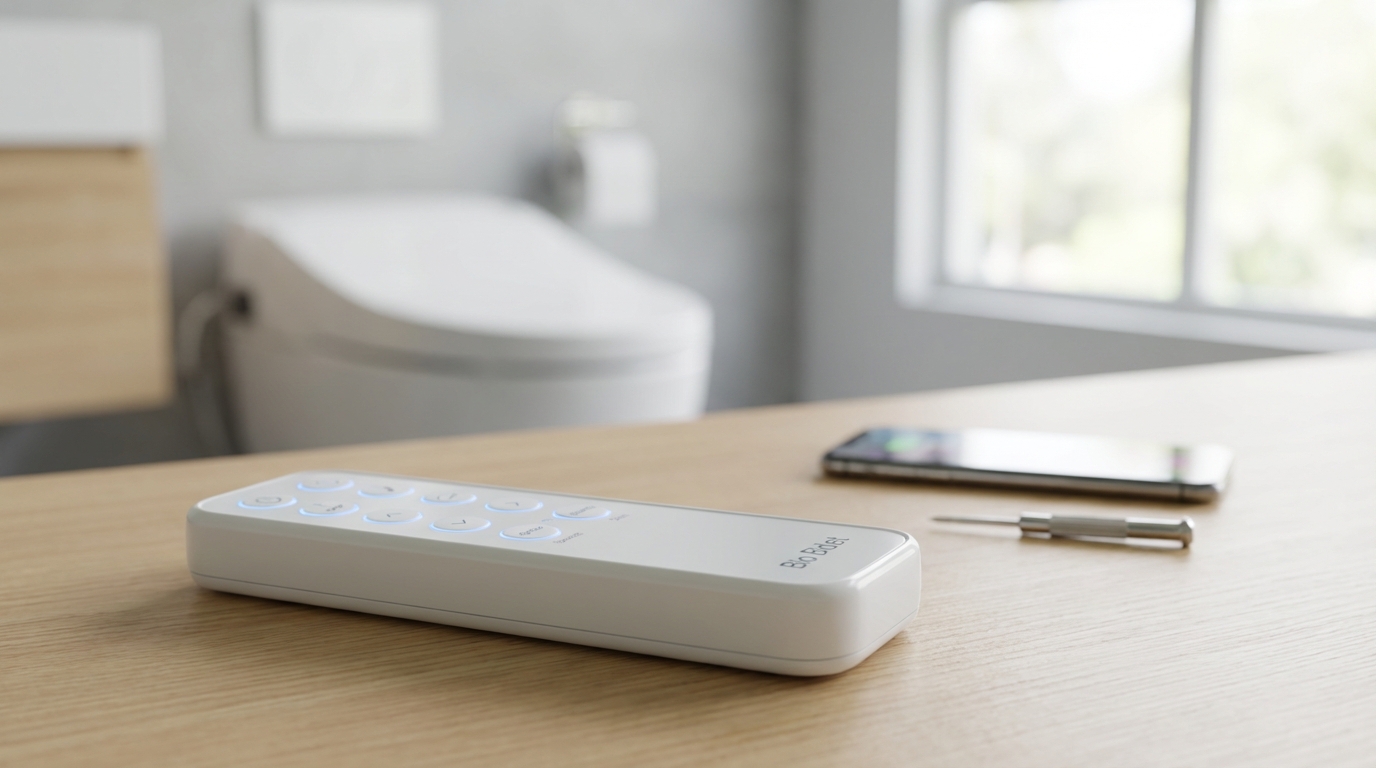
Key Takeaways: Quick Fixes
- Change the Batteries: It sounds obvious, but 90% of the time, fresh alkaline batteries fix the issue. Don't use rechargeables.
- The Hard Reset: Unplug the bidet from the wall for at least 30 seconds to drain the capacitors and reset the motherboard.
- Re-Sync the Remote: Most Bio Bidets need to be re-paired after a battery change. Usually involves holding the "Stop" button on the unit and the remote simultaneously.
- Check for Interference: Remove objects blocking the signal path and clean the IR receiver window on the unit.
- Use the Camera Test: Use your smartphone camera to see if the remote is actually sending a signal (infrared light is visible on camera screens).
The Immediate Fix: Re-Syncing Your Remote
If your Bio Bidet remote isn't working the first thing you need to do besides swapping batteries is re-sync or "pair" it to the toilet seat. When the power goes out or batteries die the connection sometimes just drops. It's annoying but usually easy to fix.
Here is the general process that works for most models like the BB-2000 Bliss or the USPA 6800:
- Unplug the unit from the wall outlet completely.
- Wait about 30 seconds to a minute. This is important because you want all the residual power to leave the circuits.
- Plug the unit back in.
- As soon as it powers up and lights blink, press and hold the STOP button on the side panel of the bidet (not the remote yet).
- While holding the side panel STOP button, press the STOP button on your remote control.
- Hold both for about 4-5 seconds. You should see the lights on the remote or the unit blink rapidly, or hear a beep.
If that worked, you're good to go. If not, don't worry, we are going to go through a full troubleshooting checklist below because sometimes technology just acts up for no reason.
Troubleshooting Step 1: The Battery Situation
Okay, look. I know you probably already checked the batteries. But we need to double check them because bidets are surprisingly picky about power.
A lot of folks try to use rechargeable batteries in their remotes. For things like TV remotes that is fine, but for some Bio Bidet models, the voltage drop in rechargeable batteries (which are often 1.2V instead of 1.5V) causes the signal to be too weak. The remote might light up and look like it's working, but the signal isn't strong enough to reach the toilet.
What to do:
- Grab a fresh pair of brand name Alkaline batteries (like Duracell or Energizer).
- Check the battery contacts inside the remote. If you had old batteries in there that leaked a little bit of acid, you'll see some white crusty stuff. That blocks the electricity.
- Scrape any corrosion off with a little bit of sandpaper or a pencil eraser.
Also, make sure the batteries are facing the right way. It happens to the best of us.
Troubleshooting Step 2: The "Camera Test" (Pro Tip)
This is my favorite trick and it makes you feel like a tech wizard. You want to know if the remote is dead or if the bidet is ignoring it. You can't see the signal with your eyes because it uses Infrared (IR) light (for many models), but your phone camera can.
Here is how to do it:
- Open the camera app on your smartphone.
- Point the remote control’s top edge (where the signal comes out) directly at the camera lens.
- Press any button on the remote repeatedly.
- Look at your phone screen. If the remote is working, you will see a flashing purple or white light coming from the remote on your screen.
If you see the light flickering on your screen, the remote is sending a signal. That means the problem is likely with the Bidet Unit itself or the pairing. If you don't see any light at all and you put in fresh batteries, the remote hardware is probably broken and you'll need a replacement.
Troubleshooting Step 3: Dealing with Signal Interference
Some Bio Bidet models use RF (Radio Frequency) and some use IR (Infrared). If yours is IR, it works just like a standard TV remote. It needs "line of sight."
If your bathroom is super small or the remote is mounted on a wall where your leg blocks the path to the sensor when you are sitting down, it wont work. I had a friend who thought his bidet was broken, but he had just placed a trash can right in front of the sensor window on the side of the toilet.
Check these things:
- Locate the sensor window on the bidet body (usually a dark plastic square near the back or side).
- Wipe it down with a damp cloth. Dust and hairspray buildup can block the signal.
- Ensure no towels, toilet paper rolls, or trash cans are blocking the line between the wall mount and the toilet.
- Lighting issues: Believe it or not, some types of fluorescent lighting or direct sunlight hitting the sensor can blind it. If you have a very bright bathroom window, try closing the blinds to see if the remote starts working.
Troubleshooting Step 4: The ID Code Conflict
According to the manuals for higher-end units like the BB-2000, there is a feature designed to prevent interference if you have two bidets in the same house. This sets a specific "ID" for the remote.
Sometimes this ID gets scrambled. You might need to change the channel/ID to get them talking again.
How to reset the ID (General Guide for BB-2000/Bliss):
There isn't always a dedicated button for this, but the "Stop" button pairing method usually resets this. However, on some remotes, holding the Up and Down arrows simultaneously for a few seconds can reset the frequency. Consult your specific manual if the standard pairing doesn't work, but usually, the hard reset (unplugging) clears this memory.
Specific Fixes for Popular Models
Different models have different quirks. Here is a breakdown of the most common ones I see people complaining about online.
Bio Bidet BB-2000 (Bliss)
This is the flagship model. The remote is heavy and has a screen.
- The Issue: Screen is on, but buttons do nothing.
- The Fix: The BB-2000 is notorious for needing a hard reset. Unplug the unit. Wait a full minute. Plug it back in. Listen for the motor to cycle. Try the remote. If that fails, do the pairing sequence: Hold the side panel STOP and the remote STOP at the same time.
Bio Bidet USPA 6800
This one has a smaller, more horizontal remote.
- The Issue: Remote light blinks but seat doesn't beep.
- The Fix: Check the "Child Mode" or "Eco Mode" settings. Sometimes if the unit is in a deep Eco mode, it takes a second to wake up and ignores the first button press. Press the button firmly once to wake it, wait a second, and press again.
Bio Bidet Slim One / Slim Two
These have simpler remotes without screens usually.
- The Issue: Intermittent response.
- The Fix: These are often IR based. Clean the receiver window on the bidet. It's usually on the right side (if you are facing the toilet). Make sure the remote mount isn't too far away.
When the Side Panel Works, but Remote Doesn't
If you can operate the bidet using the buttons attached to the seat (the side panel), then you know the motherboard of the bidet is partially working. It can wash and dry.
However, if the side panel also doesn't work, or if the lights on the unit aren't coming on at all, the problem isn't your remote. It's the unit.
If the unit seems dead:
- Check the GFCI outlet (the buttons on your wall plug). Push "Reset."
- Check the fuse box in your house.
- Check the power cord for damage.
If the unit has power (lights are on) but ignores the side panel buttons too, then the main circuit board is likely fried. At that point, a remote fix won't help you.
Maintenance to Prevent Future Failures
Nobody wants to deal with this while they are... occupied. Here is how to keep things running smooth.
1. Keep it dry.
Bathrooms are humid. Humidity kills electronics. If you have a shower in the same room try to run the fan to keep moisture down. Over time, moisture gets inside the remote control and corrodes the board. If you accidentally dropped the remote in the toilet (it happens), remove the batteries immediately and put it in a bowl of rice or silica gel packets for 24 hours.
2. Clean the contacts annually.
Even if batteries don't leak, a thin layer of oxidation can form on the metal springs. Just rub them with a rough cloth once a year.
3. Use the Wall Mount.
Don't leave the remote on the counter where it can get splashed. Use the magnetic dock or screw mount provided. It keeps it safe and usually ensures it's pointing at the right angle for the signal.
Is it the PCB? (The Bad News)
If you have changed batteries, done the camera test (and saw light), reset the breaker, unplugged the unit, and re-paired it, and it still doesn't work... you might have a bad PCB (Printed Circuit Board) inside the bidet itself. specifically the IR/RF receiver module.
This is rare, but it happens if you have power surges. If your house gets hit by lightning or has dirty power, it can zap the sensitive electronics in the bidet.
What to do:
You will need to contact Bio Bidet support. Their warranty is actually pretty decent. Standard warranty is usually 3 years for higher-end models. They might send you a new remote first to rule that out, or ask you to send the seat in for repair.
How to Contact Support
If you are totally stuck, don't bang on the remote. It won't help. Reach out to the pros.
You can find them at biobidet.com. From my experience, email is slower, so try calling their support line during business hours. Have your serial number ready. It's usually on a sticker on the back of the unit (you might have to lift the seat up or look near the power cord).
Frequently Asked Questions
Why is my Bio Bidet remote flashing?
If the lights on your remote are flashing constantly, it usually means the batteries are critically low. Swap them out for fresh alkalines. If it's a specific pattern of flashing on the unit itself, check your manual, as that is likely an error code indicating a water pump or sensor issue.
Can I use a universal remote for my bidet?
Generally, no. Bidet codes are not standard like TV codes are. You can't just buy a generic RCA remote and program it to "wash." You need the specific remote for your model.
Where is the reset button on a Bio Bidet?
Most Bio Bidets do not have a dedicated physical "Reset" button. The reset is performed by unplugging the power cord from the wall for 30 seconds. Some side panels have a Stop button that acts as a reset if held down for 5+ seconds.
My remote works but the buttons are hard to press. Can I fix this?
This happens when gunk or moisture gets under the rubber membrane. You can try carefully opening the remote casing (if there are screws) and cleaning the contact pads with Isopropyl alcohol. Be careful not to lose any small plastic parts.
Does Bio Bidet sell replacement remotes?
Yes, they do. If you determine your remote is definitely broken (fails the camera test), you can order a replacement directly from their website or sometimes on Amazon. Just make sure you get the exact model match, as a BB-1000 remote wont work with a BB-2000.