
Key Takeaways: Quick Fixes
If you don't have time to read the whole thing, here is exactly what you need to try first:
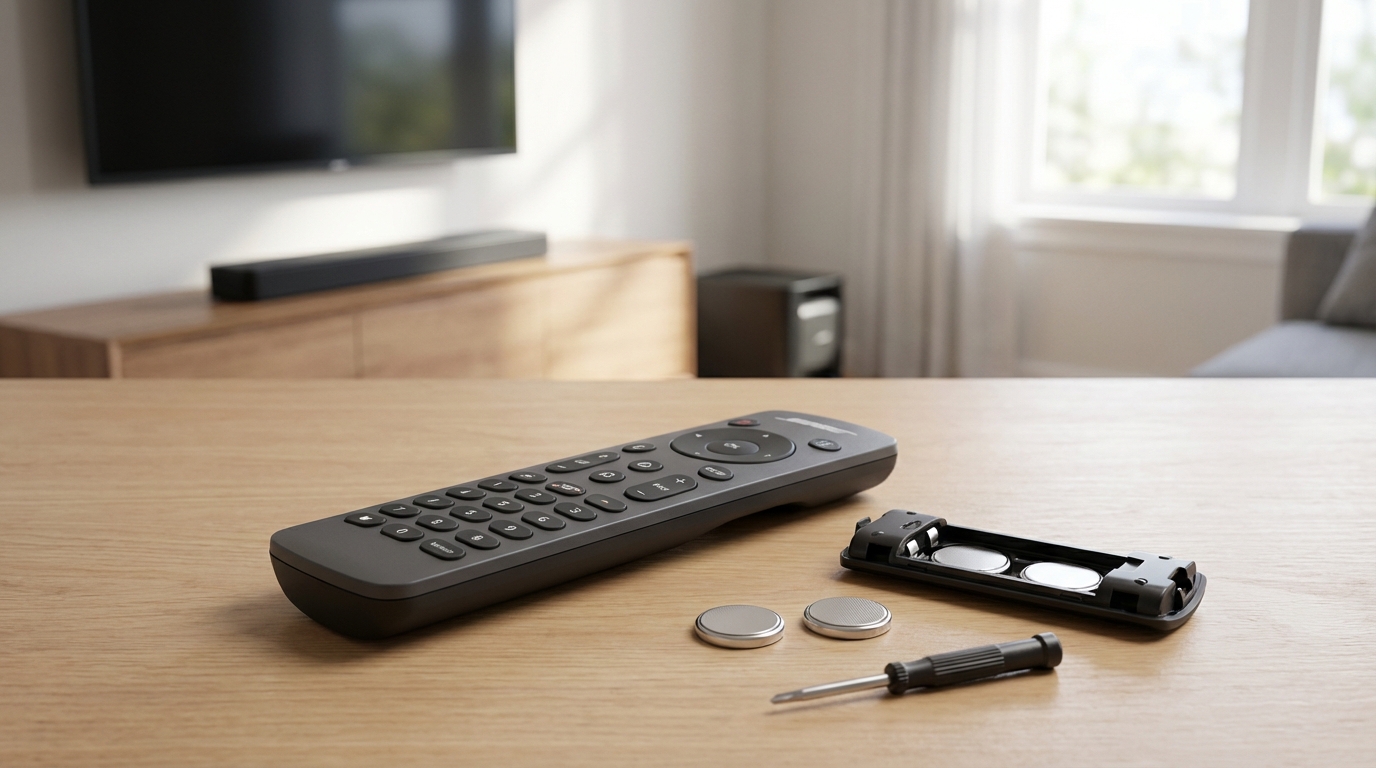
- Replace the Batteries: It sounds obvious, but swap them with fresh alkaline ones. Rechargeables sometimes run at a lower voltage (1.2V) which Bose remotes hate.
- The "60-Second Reset": Unplug your Bose speaker or soundbar from the wall outlet. Wait a full 60 seconds. Plug it back in. This fixes 80% of glitches.
- Unstick Buttons: Mash every button on the remote. Sometimes one stuck button stops the whole remote from sending signals.
- Re-Pair the Remote: For newer models (Soundbar 500/700/900), you might need to hold specific buttons (usually Volume Down + Left Navigation) to reconnect bluetooth.
- Check for Interference: Move the soundbar away from other wireless routers or huge metal objects.
There is literally nothing more annoying than sitting down to watch a movie, popcorn in hand, and realizing you can't turn the volume up. Your Bose system sounds great, but when the remote decides to quit, it basically becomes a giant paperweight. I've been there, and I've helped a bunch of friends fix this exact issue. Its super frustrating.
The good news is that usually, the remote isn't broken. It’s just confused. Or the soundbar is confused. Below is every single troubleshooting step I know, starting from the easy stuff to the weird technical tricks that actually work.
1. The "Camera Test" (Do This First)
Before you go buying a new remote, you need to know if the remote is dead or if your Bose system is just ignoring it. There is a super cool trick you can do with your smartphone to check this. It works because digital cameras can "see" infrared light, but human eyes can't.
Here is how you do it:
- Open the camera app on your phone.
- Point the remote control’s tip (where the signal comes out) directly at the camera lens.
- Look at your phone screen while pressing buttons on the remote.
- If you see a flashing purple or white light on your screen: The remote is working fine! The problem is likely with your Soundbar or receiver.
- If you see no light at all: The remote is the issue (dead batteries or broken internal board).
Note: If you have an iPhone, use the front-facing (selfie) camera. The back cameras on newer iPhones have filters that block IR light, so it might not show up.
2. The Battery Situation is Tricky
Okay, so maybe you already swapped the batteries. But did you use the right ones? I’ve noticed that Bose remotes are surprisingly picky about power.
A lot of us use rechargeable batteries these days to save the planet, which is great, but they usually output 1.2 volts. Standard alkaline batteries (like Duracell or Energizer) output 1.5 volts. That small difference can actually prevent the remote from sending a strong signal, especially if its an older remote like the ones for the Cinemate series.
Also, check the battery compartment for corrosion. If you left old batteries in there for a year, you might see some white crusty powder. That stuff blocks electricity. If you see it, take a Q-tip dipped in a tiny bit of white vinegar or lemon juice and scrub the metal contacts. Dry it off completely before putting new batteries in.
3. Power Cycle the Bose System (The Hard Reset)
If the remote passed the camera test, your Bose unit is likely the one acting up. Electronics get "stuck" in software loops. According to most manuals and tech support forums, a "soft reset" usually clears the buffer.
Don't just turn it off with the button (since the remote isn't working anyway). You need to cut the power completely.
- Unplug the power cord from the back of the Bose unit or from the wall outlet.
- Disconnect any HDMI cables or optical cables just to be safe.
- Wait at least 60 seconds. Don't rush this. You want the capacitors inside the machine to drain completely.
- Plug the power cord back in firmly.
- Wait for the system to boot up fully (watch the lights stop flashing).
- Try the remote again.
This works more often than you'd think. It's the classic IT advice: "Have you tried turning it off and on again?"
4. Re-Pairing the Remote (For Soundbars 500, 700, 900)
If you have one of the newer smart soundbars, the remote doesn't just use Infrared (IR); it uses Bluetooth (RF) to talk to the bar. This means it needs to be "paired," just like your headphones pair to your phone. Sometimes that connection drops.
Here is the standard way to re-pair a Bose Soundbar Universal Remote:
- On the remote, look for the Volume Down button and the Left Navigation button (the arrow pointing left on the circle pad).
- Press and hold both of them simultaneously for about five seconds.
- Watch the "light bar" on your Soundbar. It should pulse or flash to confirm it's clearing the remote list.
- Once that is done, open your Bose Music App on your phone.
- Go to your soundbar settings, find "Remotes," and follow the instructions to add a new remote.
If you don't want to use the app, usually holding the buttons puts it back into pairing mode, and the soundbar will grab it automatically if they are close enough.
5. The "Puck" Control Console Issue (Lifestyle Systems)
If you are rocking an older Lifestyle system (like the V25 or V35), your remote talks to a control console, not the speakers. Sometimes the position of this console is the problem.
These remotes use Radio Frequency (RF). While RF goes through walls, it can get blocked by heavy interference. If you shoved your control console inside a metal cabinet or behind a massive Wifi router, the signal might be getting scrambled.
Try moving the console out into the open for a minute and test the remote. If it works, you know you have an interference problem. Wifi routers are notorious for this because they blast signals on similar frequencies. Try to keep your Bose console at least a couple of feet away from your router.
6. Cleaning the Remote Buttons (The "Mash" Technique)
This sounds rudimentary, but it is effective. Sometimes, a single button on the remote gets stuck in the "down" position. Maybe a crumb got in there, or some soda residue. If one button is constantly transmitting, the remote won't send any other signals. It's like trying to talk while someone else is screaming.
The Fix:
Take the batteries out first. Then, systematically press and release every single button on the remote. Press them hard. Run your thumb over the rows. You are trying to unstick anything that might be jammed. Shake the remote upside down gently to dislodge crumbs. Put batteries back in and try.
7. Check for HDMI-CEC Conflicts
This is a bit more technical, but stick with me. Modern TVs have a feature called HDMI-CEC (Consumer Electronics Control). This is what allows your TV remote to control your Bose volume. However, sometimes the TV and the Bose soundbar get into a fight over who is in charge.
If your Bose remote stops working specifically for volume or power, the TV might be blocking the signal via the HDMI cable. To test this, unplug the HDMI cable connecting the Bose to the TV. Try to use the Bose remote to just turn the Soundbar on or off. If the remote suddenly works when the TV is unplugged, the issue is the HDMI handshake.
To fix this, you might need to go into your TV settings and toggle the CEC (Samsung calls it Anynet+, Sony calls it Bravia Sync, LG calls it SimpLink) off and then back on.
8. Specific Fix for Bose Solo 5
The Solo 5 is a super popular model, but it has a quirk where it "forgets" its programming. If the remote blinks but the soundbar does nothing, you might need to wipe the code database on the remote.
To do this:
- Press and hold the Volume Down and Power buttons at the same time for about five seconds.
- This usually resets the remote’s internal memory.
- You might have to re-enter the code for your TV brand if you were using it as a universal remote, but at least the volume should work again.
9. Using the App as a Backup
If you have tried literally everything above and the remote is still dead, you aren't totally out of luck. Most modern Bose devices work with the Bose Music app or the older SoundTouch app.
You can adjust volume, change sources (TV, Bluetooth, AirPlay), and mess with the EQ settings right from your phone. Honestly, I use the app half the time anyway because my remote is always sliding in between the couch cushions. It’s a good temporary fix while you wait for a replacement remote to arrive.
10. When to Buy a Replacement
Look, sometimes hardware just dies. If you did the camera test and saw no light, and you changed batteries and cleaned the contacts, the circuit board is probably fried. It happens, especially if the remote has been dropped on a hardwood floor a few times.
You have two options here:
- Official Replacement: You can buy genuine replacements directly from Bose or authorized sellers. They are guaranteed to work but can be pricey ($30-$50).
- Universal Remotes: A Logitech Harmony (if you can find one) or a cheap "For Bose" knockoff from Amazon. The knockoffs usually work right out of the box for basic functions like volume and power, but they might feel lighter and cheaper.
11. Dealing with "Ghost" Inputs
One weird thing I discovered on a forum once-sometimes the IR receiver on the soundbar itself gets dirty. If your soundbar sits in front of the TV, it collects dust. If the little window where the signal goes in is covered in a thick layer of dust or smudge, the signal won't get through.
Grab a microfiber cloth and wipe the front of your soundbar or media console. Also, make sure there isn't a glass cabinet door blocking it. Even clear glass can reflect IR signals if the angle is wrong.
Environmental Factors
Believe it or not, the room you are in matters. Plasma TVs (if you still have one) used to emit a lot of radiation that interfered with remotes. Nowadays, the culprit is usually CFL lightbulbs (the curly energy-saving ones) or direct sunlight.
If sunlight is hitting the front of your Bose system directly, it can "blind" the sensor. The sun puts out massive amounts of infrared light, which drowns out the tiny signal from your remote. Try closing the curtains to see if that helps.
Frequently Asked Questions
Why is my Bose remote blinking but not working?
If the remote blinks when you press buttons, it usually means the batteries are okay, but the remote has lost its pairing with the soundbar. Try the pairing reset (Volume Down + Left Navigation) or unplug the soundbar for a minute to reset the system.
Can I use my phone as a remote for Bose?
Yes, absolutely. If you have a wifi-enabled speaker (like the Soundbar 500, 700, 900, or Portable Smart Speaker), download the Bose Music app. For older SoundTouch systems, use the SoundTouch app. They work great over Wifi.
How do I reset my Bose remote control?
Remove the batteries. Press every button on the remote to drain any residual power. Wait 60 seconds. Insert fresh alkaline batteries. If it's a universal remote, you may need to re-enter your TV manufacturer codes.
Does Bose offer a warranty on remotes?
Typically, Bose accessories are covered under the standard one-year warranty if the remote came with the system. If you bought the remote separately, the warranty might differ. It is worth calling their support line; sometimes they send out replacements for free if it's a known defect.
My remote works sometimes but is laggy. Why?
This is usually interference or low battery. Even if the batteries aren't dead, if they are low, the range decreases. Also, check if your Wifi router is sitting right next to your soundbar; move it a few feet away.
Hopefully, one of these tricks got your sound back. There is nothing worse than being stuck with TV speakers when you have a nice system sitting right there. If you found a weird trick that worked for you that I didn't mention, let me know!