
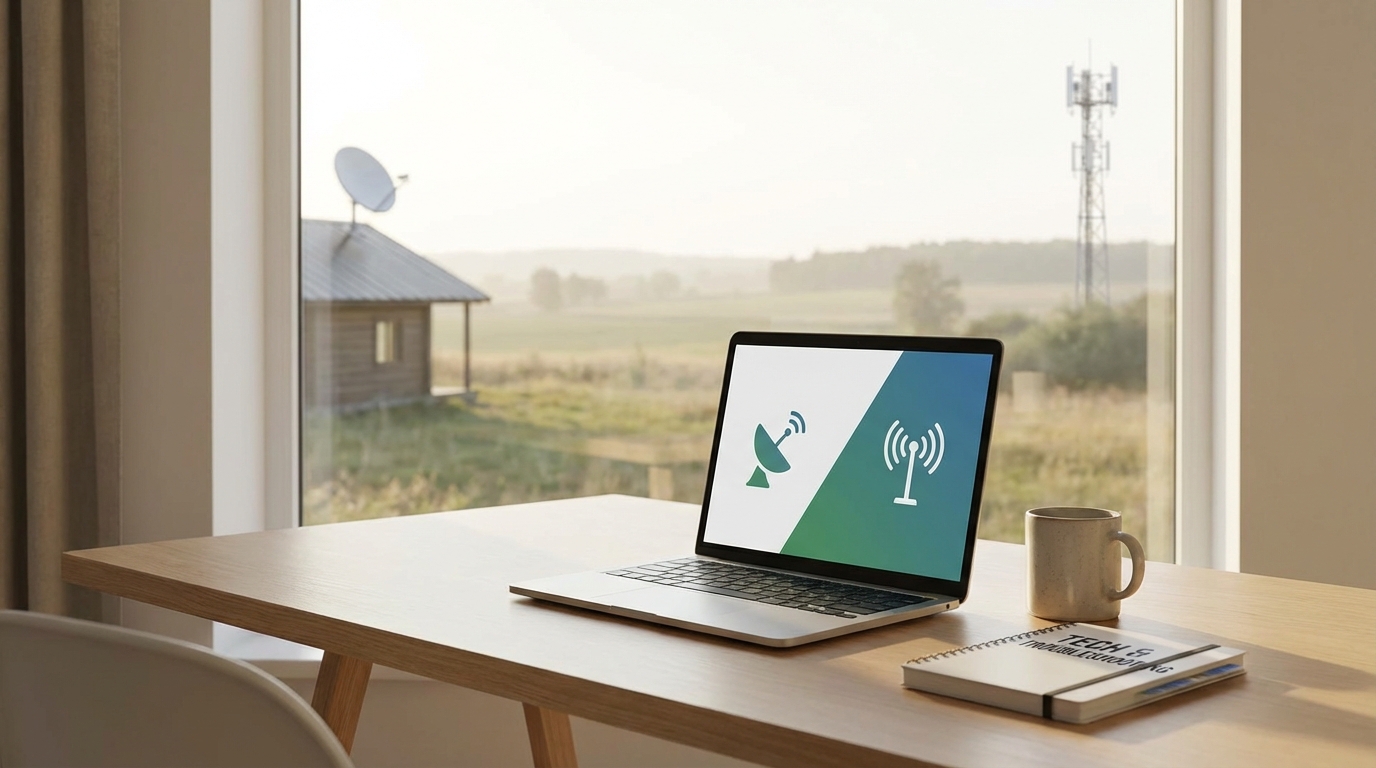
The Short Answer
If you plan on doing remote work that involves Zoom calls, Slack, or connecting to a company VPN, Fixed Wireless is almost always the better choice. It has much lower latency (lag), which means your video calls won't have that awkward 3-second delay where you and your boss talk over each other. The only exception to this rule is Starlink (Low Earth Orbit satellite), which is decent, but traditional satellite internet like HughesNet or Viasat is usually a nightmare for working from home.
Key Takeaways
- Latency is King: For remote work, speed doesn't matter as much as latency (ping). Fixed wireless usually has a ping under 50ms. Traditional satellite is often 600ms+, which makes video conferencing impossible.
- Data Caps: Most fixed wireless plans (like T-Mobile or Verizon Home Internet) have soft caps or are unlimited. Satellite plans often have strict data limits that throttle your speed if you download too many large files.
- Weather Issues: Both struggle with obstacles, but satellite is more sensitive to heavy rain and snow ("rain fade"). Fixed wireless is mostly affected by trees blocking the line of sight to the tower.
- The Starlink Exception: Starlink is the only satellite option that really competes with fixed wireless for work, but it has a high upfront equipment cost.
- Cost: Fixed wireless is generally cheaper, usually sitting around $50-$70/month with no contract, while satellite often requires 2-year commitments and higher fees.
What exactly are we comparing?
Before we dive into the nitty gritty let's make sure we're talking about the same things. It gets confusing because marketing teams love to throw buzzwords around.
Fixed Wireless Access (FWA): This is internet that comes from a cell tower on the ground. Think of it like the 5G or 4G LTE on your phone, but for your house. You put a gateway box (modem) in your window, it talks to a tower a few miles away, and boom, you have WiFi. Major players here are T-Mobile Home Internet, Verizon 5G Home, and local "WISPs" (Wireless Internet Service Providers) in rural areas.
Satellite Internet: This beams the internet from space. There's two types you need to know about. GEO (Geostationary) is the old school stuff like Viasat and HughesNet. The satellites are really far away. Then there is LEO (Low Earth Orbit), which is basically just Starlink right now. Those satellites are much closer to Earth.
The Latency Problem (Why your Zoom calls freeze)
This is the most important part of this whole article so pay attention. If you work remotely, you live and die by latency.
Latency is the time it takes for data to leave your computer, hit the server, and come back. It is measured in milliseconds (ms). When you are just browsing Wikipedia or reading an email latency doesn't matter much. But for real-time stuff? It's everything.
Here is the breakdown:
- Fixed Wireless: Usually 30ms to 70ms. This is pretty good. It feels snappy. When you click a link, it opens.
- Traditional Satellite (GEO): Usually 500ms to 800ms. This is bad. The signal has to travel 22,000 miles up to space and back down. Even at the speed of light, that takes time.
If you try to have a Teams meeting on traditional satellite, there will be a half-second delay on everything. You will say "Hello?" and your coworker won't hear it for a second, then they answer, but you've already started talking again. It is incredibly frustrating. According to many user reviews and general tech consensus, standard satellite is practically unusable for VoIP and video calls.
Fixed wireless keeps the signal on the ground. The tower is maybe 5 or 10 miles away, not 22,000. So, for responsiveness, fixed wireless wins hands down.
Data Caps and "Throttling"
Working from home eats data. Video calls use a lot, downloading big PDFs or updating software uses even more. If you are a video editor or work with large files, this is crucial.
Fixed wireless plans, especially from the big carriers like T-Mobile and Verizon, are surprisingly generous. They often market themselves as "unlimited." Now, usually, there is some fine print about "deprioritization" if the tower is busy, but you generally don't get cut off or charged overage fees. I've used T-Mobile's home internet as a backup for months and never hit a wall.
Satellite is stingy. Old school providers usually give you a "priority data" bucket-maybe 50GB or 100GB. Once you burn through that (which you will, fast), they throttle your speed down to something like 1Mbps to 3Mbps. That is barely enough to load a text email, let alone join a video conference.
Starlink is the exception again here, offering unlimited data for standard plans, though they have tweaked their fair use policies back and forth over the years.
Reliability and Weather
This is where things get a bit tricky because both options rely on waves traveling through the air.
The "Rain Fade"
Satellite internet hates water. Heavy rain, snow, or even really thick cloud cover can scatter the signal. This is called rain fade. If you live somewhere like the Pacific Northwest where it rains all the time, your satellite connection might drop right when you're in the middle of a presentation. It usually comes back quick, but a drop is a drop.
Line of Sight
Fixed wireless is less affected by rain (though it can happen), but it struggles with physical stuff. Trees, hills, and buildings. If you live in a valley and the cell tower is over the ridge, fixed wireless simply won't work. The signal generally needs a clearer path.
However, newer frequencies used in 5G (like C-band) are getting better at punching through some foliage, but a dense forest right outside your window is still a problem. If you have a clear view of a cell tower, fixed wireless is usually more stable in bad weather than satellite.
The VPN Headache
I feel like nobody talks about this enough.
If your job requires you to log into a secure corporate VPN (Virtual Private Network) or use a remote desktop tool like Citrix or Microsoft RDP, do not get traditional satellite internet.
VPNs require a constant back-and-forth handshake between your computer and the office server. High latency breaks this handshake. The connection will time out, drop, or be so laggy that you move your mouse and the cursor on the screen doesn't move for two seconds. It makes you want to pull your hair out.
Fixed wireless handles VPNs much better. It's not as perfect as fiber or cable, but it's totally workable. I've done full days of work over a 5G hotspot connection with zero issues connecting to secure servers.
Installation and Hardware
Satellite: You need a dish. That means climbing on the roof or mounting a pole in the yard. You have to align it perfectly with the sky. If the wind knocks it out of alignment, you're offline. Professional installation is often required for the older providers, which means scheduling a technician to come out.
Fixed Wireless: This is the easiest setup ever. They send you a box. You plug it into a wall outlet near a window. You download an app on your phone to help find the best signal direction. That's it. You can be up and running in 15 minutes. No holes in the roof, no technicians walking through your house with muddy boots.
Let's talk about Starlink (The Outlier)
Okay, I've been bashing satellite a bit, but we have to talk about Starlink. Elon Musk's project has changed the game a bit.
Because Starlink satellites orbit much lower (about 340 miles up instead of 22,000), the latency is much better-usually around 25ms to 50ms. This puts it on par with fixed wireless. It works for Zoom. It works for gaming.
However, there are downsides:
- Upfront Cost: The hardware kit is expensive. It usually costs around $599 just to get the dish. Fixed wireless gateways are usually free or leased for cheap.
- Monthly Cost: Starlink is usually $120/month. Fixed wireless is often $50/month (or less if you bundle with your phone plan).
- Availability: Depending on where you live, there might be a waitlist, though this is getting better recently.
- Obstructions: Starlink needs a MASSIVE view of the sky. Just a few tree branches can cause "micro-drops" every few minutes. For streaming Netflix, micro-drops don't matter because the video buffers. For a live Zoom call? The screen freezes and you look silly.
Cost Breakdown
Money matters right? Here is what you are looking at roughly:
Fixed Wireless (T-Mobile/Verizon):
Usually $50–$60 per month. No contracts. Equipment included. Price is often locked in for a few years.
Traditional Satellite (Viasat/HughesNet):
Packages range from $70 to $150+ per month. Often requires a 24-month contract. Equipment lease fees add up. Early termination fees are steep.
Starlink:
$120/month. $599 hardware cost. No contract.
When you do the math, fixed wireless saves you hundreds of dollars a year.
The Verdict
Look, if you have access to both, get Fixed Wireless. It's cheaper, the latency is better for work tools, and you don't have to bolt a dish to your roof. It feels more like "normal" cable internet.
You should only choose Satellite (specifically Starlink) if:
- You live in a valley or a complete dead zone where there is absolutely zero cell signal.
- You need internet at a location that moves (like an RV), although fixed wireless is getting better at this too.
If your only choice is traditional satellite (HughesNet/Viasat) vs Fixed Wireless... run to the Fixed Wireless store. Don't look back.
Frequently Asked Questions
Can I use a VPN with fixed wireless internet?
Yes, absolutely. Because the latency is lower, VPNs generally stay stable. However, some very strict corporate VPNs might have issues with the way fixed wireless assigns IP addresses (CGNAT), but for 95% of users, it works fine.
Is 5G Home Internet fast enough for two people working from home?
Usually, yes. Speeds can range from 30Mbps to 300Mbps depending on how close you are to the tower. As long as you are getting over 50Mbps consistently, two people can be on video calls at the same time without issues.
Does weather affect fixed wireless?
It can, but not as much as satellite. A really heavy thunderstorm might slow it down a little, but it rarely cuts the signal completely unless the power goes out at the tower.
Is Starlink better than T-Mobile or Verizon Home Internet?
In terms of raw speed? Sometimes Starlink is faster in rural areas. But in terms of value and stability? T-Mobile/Verizon wins because it's half the price and doesn't require buying a $600 dish. Starlink is the backup option for when cell towers aren't available.
What if I can't get T-Mobile or Verizon at my address?
Check for a local WISP (Wireless Internet Service Provider). These are small, local companies that beam internet from water towers or grain silos. They are often great because you can actually talk to a human support agent if things go wrong. Search "WISP near me" on Google.