
Key Takeaways: The Quick Fix List
If you don't have time to read the whole thing right now, here is the cheat sheet to get your shade back:
- Check the "Select" button: If you have a multi-channel remote (Telis 4), you are likely on the wrong channel. Press the select button until the correct LED lights up.
- Replace the Battery: It’s usually a CR2430 or CR2450. Even if the light blinks, the signal might be too weak.
- The "2-10-2" Reset: This is the holy grail of Somfy fixes. Cut power for 2 seconds, on for 10, cut for 2. It resets the motor logic.
- Wind Sensors: If it is windy, the sensor overrides your remote. This isn't a bug, its a safety feature.
- Thermal Protection: If you've been playing with the awning for 5 minutes, the motor might have overheated. Let it cool down for 20 minutes.
Is the Remote Actually Dead?
Look, I know your pain. You just wanted to sit on the patio with a cold drink, and now the sun is blasting you in the face because the awning won't move. Before you go order a new motor or call an expensive electrician, let's fix this. 90% of the time, the issue is super simple.
First things first. Pick up your remote (usually a Somfy Telis 1 or Telis 4) and look at the little LED light when you press a button. Does it blink? If there is no light at all, stop reading and go buy a battery. If the light does blink, don't celebrate yet. Sometimes the battery has enough juice to light the tiny LED but not enough to send a radio signal through a brick wall.
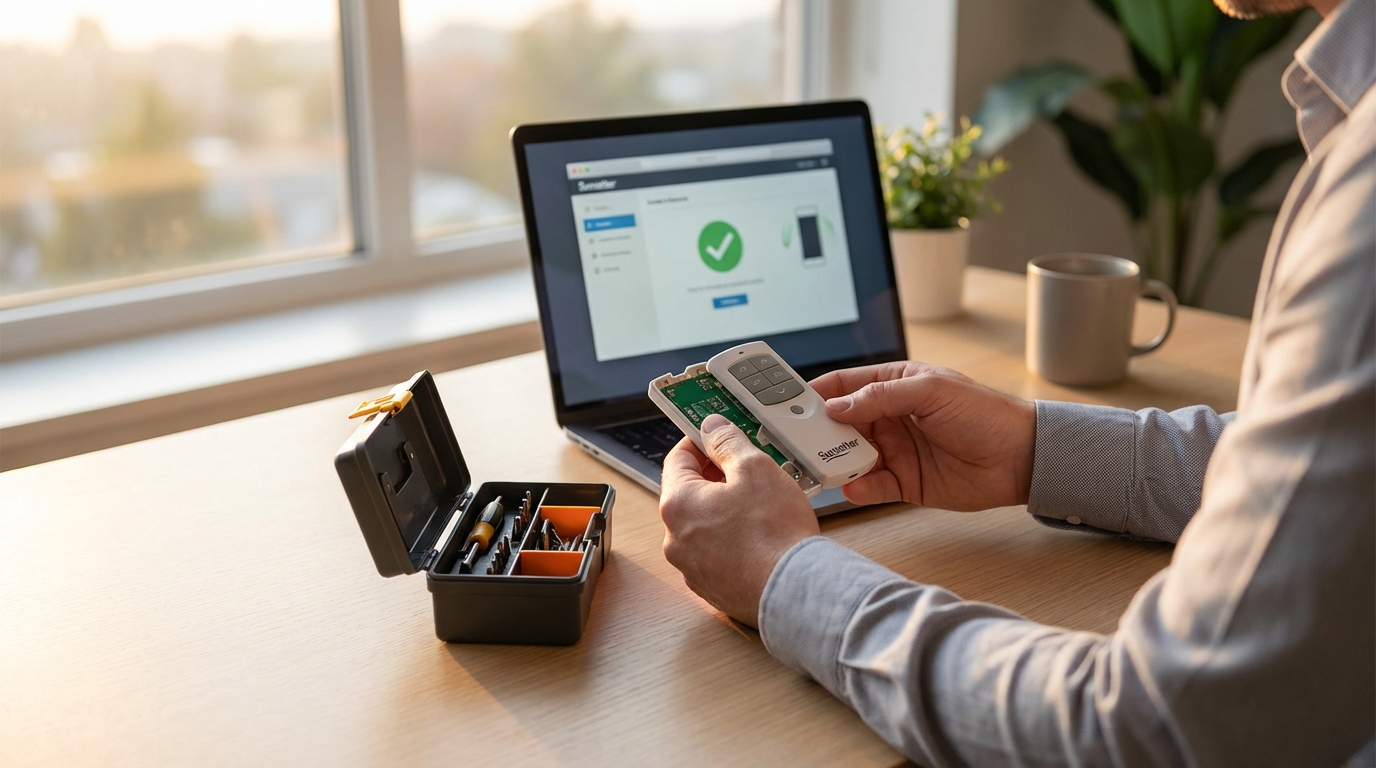
According to Somfy's own manuals, these remotes use RTS (Radio Technology Somfy). It's reliable, but like any radio, it needs power. Swap the battery just to be sure. Usually, you need a small screwdriver to open the back. Don't strip the screw!
The Most Common Mistake: Wrong Channel
If you have a remote with little dots or lights at the bottom, you have a multi-channel remote. This happens to everyone. You accidentally bumped the "Select" button at the bottom of the remote.
If your awning is programmed to Channel 1, but the little light is glowing next to Channel 2, nothing will happen. Press the select button repeatedly until the light is next to the correct channel. Try the Up or Down button again. If the awning moves, you owe me a drink.
The "Safety Mode" Trap (Wind Sensors)
Do you have a little box mounted on the front bar of your awning? Or maybe a spinny wind sensor mounted on the wall nearby? That is your Eolis 3D WireFree sensor or a standard wind sensor.
Here is the thing people forget: Safety overrides convenience.
If that sensor thinks it is windy, it locks the awning in the closed position (or retracts it if its open). When the sensor is active, the remote control will generally not work to extend the awning. It’s protecting your investment so the wind doesn't rip the fabric or bend the arms.
How do you test this? If it's not actually windy, the sensor might have a dead battery (if it's the wire-free shaker type) or it might be broken. Shake the front bar of the awning manually. If the motor suddenly wakes up and retracts the awning, the sensor is working, and it just thinks the weather is bad. Wait 30 minutes for the "wind alarm" to clear from the motor's memory and try again.
The Motor Might Be "Sleeping" (Thermal Protection)
Motors get hot. If you have been pressing up, down, up, down trying to get the shade exactly right, you might have triggered the thermal protection. Somfy motors have a sensor inside that cuts power if things get too toasty to prevent the motor from burning out.
This is distinct from a broken remote because absolutely nothing happens-no clicking, no buzzing. It feels dead.
The fix? Do nothing. Seriously. Go inside, watch a roughly 20-minute episode of a sitcom, and come back. Once the motor cools down, it will start working again like magic.
The "2-10-2" Reset Procedure (The Big Fix)
Okay, if you have checked the batteries, the channels, and the sensors, and it's still not working, the motor logic might be frozen. It happens. Think of it like your WiFi router; sometimes you just have to unplug it and plug it back in.
However, Somfy motors don't have a plug you can easily reach. They are hardwired. You need to do a "Power Cut" sequence using your circuit breaker panel. Somfy calls this a "Double Cut."
Warning: This will erase the memory of the motor temporarily to let you re-pair the remote. You might need a helper for this because running between the breaker box and the patio is a workout.
Step 1: The Power Dance
- Go to your breaker box and find the switch for the awning.
- Turn the power OFF for 2 seconds.
- Turn the power ON for 10 seconds.
- Turn the power OFF for 2 seconds.
- Turn the power ON and leave it on.
If you did this right, the awning should move automatically. It will "jog" (move slightly in one direction and then stop). Or, sometimes it moves for 5 seconds. This is the motor telling you, "Hello, I am listening."
Note: If you have multiple awnings on the same breaker, this is going to be annoying because it will reset all of them. You might want to disconnect the wires for the working ones if you can safely do so.
Step 2: Re-pairing the Remote
Once the motor has done that little jog:
- Grab your remote. Turn it over.
- Find the tiny hole on the back labeled PROG.
- Use a paperclip or a pen tip to press and HOLD that button.
- Watch the awning. It should jog again (a small movement up and down).
- Once it jogs, let go.
Test the Up and Down buttons. Did it work? If yes, you are a genius. If the controls are backward (pressing Down makes it go Up), you just need to reverse the direction. To do that, hold the MY button until the awning jogs, then check the manual for the specific reverse sequence, usually involving holding Up and Down together.
Is the Remote Broken or the Motor?
Sometimes the remote actually breaks. I dropped mine on the concrete patio last summer and cracked the circuit board inside. It looked fine on the outside, but it was toast.
How can you tell? Well, if you have a friend with a Somfy awning, borrow their remote. You can try to pair their remote to your awning using the reset method above. If their remote works on your house, then your remote is the problem. If their remote also doesn't work, the problem is likely your motor or the electrical wiring.
Understanding the "MY" Button
A lot of people think the "MY" button (the round one in the middle) is a stop button. It is, but it is also a "favorite position" button. If you press it while the awning is stopped, the awning will move to a specific spot you programmed previously.
If pressing the MY button makes the awning move to a weird spot, it's not broken. It's doing exactly what it was told to do. To change this:
- Move the awning to where you actually want it (maybe 50% out).
- Press and HOLD the MY button for about 5 seconds.
- Wait for the awning to "Jog" (the up-down wiggle).
Now that spot is saved. Easy, right?
When to Call a Professional
I am all for DIY, but there is a line. Somfy motors are generally robust (some sources say they last 10-15 years), but they contain capacitors that can fail. If you press the button and hear a loud buzzing sound coming from the motor tube but nothing moves, the capacitor might be shot. That is not a user-serviceable part for most people.
Also, if you did the 2-10-2 reset and the motor never "jogged" or moved at all, check your wiring. If there is power reaching the motor (use a voltage tester if you know how) and it still won't move during the reset, the motor is likely dead. Time to call the installation company.
A Note on Old Remotes vs. New Remotes
Technology moves fast. If your awning is 15 years old, you might have an older generation of RTS. The new remotes are backward compatible, but sometimes the pairing process is slightly finicky. If you buy a new remote online, make sure it says "RTS" on it. Somfy also has a newer technology called "IO-homecontrol" which is bidirectional (the remote gets feedback from the motor).
An RTS remote cannot talk to an IO motor, and vice versa. Look at your old remote. If it doesn't say "IO" on it, it's almost certainly RTS. Stick with what you had.
Summary of Troubleshooting Steps
It can feel overwhelming when technology fails, but just take it one step at a time. Here is the logical order to keep you sane:
- Step 1: Remote LED check (Battery).
- Step 2: Channel check (Select button).
- Step 3: Environment check (Wind sensor).
- Step 4: The 2-10-2 Power Cut Reset.
- Step 5: Re-pair the remote.
Usually, it doesn't get past Step 2. But if you have to do the reset, don't be intimidated. It feels like you are hacking a bank vault, but it's just the standard way to wake these motors up.
Frequently Asked Questions
Why does my awning stop every few inches?
This is annoying! It usually means the motor is in "programming mode" and hasn't had its limits set yet. Or, on some newer installations, it means the tension on the fabric is too high and the obstacle detection is kicking in. Try resetting the limits.
Can I use my phone to control the awning?
Yes, but you need a hub. Somfy has a device called the "Tahoma" or "Connexoon". It plugs into your WiFi and talks to the RTS motor. Then you can use an app. It's great because you can close the awning from work if a storm starts brewing.
How long do the batteries last in the remote?
Typically 2 to 3 years. However, if the remote is in a drawer getting buttons pressed by junk, or if it gets super cold in the winter, they die faster. I always tape a spare battery to the back of my remote (seriously, try it).
My remote light is red, but it used to be green?
On some multi-channel remotes, the color indicates which "group" of channels you are looking at, or it indicates a low battery mode depending on the specific model. Check the back of the remote for the model number and Google the specific manual, as this varies a lot.
Can I adjust the limit of how far it extends?
Yes. Run the awning to the current limit. Press and hold the Up and Down buttons simultaneously until it jogs. Adjust it to the new spot. Hold the "My" button until it jogs again. (Note: This varies slightly by motor model, so consult the manual for your specific Orea or Altus motor).