
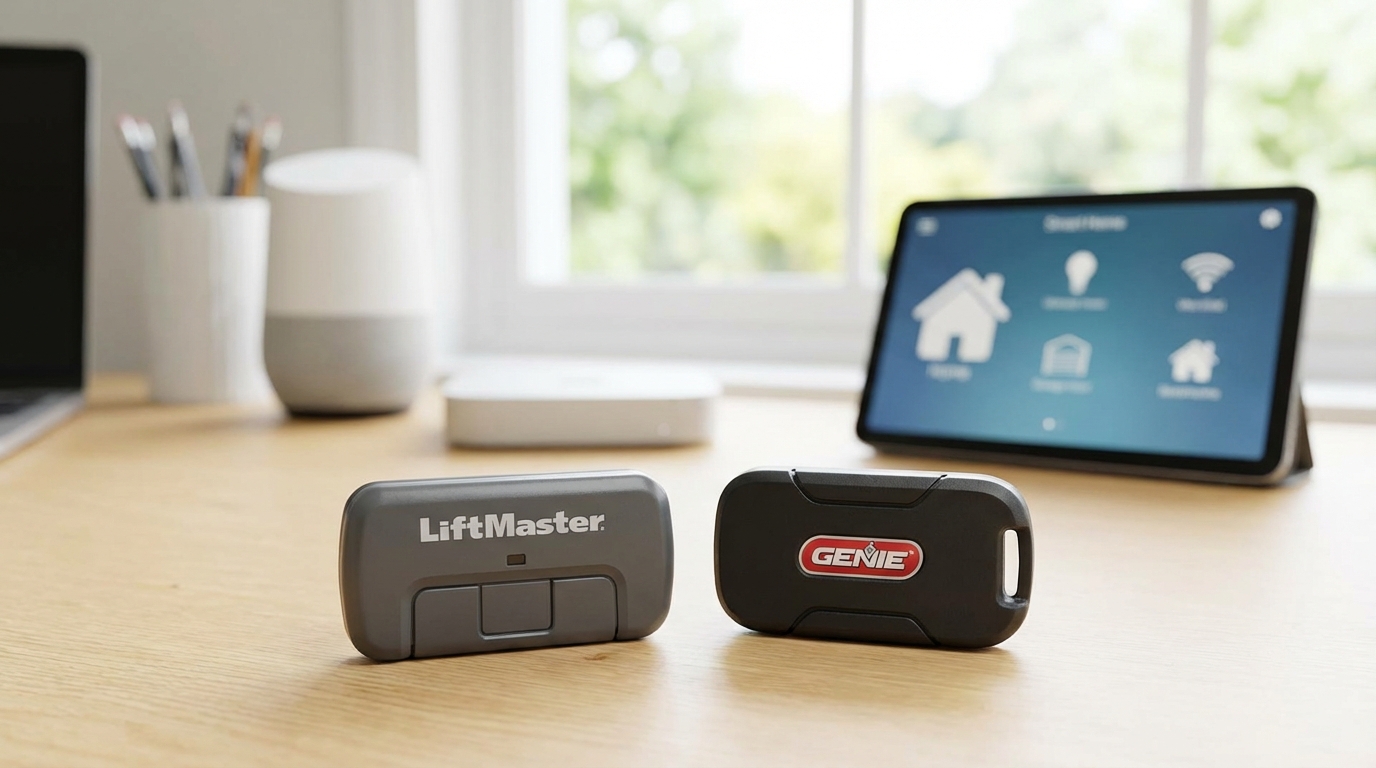
Key Takeaways
- Short Answer: No, a standard LiftMaster remote will not work with a Genie garage door opener. They use different computer "languages."
- The Exception: You can make them work together if you buy a Universal Remote (like the LiftMaster 375UT or Chamberlain KLIK5U).
- The Workaround: Installing an "external receiver" can force a Genie opener to listen to a LiftMaster remote.
- Brand Families: LiftMaster pairs with Chamberlain and Craftsman. Genie pairs with Overhead Door.
The short answer is no. If you grab a standard remote that came in the box with a LiftMaster opener, it is not gonna open a Genie garage door. They are strictly like oil and water.
However, there is a "Yes" hidden in there if you are willing to buy a specifically designed Universal Remote. These are special remotes that speak multiple languages. But if you are holding a regular remote model like the 893MAX or a standard Genie Intellicode clicker, they won't talk to each other directly.
I’m going to break down why this happens, how you can actually fix it without replacing your whole motor, and which gadgets you need to buy to make your life easier.
Why Don't They Just Work Together?
It can be super frustrating. You move into a new house, and you have a leftover remote from your old place, or maybe your spouse has a different brand in their car. Why can't we just have one clicker for everything?
It comes down to two main things: Frequency and Encryption.
1. The Frequencies
Think of this like radio stations. If your garage door is listening to 101.5 FM and your remote is broadcasting on 98.7 FM, nothing happens. LiftMaster (and its siblings Chamberlain and Craftsman) usually operate on specific frequencies like 310, 315, or 390 MHz. Genie also uses 315 and 390 MHz, but the way they send the signal is different.
2. The "Secret Language" (Rolling Codes)
Even if the radio frequency is the same, the language isn't. This is for security. Back in the day, robbers could record your garage signal and replay it to break in. To stop that, manufacturers created "Rolling Code" technology.
- LiftMaster/Chamberlain uses a system called Security+ or Security+ 2.0.
- Genie uses a system called Intellicode.
Because these are proprietary "languages," a LiftMaster brain simply doesn't understand the Genie Intellicode dialect. It’s like sending a text message to a landline phone. The connection is there, but the message doesn't get through.
The Solution: Universal Remotes
If you have a Genie opener but you really love the look and feel of LiftMaster remotes (or vice versa), or you just want one remote to open your LiftMaster gate and your Genie garage door, you need a Universal Remote.
These are magical little devices designed to hold multiple "codes" at once. According to most tech specs, a good universal remote usually has two buttons, so you can program Button A for the Genie and Button B for the LiftMaster.
Top Picks for Universal Remotes
If you need to mix these brands, here is what you should look for at the hardware store or on Amazon:
- LiftMaster 375UT: This is the gold standard. It works with almost anything made after 1993. It has two buttons and can learn the Genie Intellicode language just fine.
- Chamberlain KLIK5U (Clicker): You’ve probably seen this one at Home Depot. It’s basically the same as the LiftMaster one (since Chamberlain owns LiftMaster). It works great with Genie.
- Genie G3T-R: This is a Genie remote, but some newer versions have decent compatibility, though honestly, I’d stick to the "Universal" branded ones if you are mixing brands.
How to Program a Universal Remote to a Genie Opener
Okay, so you bought the LiftMaster 375UT Universal remote and you want it to open your Genie motor. Here is generally how you do it. Keep in mind, steps might vary slightly depending on your exact model, but the logic is the same.
Step 1: Locate the "Learn" Button
Grab a ladder. You need to look at the motor unit hanging from your garage ceiling. You might need to pop off the light cover (the plastic lens). You are looking for a button that says "Learn" or "Smart."
On Genie openers, this button is usually weirdly shaped (like a square or circle) and is often near the antenna wire. It might have a small LED light next to it.
Step 2: Prepare the Remote
On the Universal remote, you usually have to put it into "programming mode." This often involves holding down a button until a light on the remote turns solid. Check the instructions inside the blister pack-don't throw them away!
Step 3: The Handshake
1. Press and release the Learn Button on the Genie opener. The red LED usually starts blinking. You have about 30 seconds now.
2. Stand back and press the button on your Universal Remote that you want to use.
3. Wait two seconds, release, and press it again. You might have to do this repeated pressing slowly until the garage door opener clicks or the light flashes.
4. Once the garage door opener responds (usually the main light bulbs flash), lock it in by pressing the program button on the remote again to exit mode.
The "Hardwired" Solution: External Receivers
Let’s say you are a landlord or a property manager. You have 50 LiftMaster remotes already, but one garage has a Genie motor. You don't want to buy a new remote; you want the existing LiftMaster remotes to work.
You can do this by installing an External Receiver.
An external receiver is a small box that you wire into the Genie opener. It basically acts as a translator. You wire it into the same terminals where the wall button connects. The receiver listens for the LiftMaster signal, and when it hears it, it tells the Genie motor to "Go."
Recommended Part: The LiftMaster 850LM or 365LM receiver kits are great for this. They plug into the wall and run two wires to the Genie motor. Bam. Now your Genie opener is technically a LiftMaster opener (at least regarding the signal).
Identifying Your Brand Family
It helps to know who owns who, so you don't buy the wrong stuff. The garage door industry is kinda like the car industry-lots of brands are actually the same company under the hood.
The Chamberlain Group (CGI)
If you have any of these, they are usually cross-compatible natively:
- LiftMaster
- Chamberlain
- Craftsman (most models after 1993)
- Raynor
The Genie Company
These two are best friends and swap parts easily:
- Genie
- Overhead Door (CodeDodger systems)
If you try to cross the line between Group A and Group B without a universal remote, you're gonna have a bad time.
Troubleshooting: "I Bought a Universal Remote and It Still Won't Work!"
It happens. You bought the LiftMaster 375UT, you have a Genie opener, and it’s just sitting there doing nothing. Before you return it, check these things.
1. LED Light Bulbs
This sounds crazy, but cheap LED light bulbs in your garage opener can block the signal. The frequency they give off interferes with the radio waves. Unscrew the light bulbs in the motor unit and try programming it again. If it works, go buy "garage door specific" LED bulbs.
2. The Lock Button
Check your wall switch (the one by the door into your house). Is the "Lock" switch on? If the green light is blinking on the wall button, the opener is in "vacation mode" and it won't accept any new remotes. Unlock it first.
3. Maxed Out Memory
Older Genie units can only remember about 7 remotes. If you have programmed a bunch of cars and clickers over the years, the memory might be full. You might need to "Clear All Codes" (usually by holding the learn button for 10+ seconds) and start over. Be careful-this erases everything, including your keypad.
4. The Antenna Wire
Look at the motor unit. There should be a small grey or purple wire hanging down. That’s the antenna. Make sure it isn't tucked up inside the metal housing. Straighten it out so it can catch the signal better.
What About Smart Home Apps?
Since we are talking about making things work together, we should mention the modern way to do this: WiFi.
If you want to control your Genie opener but you love the LiftMaster myQ app, you can actually buy a myQ Smart Garage Hub. This is a white box you stick to the ceiling. It works with almost ANY brand of opener that has safety sensors (eyes) at the bottom.
It works by sending a radio signal to your Genie opener, just like a remote would. So, you can use the sleek LiftMaster app to open your clunky old Genie motor. It’s a pretty solid workaround if you want smart features without replacing the whole unit.
Safety Warning: The 1993 Cutoff
I gotta mention this for safety. If your garage door opener was made before 1993, please consider replacing it. Before 1993, openers did not require the safety sensors (the little laser eyes at the bottom of the tracks).
Most modern universal remotes (like the LiftMaster 375UT) are designed to NOT work with pre-1993 openers for liability reasons. If your opener doesn't have sensors, the remote might refuse to pair with it. That’s not a bug; it’s a feature to keep you safe.
Summary of Frequencies (For the Geeks)
If you like knowing the technical details, here is a quick breakdown of what is flying through the air:
- 390 MHz: Used by old Genies and old LiftMasters (pre-2005ish). Even though the Hz is the same, the coding is different.
- 315 MHz: LiftMaster switched to this heavily in the mid-2000s (Purple button era).
- 310/315/390 MHz Tri-Band: This is what modern Security+ 2.0 (Yellow button) LiftMasters use. They hop between frequencies to dodge interference.
- 315/390 MHz Dual-Frequency: What modern Genie Intellicode uses.
Because modern openers jump around different frequencies, "Universal" remotes are really sophisticated radios that scan through all these options until the door opens.
A Final Word on Batteries
Before you go buying new remotes or receivers, just double-check your current remote's battery. It’s usually a CR2032 (the coin one) or a small 12V stick battery. A weak battery can sometimes send a signal that is strong enough to light up the LED on the remote but too weak for the opener to hear. It’s a cheap fix if that's the problem.
So, to wrap it up: No, they aren't natively compatible. But with a $30 universal remote from the hardware store, you can easily trick them into being best friends. Good luck getting that door open!
Frequently Asked Questions
Can I program my car's HomeLink button to my Genie if I used to have a LiftMaster?
Yes! The buttons in your car (HomeLink) are basically a built-in Universal Remote. You can program them to almost any opener. However, if you have a very new Genie or LiftMaster, you might need a "Repeater" or "Bridge" if your car is older than 2012. Old cars sometimes struggle to speak to the new secure rolling codes.
How do I know if my LiftMaster remote is universal?
Flip it over. If the model number has a "U" in it (like 375UT, 380UT), it stands for Universal. Also, universal remotes usually don't have the specific frequency numbers printed on the back. If it says "Security+ 2.0" specifically, it likely only works with LiftMaster/Chamberlain.
Will a Genie remote work on a Craftsman opener?
Generally, no. Craftsman openers are made by Chamberlain (LiftMaster). So, a Genie remote won't work unless it is a "Genie Universal" remote. If it is a standard Genie remote, it won't talk to the Craftsman.
Why does my universal remote open the door but not close it?
This is usually a safety sensor issue, not a remote issue. If the safety eyes at the bottom of the door are misaligned or blocked, the door will open fine but refuse to close. Check to see if the lights on the sensors are solid (not blinking).
Can I use two different brands of openers in the same garage?
Yes. You just need the right remote. If you have a double garage with one LiftMaster and one Genie, get a 2-button Universal Remote. Program Button 1 to the LiftMaster and Button 2 to the Genie. Problem solved.