
Key Takeaways: Quick Fixes for Bali Blinds
- Check the "P" Channel: If you have a multi-channel remote, make sure you didn't accidentally bump the button to a channel that isn't programmed. This happens way more than you'd think.
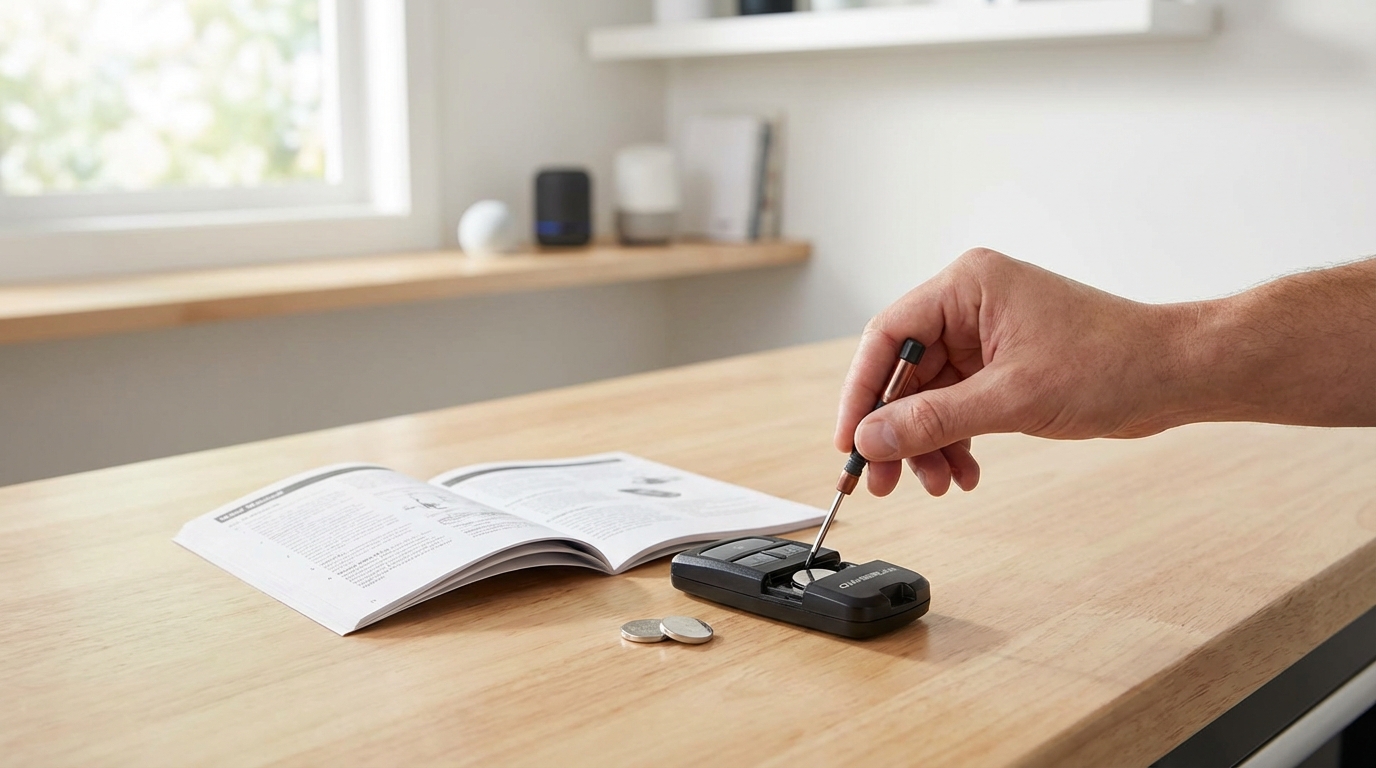
- Replace Remote Batteries: Even if the little light turns on, the signal might be too weak. Replace the CR2430 (or whatever coin battery yours uses) immediately.
- Check the Motor Power: If the blind doesn't move at all, check the battery wand connected to the blinds. If those AAs are dead, the remote can't talk to the motor.
- The Reset "Jog": Most fixes involve holding the button on the motor head until the blind moves up and down (jogs) once.
- Repairing Sequence: Press the motor button (jog 1) -> Press and hold "Stop" on remote (jog 2).
The Immediate Fix: Why Your Remote Isn't Talking to the Blind
Okay, lets cut straight to the chase. If your Bali blinds remote isn't working, 90% of the time it is a power issue or a channel issue. Before you go ripping the blinds off the window or calling customer support to wait on hold for an hour, do this exact sequence first.
First, look at your remote. If it has multiple lights or numbers (like 1, 2, 3, 4, 5), press the channel button to make sure the light is lit up next to the correct number. I can't tell you how many times I've panicked thinking my blinds were broken, only to realize I was trying to control Channel 3 when the blind is programmed to Channel 1. If the channel is right, swap the battery in the remote. Even if the LED flashes, it might not have enough "oomph" to send the radio signal across the room.
If those two things didn't work, we are going to have to do a reset. Don't worry, its actually pretty easy.
Troubleshooting Step 1: The Remote Batteries
We touched on this in the intro but let's dig deeper because this is where people get tripped up. Bali remotes usually take those flat coin batteries, specifically the CR2430. These aren't the CR2032s you have laying around for your car key fob; they are slightly different.
Here is the trick: The LED light is a liar.
The amount of energy required to light up that tiny red or green LED is way less than the energy required to send a Z-Wave or Radio Frequency signal to the motor. So, you press the button, see the light, and assume the remote is fine. It probably isn't. If that battery is a year old, just swap it. You can grab a 2-pack on Amazon or at Home Depot for a few bucks.
Also, make sure the battery is facing the right way. The writing (the positive side) usually faces up. I once spent twenty minutes troubleshooting a remote only to realize I put the battery in upside down. We've all been there.
Troubleshooting Step 2: The Motor Power Source
If the remote has fresh juice, the problem might be the blind itself. Bali blinds usually have a few different ways they get power:
- Reloadable Battery Wand: A tube filled with 8 AA batteries.
- Rechargeable Battery Pack: A sealed unit you plug in to charge.
- Plug-in Transformer: Plugged directly into the wall.
If you have the battery wand (the tube with AA batteries), this is the most common point of failure. According to Somfy (who makes the motors for a lot of Bali stuff), you should really be using Lithium AA batteries, not the standard Alkaline ones. Why? Because windows get hot. Alkaline batteries degrade faster in heat and they don't deliver consistent power. Lithium batteries handle the temperature swings of a window sill much better.
Check the connection wire coming out of the motor. Sometimes the little clip that connects the battery pack to the motor gets loose. Give it a firm squeeze to make sure it's clicked in tight.
Troubleshooting Step 3: The "Soft" Reset (Repairing)
If the remote has power and the motor has power, they probably just stopped talking to each other. This happens sometimes after a power surge or just a glitch in the matrix. We need to introduce them again.
This process varies slightly depending on if you have the "Autoview" motor or the Z-Wave motor, but the general logic is the same.
For Standard Bali Remotes (Single or Multi-Channel)
- Locate the Button on the Motor: You might need a step stool. Look at the end of the blind where the motor is (usually the right side). There should be a small button. Sometimes it is recessed and you need a paperclip, but on newer Bali models, it's a small rectangular button sticking out on a "pigtail" wire or right on the motor head.
- Press and Hold: Press that button on the motor and hold it for about 2 seconds.
- Watch for the Jog: The blind should move up and down quickly. This is called a "jog." It means the motor is awake and listening.
- Press the Remote: Grab your remote. If it's a multi-channel remote, select the channel you want to use. Then, look for the recessed button on the back of the remote (usually a tiny hole) or press and hold the UP and DOWN buttons simultaneously depending on your model.
- Confirming the Pair: The blind should jog again. That second jog means "Okay, I heard you, we are paired."
If you press the button on the motor and it doesn't jog, then your issue is definitely power to the motor (go back to Step 2) or the motor is burned out (bad news).
Troubleshooting Step 4: The "Hard" Reset
So the soft reset didn't work. Now we have to go nuclear. This wipes the memory of the blind completely. You will lose your "upper limit" (where the blind stops at the top) and "lower limit" (where it stops at the bottom), so you'll have to set those up again.
Warning: Only do this if nothing else worked.
- Press and hold the button on the motor head. Do not let go.
- The blind will jog once. Keep holding.
- The blind will jog a second time. Keep holding.
- The blind will jog a third time. Now you can let go.
Usually, this sequence takes about 10 to 12 seconds. Once it's done, the motor is basically factory fresh. It knows nothing. Now you have to treat it like you just took it out of the box.
To set it up again:
- Select the channel on your remote.
- Press Up and Down on the remote at the same time. The blind will jog.
- Check the direction. Press Down. If the blind goes Up, you need to reverse the polarity. Usually, you do this by holding the "My" (center) button until it jogs again.
- Set Upper Limit: Move the blind to where you want the top to be. Press and hold the "My" and "Down" buttons simultaneously. The blind will start going down. Stop it when it reaches the bottom.
- Set Lower Limit: Adjust it so it's perfect at the bottom. Press and hold "My" and "Up" simultaneously. It will shoot up.
- Stop it at the top. Press and hold "My" until it jogs.
It sounds complicated, but its really just a game of Simon Says with your window.
Common Issue: The Z-Wave / Smart Home Problem
A lot of folks buy Bali because they work with Z-Wave hubs like SmartThings or Hubitat. If your physical remote works but your Alexa or Google Home can't move the blinds, the problem isn't the blind-it's the mesh network.
Z-Wave signals hop from device to device. If you moved a smart plug or a light switch recently, you might have broken the "path" the signal takes to get to the blind. Try running a "Z-Wave Repair" in your smart hub app. This forces all the devices to find their neighbors again.
Also, verify that the remote itself isn't interfering. Some older Bali remotes act as the "primary controller." If you reset the remote, you might break the link to the smart hub. Always exclude the device from your hub before trying to re-add it.
Stuck Buttons and Hardware Gore
Sometimes the issue is incredibly low-tech. Have you spilled soda on the remote? Is there gunk stuck around the buttons?
I had a friend whose Bali remote stopped working simply because the "Down" button was physically stuck in the pressed position. The remote won't send a new signal if it thinks you are already holding a button down. Take a needle or a thin knife and gently run it around the edge of the rubber buttons to make sure they are popping back up correctly.
Also, check the battery contacts inside the remote. If you had an old battery leak in there, you'll see some white crusty stuff (corrosion). You can clean that off with a Q-tip dipped in a little bit of white vinegar. Once it dries, put a new battery in and you should be good to go.
What if the Motor Buzzes but Doesn't Move?
This is a sad sound. If you press the button, and you hear a faint "whirrrr" or buzzing sound from the top of the window, but the fabric isn't moving, something inside is broken.
It could be:
- Stripped Gears: The motor is spinning but the teeth aren't catching the tube.
- Broken Drive Adapter: The plastic piece that connects the motor to the tube has snapped.
- The Blind is Jammed: Check the sides of the blind. is the fabric caught in the bracket? Is the bottom rail crooked?
If it is mechanical (stripped gears), no amount of button mashing is going to fix it. You will likely need to order a replacement motor assembly. The good news is Bali has a pretty decent warranty-usually 5 years on motors. Dig up your receipt and give them a call.
Preventing This From Happening Again
Once you get it fixed, you want to make sure you don't have to do this again in three months. Here is my advice on keeping these things running smoothly.
1. Buy the Lithium Batteries. Seriously. I mentioned it earlier, but standard Energizers just don't cut it for motorized shades. Spend the extra money for the Ultimate Lithiums. They last 2-3 times longer.
2. Don't Overuse Them. If you have kids playing with the remote making the blinds go up and down like a yo-yo, the motor has a thermal protection sensor. If it gets too hot, it shuts down to prevent catching fire. If the blind suddenly stops working after heavy use, just let it cool down for 20 minutes. It might fix itself.
3. Clean the Tracks. If you have side channels (the tracks on the side that block light), keep them clean. Dust and dead bugs can create friction. The motor has to work harder to overcome that friction, which drains the battery faster and can confuse the "limits" of the blind.
When to Call a Pro
If you have tried the battery swap, the soft reset, the hard reset, and checked the power cable, and it's still dead, it might be time to throw in the towel. If the blind is high up (like in a foyer), don't risk your neck on a ladder if you aren't comfortable.
Also, if you are hardwired (plugged into the wall) and you suspect an electrical issue, definitely don't mess with the wiring unless you know what you're doing. 110v power isn't something to play with.
Frequently Asked Questions
My Bali blind goes up but stops halfway. How do I fix it?
This means your "Upper Limit" is set wrong. You need to reset the limits. Usually, you can adjust this by moving the blind to the top, then holding the UP and DOWN buttons until it jogs. Then adjust to the height you want and hold the "My" (center) button until it jogs again to save the new position.
What does the orange light on the Bali remote mean?
On many remotes, an orange or slowly blinking LED means the battery is getting low. It is still working, but you should buy a replacement CR2430 soon. If it turns solid red, it's usually dead or jammed.
Can I use my phone to control Bali blinds?
Yes, but you usually need a gateway or a hub. Bali blinds with "Z-Wave" technology work with Samsung SmartThings, Hubitat, and some Amazon Echo devices (the ones with a built-in hub). If you have the older "AutoView" motor, you might need a specific Bali gateway device to bridge the connection.
Why does only one blind move when I press the button?
You are likely on a specific channel (like Channel 1) that is only paired to that one blind. Press the "Channel" button on your remote to cycle to "All" (usually all lights light up) to move them all at once.
How long do the batteries last in the wand?
It depends on usage and size of the blind. For a standard window going up and down twice a day, Lithium batteries should last 12-18 months. Alkaline batteries might only last 4-6 months.