
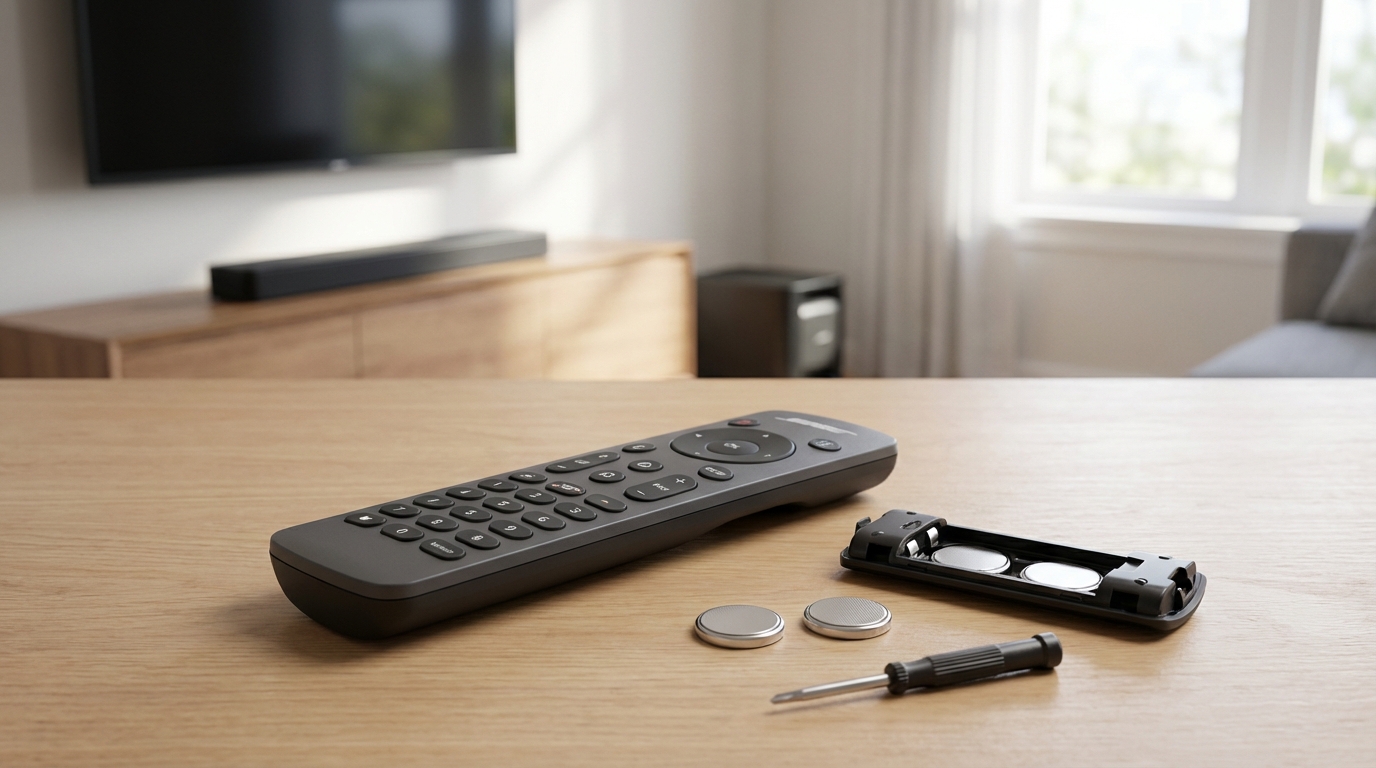
Key Takeaways: Quick Fixes for Your Bose Remote
- Check the Batteries (Obviously): But also check the battery contacts for corrosion or loose springs.
- The "Camera Test": Use your smartphone camera to see if the remote is actually sending a signal (IR light is invisible to eyes but visible to cameras).
- Power Cycle the Soundbar: Unplug your Bose system from the wall for at least 60 seconds. This resets the internal receiver.
- Resync the Remote: Some newer Bose remotes need to be paired again using button combinations like "Volume Down" + "Left Navigation".
- Use the App: If hardware fails, the Bose Music or SoundTouch app works as a backup controller immediately.
The First Thing You Should Do: The "Camera Test"
Before you go buying new batteries or tearing your hair out, you need to know if the remote is dead or if the speaker is just ignoring it. There is a super easy trick for this.
Your eyes can't see Infrared (IR) light, but digital cameras can. Grab your smartphone, open the camera app, and point the remote control's tip right at the lens. Press any button on the remote repeatedly.
Look at your phone screen. Do you see a flashing purple or white light coming from the tip of the remote?
- If yes: The remote is sending a signal. The problem is likely your Bose speaker or interference.
- If no: The remote is dead. It's either the batteries or the remote hardware is toast.
This saves you so much time guessing. Now that we know that, lets get into the deep dive on how to fix this thing.
Solution 1: The Battery Situation (It’s Not Just About Swapping Them)
I know, I know. "Check the batteries" is the most annoying advice ever. But here is the thing, with Bose remotes, it's not always just that the battery is empty.
First, replace them with fresh ones. Don't use the ones you pulled out of the Xbox controller. Bose remotes, especially the coin-cell battery ones (like on the Solo 5 or Cinemate), are picky about voltage.
Check the Compartment Springs
Sometimes the little metal springs inside the battery compartment get compressed over time. If they get pushed in too far, they don't make solid contact with the battery. If you see the spring looks a bit flat, you can take a small flathead screwdriver and gently pry it outward just a tiny bit. This ensures a tight squeeze on the battery.
Cleaning the Contacts
If you ever had a battery leak in there, you might see some white crusty stuff. That's acid. It blocks electricity. Grab a Q-tip and a little bit of vinegar or rubbing alcohol and scrub those metal contacts until they shine. Its a small thing but it makes a huge difference.
Solution 2: The "Hard Reset" (Power Cycling)
If your remote passed the camera test mentioned above but the speaker still isn't listening, your Bose system probably froze up. These things are basically computers now, and just like your laptop, sometimes they need a reboot.
Turning it off with the button isn't enough cause that just puts it in standby. Here is how to do a proper power cycle:
- Turn off the TV and the Bose system.
- Unplug the Bose power cord from the wall outlet or the surge protector.
- Wait at least 60 seconds. Seriously, count it out or look at your watch. You need the capacitors inside to drain completely.
- Plug it back in firmly.
- Turn it on and try the remote again.
According to Bose support forums, this fixes about 50% of "remote not working" issues instantly. It clears out minor software glitches that stop the IR sensor from reading signals.
Solution 3: Re-Pairing the Remote (For Newer Models)
If you have a Soundbar 500, 700, or 900, your remote doesn't just use simple IR light; it uses Bluetooth to talk to the bar. Sometimes, that connection drops.
You might need to clear the pairing list and reconnect it. The method changes slightly depending on your model, but here is the general process for the Soundbar series:
To Clear the Remote Pairing:
On the remote, press and hold the Volume Down button and the Left Navigation button (the arrow pointing left) at the same time for about five seconds. usually, the light on the soundbar will pulse or glow to confirm it cleared.
To Re-connect:
Open the Bose Music App on your phone. Go to the settings for your soundbar, find "Remotes," and follow the instructions to add a new remote. The app will listen for the remote and re-sync them.
Solution 4: Environmental Interference (The Ghost in the Machine)
This one is weird, but it happens. If your remote works sometimes but not other times, look around the room.
IR Signal Blocking
The "eye" (sensor) on the Bose soundbar is usually right in the middle or slightly to the left behind the grille. If you have a decorative candle, a picture frame, or even the messy cables from the TV dangling in front of the soundbar, it blocks the signal. The remote needs "line of sight."
Light Interference
Believe it or not, certain types of light can blind the sensor. Wikipedia notes that "CFL bulbs and some plasma screens can emit infrared noise." If you have a really bright energy-saving bulb shining directly onto the Bose speaker, it might be washing out the remote signal. Try turning off the lights in the room and see if the remote starts working. If it does, you know the light is the problem.
Solution 5: HDMI-CEC (The Alternative Control)
If your Bose remote is totally dead and you are waiting for a replacement, you might not actually need it.
Most modern TVs and soundbars use something called HDMI-CEC (Consumer Electronics Control). Different brands call it different things-Samsung calls it Anynet+, Sony calls it Bravia Sync, LG calls it SimpLink.
If your Bose soundbar is connected to the TV via the HDMI ARC port, go into your TV settings and turn on CEC. Once this is on, your regular TV remote will control the volume of the Bose soundbar automatically. You won't be able to adjust the bass or treble, but you can at least turn it up and down without getting off the couch.
Solution 6: Using the App as a Backup
While you're figuring this out, don't forget you have a remote in your pocket.
Depending on your system (SoundTouch vs. Smart Soundbar), download the Bose Music or Bose SoundTouch app. These apps give you full control over volume, source selection, and EQ settings. Honestly, the app is sometimes better than the physical remote because it doesn't need line-of-sight; it works over Wi-Fi.
Solution 7: Disassembling and Cleaning (Advanced)
Okay, this is for the brave folks. If you spilled coffee on the remote last week and now it doesn't work, the contacts are probably sticky.
You can pry open most Bose remotes (look for a screw in the battery compartment, then gently pry the seam with a credit card). Once it's open, you'll see a rubber keypad and a circuit board.
Use 99% Isopropyl alcohol and a gentle cloth to wipe down the black carbon dots on the back of the rubber buttons and the gold grid on the circuit board. Let it dry completely before putting it back together. This removes oils and stickiness that stop the electrical connection.
When to Buy a Replacement (And Which One)
If the camera test showed no light, you changed batteries, and cleaned the contacts with no luck... the remote is dead. It happens. Electronics fail.
You have two options here:
- Official Bose Replacement: These usually cost between $30 and $50. They are guaranteed to work and feel high quality.
- Generic Universal Remote: You can find "Bose compatible" remotes on Amazon for like $10 or $15.
My advice? If you have a complex system like the Soundbar 700 with all the backlit buttons, buy the official one. The cheap knockoffs feel terrible in your hand and the buttons click really loudly. But, if you just have a Solo 5 and only need volume and power, the $10 generic one is totally fine.
Troubleshooting Specific Models
Just so we are covering all bases, here are a few quirks for specific models.
Bose Solo 5
The Solo 5 remote is notorious for un-pairing. If it stops working, hold down the appropriate source button (like the Bluetooth icon or TV icon) until all six source buttons glow. Then enter the code for your TV brand if you are trying to make it a universal remote. If it just won't control the volume, try the "Power Cycle" method mentioned earlier. That works best for the Solo 5.
Bose Cinemate Series
These older systems use huge remotes. A common issue here is the IR Emitter cable. Some Cinemate systems have a little puck connected to the subwoofer by a wire. If that puck fell behind the TV cabinet, the remote wont work. Find that puck and stick it somewhere visible.
Bose SoundTouch
These rely heavily on Wi-Fi. Sometimes the remote is fine, but the system has dropped off the network and becomes unresponsive. Check the Wi-Fi light on the front of the unit. If it's flashing amber, it's a network issue, not a remote issue.
Common Mistakes to Avoid
Don't just bang the remote on the table. I know it feels good, and sometimes it actually works (because it jiggles the battery spring), but you can crack the solder joints on the circuit board. Then you're definitely buying a new one.
Also, don't mix battery brands. Mixing a Duracell with a generic brand can cause voltage irregularities that these sensitive remotes don't like.
Summary
To wrap this up, 90% of the time it is the batteries or the system needing a reboot. Don't overthink it. Do the camera test first-it is the absolute best way to diagnose the problem instantly. If the remote lights up in the camera but the speaker doesn't react, unplug the speaker. If the remote doesn't light up, get new batteries or clean the contacts.
Frequently Asked Questions
Why is my Bose remote blinking yellow?
A blinking yellow light usually indicates a communication error or low battery, depending on the model. On the Soundbar remotes, it often means the remote is in "pairing mode" or trying to talk to the soundbar but failing. Try removing the batteries and re-inserting them to reset the remote's logic.
Can I use a universal remote with my Bose soundbar?
Yes, absolutely. Most Logitech Harmony remotes or even the remote that came with your Cable/Satellite box can be programmed to control Bose volume. You just need to look up the "Remote Code" for Bose in your universal remote's manual.
Does Bose offer a warranty on remotes?
Typically, Bose accessories have a one-year warranty. If your system is new and the remote just died, contact Bose support. They are usually pretty good about mailing out a replacement if you are within that window.
How do I know if my IR sensor is broken?
If your remote passes the "Camera Test" (you see light blinking on your phone screen), and you have power cycled the soundbar, and you are sure nothing is blocking the view... then the IR receiver inside the Bose speaker might be faulty. At that point, you'd need a repair or to switch to using HDMI-CEC or the App for control.
What batteries do Bose remotes take?
It depends on the model. The larger remotes (Soundbar 700/500) usually take 4 AA or AAA batteries. The smaller, credit-card style remotes (often found with older docks or the Solo series) usually take a CR2032 or CR2025 coin cell battery. Check the back of the remote to be sure.