
Key Takeaways
- Check the "Lock" Button: If your wall switch is blinking, the lock feature is on. Press and hold the lock button for 2-3 seconds to disable it. This is the #1 cause.
- Battery Check: Don't just swap them; check the metal contacts inside for corrosion. Also, ensure you aren't using "bitter" coated coin batteries if your remote is older.
- Reprogramming: You usually need to press the "Learn" button on the opener motor, then hold the button on the remote. The color of the Learn button matters (Yellow, Purple, Red, or Green).
- LED Interference: Cheap LED light bulbs in the garage opener can block the remote signal. Unscrew them to test.
- Antenna Wire: Make sure the little wire hanging from the motor unit is hanging down straight and isn't tucked away.
The "Lock" Button: The Most Common Culprit
I am starting with this because it happens to everyone and its arguably the most frustrating yet easiest fix. If your remote control suddenly stopped working but the wall button inside the garage still opens the door, go look at that wall button.
Is the little LED light on the wall control blinking? Or is it solid?
If it is blinking, you have accidentally engaged the Lock Mode. This feature is designed to disable all remote signals for security, like when you go on vacation. It’s super easy to hit by accident.
To fix it, just press and hold the "Lock" button on the wall control for about two or three seconds. The light should stop blinking and turn solid. Once it's solid try your remote again. Nine times out of ten, that solves it.
Checking the Batteries (Do it Right)
Okay so if the lock button wasn't the issue, we have to look at power. I know, "check the batteries" sounds like tech support 101, but there is a catch with Chamberlain remotes specifically.
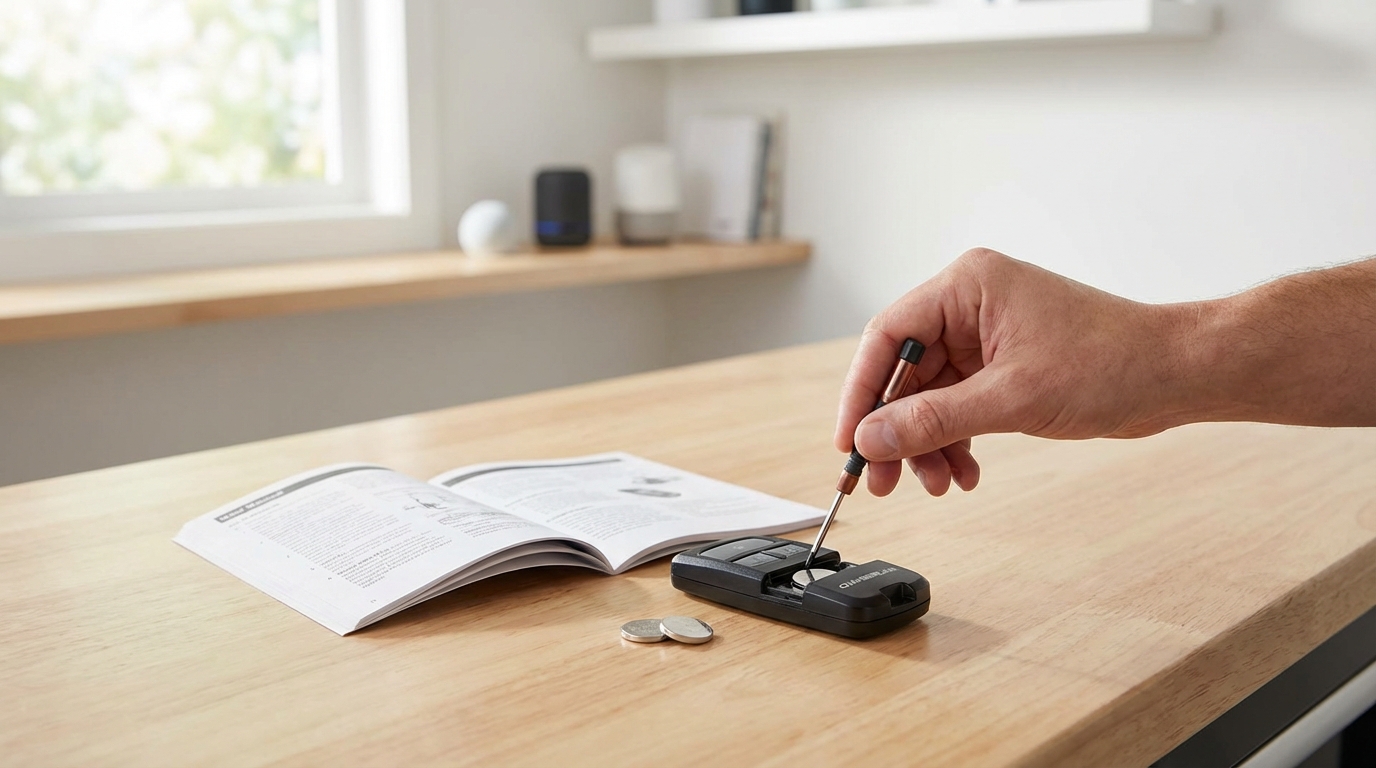
First, obviously replace the battery. But when you open the remote, look closely at the metal contacts where the battery touches. Over time, moisture in the garage can cause a tiny bit of rust or corrosion. If the metal looks dull or has white powder on it, grab a little piece of sandpaper or a nail file and scratch it up a bit to get shiny metal showing again.
Also, a weird thing to note: If your remote uses those flat coin batteries (like the CR2032), be careful with the new ones you buy. Duracell and some other brands started putting a "bitter coating" on them to stop kids from swallowing them. believe it or not, this coating can actually interfere with the connection in some older Chamberlain remotes. If you swap the battery and it still doesn't light up, try finding a generic battery without the bitter coating.
Reprogramming the Remote to the Opener
Sometimes the garage door opener just "forgets" the remote. It can happen after a power outage or a lightning storm. You need to re-introduce them to each other.
Here is how you do it, and it depends entirely on the color of the "Learn" button on your motor unit.
Step 1: Find the Learn Button
Grab a stepladder and climb up to the main motor unit on the ceiling. You might need to pop off the light lens cover or look on the back panel near where the wires go. You are looking for a button that is usually square or round, and it will be colored.
Step 2: Identify the Color
Chamberlain (and LiftMaster/Craftsman, they are basically the same company) uses a color-coding system to tell you what frequency the unit uses.
- Yellow Button: Security+ 2.0 (Newest technology).
- Purple Button: 315 MHz (Security+).
- Red or Orange Button: 390 MHz (Security+).
- Green Button: 390 MHz (Billion Code).
Step 3: The Programming Sequence
The process is generally the same for all of them, but timing varies slightly. Here is the standard way to do it:
- Press and release the Learn button on the motor unit. Do not hold it down, just a quick press like a doorbell. A little LED light next to it should turn on and stay steady.
- You now have about 30 seconds. Get down from the ladder or just grab your remote.
- Press and hold the button on the remote control that you want to use.
- Wait for the click: You should see the main light bulbs on the garage opener unit flash once, or hear a distinct "click" noise.
- Let go of the remote button. It should be programmed.
If you have the fancy "Universal" remotes, you might have to press the remote button a specific number of times based on that Learn button color we looked at. You'll have to check the manual for the specific click-count, but usually, the standard "press and hold" works for genuine Chamberlain remotes.
The Silent Killer: LED Light Bulbs
This is a huge issue that popped up in the last five or ten years. Did you recently change the light bulb in your garage door opener to a nice, bright LED?
Here is the deal. Garage door openers use radio frequencies (usually between 288MHz and 433MHz). Cheaply made LED light bulbs emit "noise" or interference on these exact same frequencies. It acts like a radio jammer.
The symptom: The remote works fine when you are standing right next to the door inside, but fails completely when you are outside in the driveway. This happens because the range is killed by the interference.
The Fix: Unscrew the light bulbs from the opener unit. Test the remote from the driveway. If it works now, you found the problem. You need to buy "Garage Door Compatible" LED bulbs (Genie and Chamberlain make their own) which are shielded to prevent this interference.
Check the Logic Board
If you have changed the battery, checked the lock button, and tried to reprogram it but the motor unit just won't accept the signal (the light never flashes to confirm programming), you might have a bad logic board.
The logic board is basically the brain of the opener. It’s a circuit board inside the motor housing. Over time, vibrations can crack the solder points, or a power surge can fry the receiver component.
To diagnose this, try to program a different remote if you have one, or even a keypad. If the opener refuses to learn any wireless accessory, the receiver on the logic board is toast. According to most repair forums, you can replace just the board (it costs usually around $80-$100), but depending on the age of the opener, it might be better to just buy a whole new unit.
The Antenna Wire
Hanging down from your motor unit, there should be a short wire, usually about 6 to 10 inches long. This is the antenna. It looks flimsy, but it's important.
Make sure this wire isn't curled up inside the housing or tucked away. It needs to hang down straight to catch the signal from your car. I've seen people accidentally cut this wire thinking it was scrap, or tape it up to hide it. If it’s damaged or too short, your range is gonna suffer big time.
Is the Remote Itself Broken?
Sometimes we overthink it and look at the motor, when the remote itself is just bust. These things live in our cars; they bake in the sun in the summer and freeze in the winter. They get dropped on concrete constantly.
Open up the remote casing. Look at the little buttons soldered to the board. Are they loose? Do they click when you push them? If the button feels "mushy" and doesn't give a tactile click, the switch underneath is probably worn out. No amount of battery changing is gonna fix a broken switch. Replacement remotes are cheap, usually like $15 for a two-pack on Amazon, so don't stress too much if you need a new one.
Resetting the Whole System (The "Nuclear" Option)
If nothing is working and your opener is acting possessed, you can wipe its memory clean. This deletes all remotes and keypads, so you will have to reprogram everything from scratch.
To do this, go back to that Learn button on the motor unit. Press and hold it down. Keep holding it. The LED light will turn on. Keep holding it for about 6 seconds until the LED light turns off.
Once the light goes out, the memory is wiped. Now, try to program your remote again using the steps from earlier. Sometimes clearing out the old "ghost" codes helps the system run smoother.
Safety Sensors: The "Close" Problem
I want to mention this just in case your problem is specifically that the remote opens the door, but won't close it.
If you press the remote and the door starts to move down, stops, and goes back up (and the lights flash and click), this is not a remote problem. This is a Safety Sensor problem. Those are the two little black boxes at the bottom of the door tracks.
They need to be looking at each other perfectly. If one is bumped, or if a spider web is in the way, the beam breaks. The door thinks something is in the way and reverses for safety. This overrides the remote control. So, check the little lights on those sensors. One should be green and the other amber. If one is flickering or off, realign them until they are both solid.
Compatibility Check
If you just bought a new remote and you cannot get it to work no matter what, double-check that you bought the right one. Chamberlain and LiftMaster are the same, but they are generally NOT compatible with Genie or Overhead Door unless you bought a specific "Universal" remote.
Also, really old Chamberlain openers (from the early 90s with the Green learn button) sometimes struggle with the newer "Universal" remotes that claim to work with everything. If you have a vintage opener, you might need to hunt down a specific replacement model on eBay or a specialty gate/garage site.
Interference from electronics in the home
This is rare but it happens. There are reports of other electronic devices jamming the frequency. We talked about LED lights, but things like bad transformers on a nearby appliance, or even a radio tower nearby can cause issues.
To test this, flip the breaker off for your house (except the garage) and see if the range improves. If it does, something inside your house is broadcasting noise. That is a headache to track down, but usually, it's a cheap power adapter plugged in somewhere.
Frequently Asked Questions
Why does my Chamberlain remote work sometimes but not others?
This is usually interference or a weak battery. Cold weather can drop the voltage of a battery just enough to make it unreliable. Also, check for LED lights in the garage that might be interfering with the signal.
Where is the antenna on my Chamberlain garage door opener?
It is a small, insulated wire (usually grey or black) hanging down from the back or side of the motor unit near the ceiling. It should be about 6-10 inches long.
Can I program my Chamberlain remote without the Learn button?
Generally, no. For security reasons, you need physical access to the motor unit to trigger the learning mode. However, if you have a "Smart Control Panel" on the wall (the fancy one with an LCD screen), you can sometimes enter programming mode through that menu without climbing a ladder.
What does it mean if the garage door opener light flashes 5 times?
If you press the remote and the opener lights flash but the door doesn't move, or it reverses, it is almost always a safety sensor issue, not a remote issue. Check the sensors at the bottom of the door.
How many remotes can I program to one opener?
Most residential Chamberlain units can hold about 5 remotes and 1 keypad in their memory. If you try to add more, it will usually delete the oldest one to make room for the new one.
Does Chamberlain work with LiftMaster remotes?
Yes, for the most part. Chamberlain, LiftMaster, and Craftsman (Sears) openers made after 1993 are usually interchangeable because they are manufactured by the same parent company. Just match the button color (Yellow, Purple, Red) to be safe.