
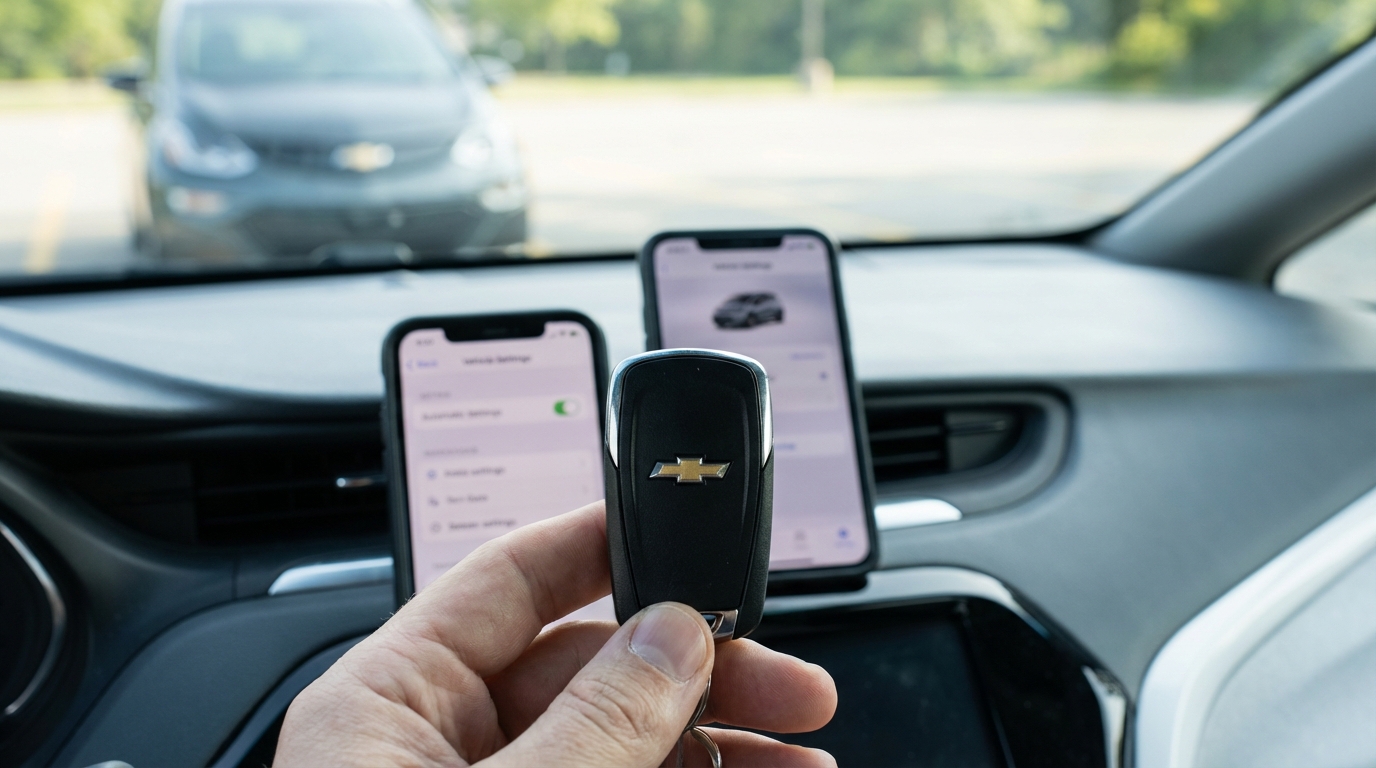
Key Takeaways: Why Your Bolt Won't Remote Start
- The Key Fob Battery: It's usually a dead CR2032 battery. Swap it out.
- The Check Engine Light: If you have any dashboard warning light on, the system disables remote start for safety.
- The Hood Latch: If the car thinks the hood is open (even if it looks closed), it won't start.
- Door Locks: You must press the Lock button before holding the Start button.
- Hazards: Remote start won't work if your hazard lights are flashing.
The Short Answer
If your Chevy Bolt remote start isn't working, 90% of the time it is because the Check Engine Light is on or the hood isn't latched all the way. The car's computer is programmed to disable the remote start feature if it detects any mechanical issues or if it thinks someone might be working under the hood. To fix it quickly: check your dashboard for lights, slam the hood shut properly, and make sure you are pressing the Lock button on your fob before holding down the Loop/Start button for at least 4 seconds.
If that didn't do the trick, don't worry. I've been down this rabbit hole with my own EV and helped a few buddies with theirs. We are gonna go through every single possibility below, from the easiest fixes to the ones that might require a trip to the dealer.
1. The Most Common Culprit: User Error (Don't Be Mad!)
Look, I do this all the time. Sometimes we just press the buttons too fast or in the wrong order. Before you go tearing apart your key fob, lets just double check the sequence.
According to the Chevy Bolt owner's manual, you have to do it exactly like this:
- Press the LOCK button on the key fob. (Yes, even if the car is already locked).
- Immediately press and HOLD the Remote Start button (the one with the circular arrow).
- Hold it for at least 4 seconds or until the turn signal lamps flash.
If you just press the start button without locking it first, it ignores you. It’s a security thing. Also, if you are too far away, the signal might be weak. Try holding the fob up against your chin (I know it sounds crazy, but your head acts as an antenna-science says so) and try again.
2. The "Check Engine" Light Issue
This is the one that catches people off guard. If your "Service Vehicle Soon" light or the little engine icon is glowing on your dash, the remote start is hard-coded to fail.
Why? Because Chevy doesn't want the car turning on and running without a driver present if the computer thinks something is broken. It prevents the car from overheating or causing more damage.
The Fix: You need to know why the light is on. You can go to an auto parts store like AutoZone, and they will usually scan your car for free. Or, you can buy a cheap OBDII scanner online. Once you fix whatever caused the light (like a loose sensor or a battery issue) and clear the code, your remote start will work again immediately.
3. The Hood Latch Sensor
This is super specific to newer Chevys. There is a sensor under the hood of your Bolt that tells the car if the hood is open. It’s a safety feature so that the engine (or high voltage system) doesn't start while a mechanic has their hands inside.
Sometimes, the hood looks closed, but it hasn't "clicked" the sensor down. Other times, the sensor itself gets dirty or bent.
The Fix: Go out to the car, pop the hood, and then slam it shut with a bit of authority. If that doesn't work, you might need to inspect the latch mechanism. If the sensor is broken, the car thinks the hood is open 24/7, and remote start will never engage.
4. The Key Fob Battery is Dead
If you've had your Bolt for more than 2 or 3 years, the battery in the remote is probably toast. The remote start signal requires a stronger burst of energy than just unlocking the doors. So, you might be able to unlock the car just fine, but the start command fails.
The Fix: Change the battery. It uses a CR2032. You can get these at any grocery store or pharmacy.
How to change the battery:
- Press the little silver button on the side of the fob to pull out the physical metal key.
- Use that key (or a flathead screwdriver) to pry the two halves of the plastic shell apart. It feels like you're gonna break it, but just be gentle.
- Pop the old battery out and put the new one in (positive side facing down usually, just match what you took out).
- Snap the case back together. No reprogramming needed.
5. The 12V Battery (Not the Big One)
Okay, this confuses a lot of new EV owners. Your Bolt has two batteries. The massive one under the floor that drives the wheels, and a regular, old-school 12-volt lead-acid battery under the hood (just like a gas car).
The 12V battery runs the electronics, the radio, the door locks, and... the remote start receiver. If your 12V battery is getting old or weak, the car starts acting weird. Weird glitches happen. The remote start might refuse to engage to save what little power is left in the 12V system.
If your Bolt is 3+ years old and you still have the original 12V battery, I’d bet money this is your problem.
6. Are Your Hazard Lights On?
This is a weird one, but I saw it on a forum once and it turned out to be true. If you left your hazard flashers on, the remote start is disabled. Make sure the hazard button inside the car isn't pressed.
7. Limits on Remote Starts
Did you know there is a limit to how many times you can do this? According to the manufacturer, you can only remote start the Bolt two times in a row.
Each cycle lasts for 20 minutes. So:
- Start 1: Runs for 20 mins.
- Start 2: Runs for another 20 mins (extends the time).
After that, the car says "No more." You have to actually physically get in the car and turn it on to reset the counter. If you've been sitting inside trying to warm it up over and over without driving it, this is probably why it stopped working.
8. The "Key Inside Vehicle" Safety
If you have a spare key fob that you left inside the cup holder or the glove box, the car knows it's there. It won't remote start if it detects a key is already inside the cabin. It does this to prevent lockouts and theft. Find that spare key and take it out.
9. OnStar and App Issues
If you are trying to use the myChevrolet app on your phone instead of the key fob, that's a whole different beast.
Subscription Status: Chevy moved the remote key fob feature in the app to the paid tier for many models after a certain year. If your free trial ran out, the button in the app might be greyed out or just fail to connect.
Cellular Signal: The car needs a cell signal (AT&T usually) to talk to the app. If your Bolt is parked deep in an underground parking garage, it can't hear the signal from the satellite or tower. The key fob uses radio waves (RF) which work close by, but the app uses the internet.
Server Issues: Honestly, the Chevy app is kinda glitchy. Sometimes their servers are just down. If the fob works but the app doesn't, wait an hour and try again.
Why Pre-Conditioning is Important
Since we are talking about this, I wanna mention why you really want to get this fixed. On a gas car, remote start is just for comfort. On a Chevy Bolt, it's about range.
If your car is plugged into the charger at your house, using remote start pulls power from the wall to heat up or cool down the cabin and the battery. This is called "pre-conditioning."
If you don't do this, you get in the car with a cold battery. As soon as you start driving, the car has to use its own stored electricity to heat the cabin and the battery pack. That kills your range. By fixing your remote start, you are actually making sure you get more miles out of your charge.
Deep Dive: Troubleshooting Step-by-Step
If you've read all the above and it's still dead, follow this flow:
Step 1: Visual Check
Walk around the car. Are all doors fully closed? Is the trunk/hatch fully latched? Is the hood flush with the body? If anything is ajar, close it.
Step 2: The Dashboard Test
Get in, start the car normally. Look at the dash. Are there any yellow or red lights? Even a "Tire Pressure Low" light sometimes messes with things, though usually, it's the Check Engine light that is the killer. If there are lights, you need to address the mechanical issue first.
Step 3: The Spare Key Test
Do you have a second key fob? Try the remote start with the other fob. If the second one works, you know your main fob is broken or has a dead battery. If neither works, the problem is with the car, not the remote.
Step 4: The 12V Disconnect (The "Reboot")
This is the "turn it off and on again" for cars. If the computer is just glitched, you can disconnect the negative terminal on the 12V battery under the hood for about 10 minutes. This resets the infotainment and some control modules.
Warning: You'll lose your radio presets, and the window auto-up/down might need to be reset (roll them all the way down and hold, then all the way up and hold). But this often clears temporary glitches preventing remote start.
When to see the Dealer
If you have changed the battery in the fob, confirmed the hood is latched, ensured no check engine lights are on, and the 12V battery is healthy, you might have a bad Remote Control Door Lock Receiver (RCDLR) or a Body Control Module (BCM) issue.
These are computer parts buried in the dash. You can't really fix them in your driveway. If you are still under warranty, the dealer should fix this for free. If not, it can be a few hundred bucks for the diagnosis and part.
Final Thoughts
It's super frustrating when technology doesn't work, specially when its freezing outside and you just want a warm car. For most people reading this, it's gonna be the hood latch or the fob battery. Those are cheap and easy fixes.
Don't ignore that Check Engine Light either. The car is trying to protect itself. Fixing the remote start is just a bonus of keeping your Bolt healthy!
Frequently Asked Questions
Q: Does the Chevy Bolt turn off automatically after remote start?
A: Yes. It will run for 20 minutes and then shut off to save battery if you haven't gotten in and pressed the start button.
Q: Can I remote start my Bolt while it is plugged in?
A: Yes! In fact, this is the best way to do it. It uses grid power to warm the car instead of draining your battery.
Q: Why does my parking lights flash but the car doesn't start?
A: This usually means the car received the signal but rejected the request. This points to a safety issue like the hood latch being open or a Check Engine Light being active.
Q: How do I know if the remote start is on?
A: The parking lamps (turn signals) will flash and remain on. Also, if you have the climate control set to "Auto," you might hear the fan blowing.
Q: Will the heated seats turn on automatically?
A: Usually, yes. If it is cold enough outside and you have "Auto Heated Seats" enabled in the vehicle settings menu on your touchscreen, they will kick on during a remote start.