
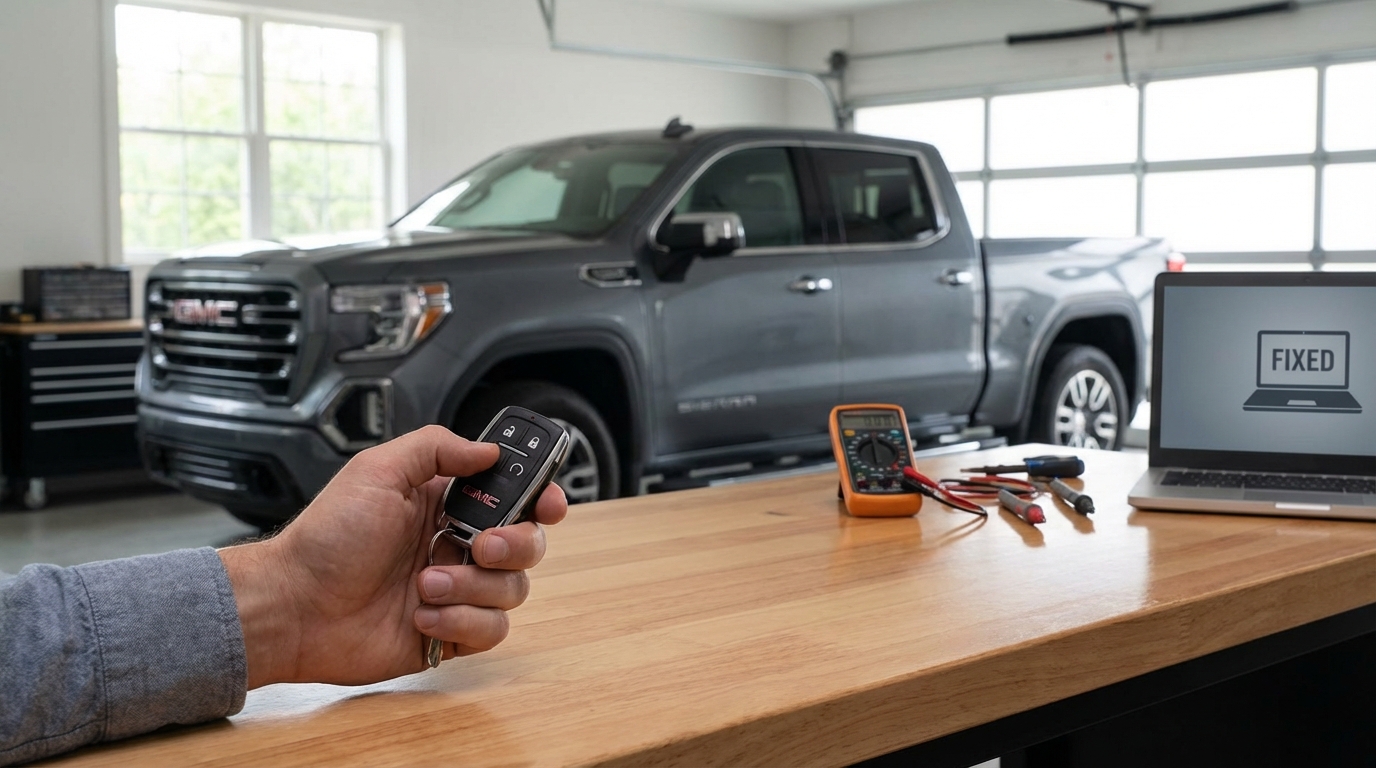
Key Takeaways: Why Your Sierra Won't Remote Start
- Check Engine Light: If this light is on, remote start is automatically disabled to protect the engine. This is the #1 cause.
- Hood Latch Sensor: A faulty or dirty hood latch sensor makes the truck think the hood is open.
- Key Fob Battery: A weak CR2032 battery prevents the signal from reaching the truck.
- Two-Start Limit: You can only remote start the truck twice. After that, you must insert the key or push the start button manually to reset the cycle.
- Hazard Lights: If your hazard flashers are on, the system is locked out.
The First Thing You Need To Check
If you are standing in your driveway pressing the lock button and holding the start button but nothing is happening, look at your dashboard. If your Check Engine Light (CEL) is on, the remote start will not work. Period.
This isn't a glitch; it is a safety feature designed by General Motors. The logic is pretty simple: if the computer detects a problem with the engine, it doesn't want to let the truck run without a driver present to watch the gauges. Even a minor issue, like a loose gas cap that triggers an emissions code, will kill the remote start function. You need to clear the code with an OBDII scanner to get it working again.
The 4 Most Common Reasons Your GMC Sierra Remote Start Failed
I've helped a lot of friends with their Sierras and Silverados, and honestly, 90% of the time the issue comes down to one of these four things. Before you go spending money at the dealership, run through this list.
1. The Check Engine Light (CEL)
As I mentioned above, this is the big one. According to the GMC owner's manual, the remote vehicle start system is disabled if the vehicle's malfunction indicator lamp is on. Sometimes you might not even notice the light is on if you haven't driven it in a day or two.
The Fix: You need to read the code. You can buy a cheap scanner on Amazon for like $20, or go to an auto parts store like AutoZone or O'Reillys. They will scan it for free. If it's something silly like an EVAP code from a loose gas cap, tighten the cap and clear the code. Once the light is off, your remote start should work immediately.
2. The Hood Latch Sensor
This one drives me crazy. There is a small micro-switch located inside the hood latch assembly at the front of the truck. Its job is to tell the computer if the hood is open or closed. If the truck thinks the hood is open, it disables remote start so you don't accidentally start the engine while someone has their hands near the fan belt.
The problem is that this sensor gets hit with water, salt, and road grime constantly. It gets dirty or the connector gets corroded.
The Fix: First, try opening and slamming the hood shut firmly. sometimes that jars the sensor loose. If that fails, look at your dashboard. If it says "Hood Open" but the hood is clearly closed, you found your culprit. You can try cleaning the latch mechanism with some brake cleaner or WD-40, but usually, you just have to replace the latch assembly. It's not too hard to do yourself.
3. The "Two Start" Rule
A lot of people dont know this, but GM has a hard limit on how many times you can remote start the vehicle. You are allowed two remote start events between ignition cycles.
For example: You remote start the truck (1). It times out after 10 or 15 minutes and shuts off. You remote start it again (2) because you're running late. It times out again. If you try to remote start it a third time, it will just flash the lights and do nothing.
The Fix: You have to physically get in the truck, put the key in (or press the button), and turn the ignition to the "On/Run" position. This resets the counter.
4. Dead Key Fob Battery
If you hit the button and the lights on the truck don't even flash, your fob probably isn't sending a strong enough signal. Even if the battery has enough juice to unlock the doors, it might be too weak to send the continuous signal needed for the remote start sequence.
The Fix: Pop the fob open and swap the battery. Most GMC Sierra fobs use a CR2032 or CR2025. Check the back of your fob to be sure. It takes two minutes and costs about five bucks.
The "Hidden" Safety Lockouts
So, you checked the engine light, the hood is closed, and your fob is fresh. But it's still not working. GMC has a long list of safety parameters that must be met for the truck to fire up. If any single one of these is "True," the truck stays off.
Here is the checklist you need to run through in your head:
- Hazard Lights Are On: If you left your emergency flashers on, remote start is disabled.
- Key is Inside the Truck: If you have a spare key hidden in the glove box or center console, the truck knows it's there. It won't remote start if it detects a fob inside the cabin (this prevents lockouts and theft).
- Transmission Not in Park: The gear selector must be firmly in PARK. Sometimes the linkage gets a little sloppy. Try shifting to Neutral and slamming it back into Park.
- Coolant Temperature: If the engine is already too hot, the system might prevent a start to protect the engine.
- Oil Pressure: Low oil pressure readings will shut the system down instantly.
- Content Theft Deterrent: If the alarm was triggered recently, you usually have to reset it by unlocking the truck with the physical key or fob before remote start works again.
Diesel Owners (Duramax Specifics)
If you drive a Sierra 2500HD or 3500HD with the Duramax diesel, things work a tiny bit differently. I've had friends panic because their truck didn't start *immediately* when they pressed the button.
Remember that diesels need to heat the glow plugs, especially when it's cold outside. When you initiate the remote start sequence on a Duramax:
- The lights will flash.
- There will be a delay (could be a few seconds).
- The truck waits for the Glow Plug logic to cycle.
- Then it cranks.
If it is extremely cold, this delay can feel like an eternity. Just be patient. However, if you have a "Wait to Start" light issue or a bad glow plug, the system might abort the start to save the batteries.
Troubleshooting the Key Fob Itself
Sometimes the problem isn't the truck; it's the remote. These things take a beating. We drop them, sit on them, and toss them on the counter. The contact pads inside can wear out.
If you have a second key fob, try that one. If the second fob works perfectly, you know the issue is isolated to your main fob. You might need to buy a replacement shell and transfer the electronics, or just clean the contacts with a little rubbing alcohol and a Q-tip.
Also, make sure you are doing the sequence right. I know, I know, you've done it a million times. But just humor me:
- Press Lock.
- Immediately press and hold the Start button (the circle arrow) for at least 4 seconds.
- The turn signal lamps should flash.
If you wait too long between pressing Lock and Start, it ignores the command.
Is It Valet Mode?
This happens more on the newer Sierras with the big infotainment screens. There is a setting called "Valet Mode" which locks out the infotainment system and limits certain truck functions to prevent parking attendants from joyriding your rig.
In some model years, Valet Mode can interfere with remote functions. Go into your settings menu on the dashboard screen and make sure Valet Mode is turned off. You'll usually need the 4-digit PIN you set up to disable it.
Aftermarket Remote Starters
Everything I've written so far applies to the OEM (Factory) remote start. If you bought your Sierra used, it might have an aftermarket system installed (like Viper, Compustar, or a "Plug-n-Play" module).
You can usually tell because the key fob looks different, or you have a separate little remote on your keychain. If you have an aftermarket system, the troubleshooting is totally different.
Most aftermarket systems have a "Valet Switch" or a toggle switch hidden under the dash near the driver's knees. If you accidentally kicked that switch, it disables the remote start. Look under your steering column for a small black toggle switch or a button and try flipping it.
Resetting the System
If you have checked the engine light, the hood latch, the battery, and the settings, and it still wont work, you can try a "hard reset" of the truck's computers. It's basically the "Control-Alt-Delete" for your car.
How to do it:
- Pop the hood.
- Disconnect the Negative (-) battery terminal. It's the black one. You'll usually need a 10mm socket.
- Leave it disconnected for about 15 to 30 minutes. Go grab a coffee.
- Reconnect the cable and tighten it down.
- Start the truck manually with the key.
- Turn it off, lock it, and try the remote start again.
This clears out temporary memory glitches in the Body Control Module (BCM). Just be warned, you might lose your radio presets and you'll have to reset your clock.
When to See the Dealer
I hate going to the dealership as much as you do. It's expensive and takes forever. But there are two specific scenarios where you probably have no choice.
1. The BCM is dying: The Body Control Module is the computer brain that controls locks, lights, and remote start. If this unit is failing, no amount of battery swapping will fix it. A dealer needs to diagnose it.
2. Reprogramming: Sometimes, the key fob simply loses its programming pairing with the truck. On older models (pre-2011ish), you could sometimes reprogram them yourself using a sequence of button presses. On the newer Sierras (2014+), you generally need a locksmith or a dealer with a Tech-2 or MDI scan tool to program the fob to the truck.
A Note on the myGMC App
If your key fob isn't working, but you have a subscription to OnStar/Connected Services, try starting the truck with the myGMC app on your phone.
If the app starts the truck but the key fob doesn't? The problem is your key fob hardware or battery.
If neither the app nor the fob works? The problem is the truck (Check Engine Light, Hood Latch, etc).
This is a great way to narrow down the problem quickly without getting your hands dirty.
Summary
Look, I know how annoying it is to walk out to a cold truck in the winter when you paid for remote start. It sucks. But 9 times out of 10, it's that pesky Check Engine Light or a sensor thinking the hood is open. Start there. Don't overcomplicate it. Check the dash for warning lights, swap the fob battery, and make sure your hazards aren't on.
Hopefully, this gets you back to a warm truck in the morning!
Frequently Asked Questions
Does the Check Engine Light disable remote start on GMC Sierra?
Yes, absolutely. This is the most common cause. The truck's computer prevents remote starting if there are any active engine fault codes to prevent potential damage to the engine or exhaust system.
How do I reset my remote start?
The easiest way to reset the logic is to start the vehicle manually with the key or push-button. Drive it for a short distance or let it run for a minute, then turn it off. This resets the "two-start limit." If the system is glitching, you can disconnect the negative battery terminal for 15 minutes to reset the BCM.
Why does my truck lights flash but not start?
If the lights flash but it doesn't crank, it usually means the truck received the signal but rejected the request. This is typical when a safety parameter fails (like the hood is open, hazards are on, or oil pressure is low).
Can I disable the auto start/stop feature permanently?
That is a different feature (where the engine turns off at stoplights). Remote start is for warming up the car. However, there are aftermarket "range disablers" you can plug into the OBDII port to stop the auto start/stop feature if it annoys you, but that doesn't affect your key fob remote start.
How long does the GMC remote start run for?
It runs for 10 minutes (or 15 minutes on some newer models). You can extend it once for another 10 minutes, giving you a total of 20 minutes. After that, it shuts off and you have to start it manually.