
Key Takeaways
- Hardware is everything: You can't just use a laptop. You need diagnostic-grade monitors (usually 3MP or 5MP), a powerful workstation, and a backup power supply.
- Licensing is a headache: If you are reading scans for patients in 10 different states, you need 10 different medical licenses. Look into the Interstate Medical Licensure Compact (IMLC).
- Internet speed matters: You need high bandwidth and low latency. Hardwire your connection; don't rely on Wi-Fi.
- Ergonomics saves careers: Investing in a good chair and a sit-stand desk isn't optional when you sit in the dark for 8-10 hours.
- Tax benefits: If you work as an independent contractor (1099), you can write off your home office and equipment.
What is Teleradiology and Why Do It?
Put simply, teleradiology is the practice of interpreting medical images while you aren't physically present at the place where the images were generated. For a long time, this was mostly the domain of "Nighthawks"-radiologists covering overnight emergency shifts. But things have changed.
Now, day shifts, subspecialty reads, and overflow coverage are all happening remotely. It offers a flexibility that hospital-based jobs just cant match. You cut out the commute, you ignore hospital politics, and you can live where you want (mostly). But it requires a serious setup and a shift in mindset.
Setting Up Your Home Reading Room
This is where you need to spend the money. You cannot skimp here. According to the American College of Radiology (ACR) guidelines, technical standards for electronic practice are strict. You aren't just looking at pictures; you are making diagnostic decisions that affect lives.
The Monitors
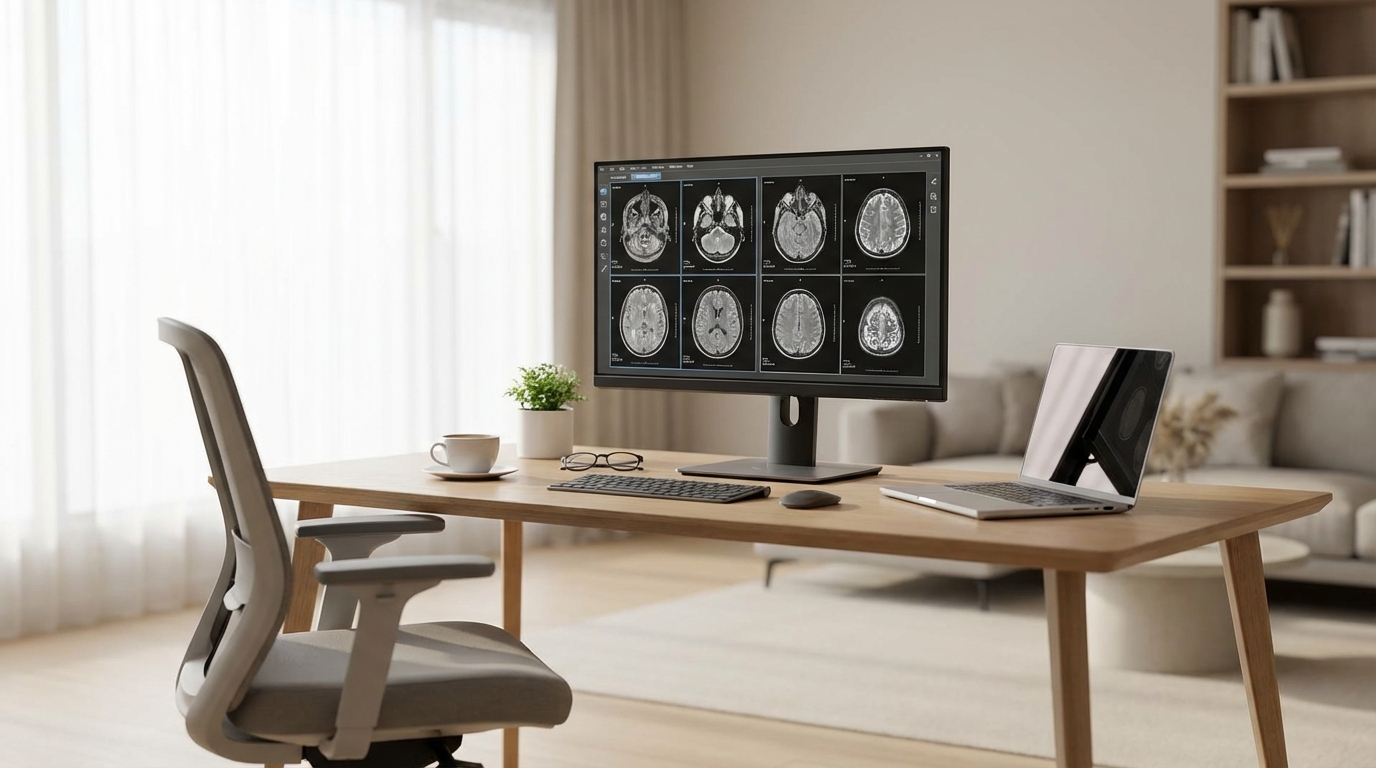
This is the most critical part of your setup. You generally need at least two high-resolution diagnostic monitors for viewing images and a third standard monitor for your worklist and dictation software.
For diagnostic monitors, you are looking for:
- Resolution: 3MP (megapixels) is usually the standard for CT, MRI, and Ultrasound. If you are reading Mammography, the FDA requires 5MP monitors.
- Calibration: These screens need to be DICOM calibrated. This ensures that the grays you see are accurate. Standard gaming monitors usually don't cut it because their contrast ratios aren't designed for medical imaging.
- Brands: Barco and Eizo are the heavy hitters here. They are expensive, but they are the industry standard.
The Workstation (Computer)
Your computer needs to be a beast. PACS (Picture Archiving and Communication System) software can be heavy, especially when loading a thin-slice trauma CT with thousands of images. You don't want lag.
Aim for a high-end processor (Intel i7 or i9, or equivalent AMD), at least 32GB of RAM (64GB is better), and a solid graphics card. A dedicated graphics card is often necessary to drive those high-res monitors.
Lighting and Environment
Radiologists are famous for working in the dark, and for good reason. Ambient light causes glare and washes out contrast. You need a room where you can control the light completely. Blackout curtains are a must if you have windows.
However, total darkness strains the eyes. You want "bias lighting"-a soft light behind the monitors to reduce eye fatigue. It makes the screen pop without causing glare.
Internet Connection
Don't use Wi-Fi. It's not stable enough. Run an ethernet cable directly from your router to your workstation. You need high download speeds to pull images from the hospital servers quickly. If you are working for a large teleradiology group, they will likely test your speed before hiring you.
Licensing and Credentialing
Here is the part nobody likes. The red tape.
In the US, you must be licensed in the state where the patient is located, not just where you are sitting. If you live in Florida but you're reading for a hospital group in Texas, Ohio, and New York, you need active medical licenses in Texas, Ohio, and New York.
This gets expensive and time-consuming. However, many states have joined the Interstate Medical Licensure Compact (IMLC). This allows for an expedited pathway to get licensed in multiple member states. If your primary state of residence (State of Principal License) is a member, getting the others is much faster.
Credentialing is another beast. Every hospital you read for needs to credential you. This involves mountains of paperwork. Teleradiology companies often have whole departments dedicated to helping you with this, but you still have to sign the forms.
Workflow and Software
Once you are set up and legal, how does the work actually happen?
VPNs and Security
HIPAA is no joke. You will almost certainly connect to the hospital or imaging center via a VPN (Virtual Private Network). This creates a secure tunnel. Sometimes, the hospital provides a physical "box" or firewall device you plug into your router.
PACS and Dictation
Most groups use cloud-based PACS now. You log in, the worklist populates, and you click a case. The images download to your local cache so you can scroll through them smoothly.
For dictation, Nuance Dragon Medical One is the gold standard. It’s cloud-based voice recognition. You speak, and it types. It’s incredibly accurate once trained. You'll need a good microphone-the Philips SpeechMike is the classic choice that looks like a remote control, but many rads are switching to high-quality gaming headsets or desktop mics for comfort.
The Financials: Employee vs. Contractor
You generally have two paths here: W2 (Employee) or 1099 (Independent Contractor).
W2 Employee
You work for a group. They pay your malpractice insurance, they cover your health insurance, and they withhold your taxes. They might even pay for your licensing and credentialing fees. This is the "safe" route with less paperwork for you.
1099 Contractor
You are your own business. You get paid a flat rate (often per RVU or a refined shift rate), and you get the full amount. However, you have to pay your own taxes (quarterly), buy your own health insurance, and often buy your own malpractice insurance.
The upside? Tax deductions. Since your home office is your primary place of business, you can deduct a portion of your mortgage or rent, utilities, and internet. That $15,000 monitor setup? That's a business expense. You can set up a Solo 401k and stash away a lot of pre-tax money. Talk to a CPA who knows medical professionals, cause the tax code is tricky.
Malpractice Insurance
If you are 1099, you need to buy this. Teleradiology is generally lower risk than interventional radiology, but lawsuits happen. The most important thing to know about is "Tail Coverage."
Most policies are "Claims Made." This means they only cover you if the policy is active when the lawsuit is filed. If you retire or switch jobs and cancel the policy, and someone sues you a year later for a case you read three years ago, you aren't covered.
Unless you buy Tail Coverage. This extends your coverage for past acts indefinitely. It is expensive-often 2x your annual premium. Make sure you negotiate who pays for the tail when you sign a contract.
Health and Ergonomics
This is the stuff people ignore until their back gives out. Remote radiology is a sedentary job. You are sitting (or standing) in one spot, making repetitive movements with a mouse, for hours.
Repetitive Strain Injury (RSI) is a real threat. "Radiologist's thumb" or carpal tunnel can end your career. Invest in an ergonomic mouse (vertical mice are great) or a trackball to switch things up.
Get a sit-stand desk. Alternating between sitting and standing keeps the blood flowing. And get a chair that supports your lumbar spine. Wikipedia notes that the Herman Miller Aeron is iconic for office work, and honestly, lots of radiologists swear by it.
Also, utilize the 20-20-20 rule for your eyes: Every 20 minutes, look at something 20 feet away for 20 seconds. It stops your eye muscles from locking up.
The Isolation Factor
Working from home sounds like a dream until you realize you haven't spoken to a human being face-to-face in three days. In the hospital reading room, you have colleagues to chat with, clinicians dropping by, and general noise.
At home, it's just you and the scans. It can get lonely. Some radiologists love this focus. Others find it depressing. You have to be intentional about your social life outside of work. Go to the gym, meet friends for lunch, or just call people. Don't let the dark room become your whole world.
Finding a Job
The market is hot right now. There is a shortage of radiologists. You have leverage.
Where to look:
- ACR Career Center: The main job board for the industry.
- Radworking: Another popular job site.
- Recruiters: Once you put your CV out there, your phone won't stop ringing. Be picky.
When interviewing, ask about volume expectations. Some private equity-backed groups run their remote rads into the ground, expecting unrealistic reading speeds. Protect your license and your sanity by asking hard questions about quotas.
Conclusion
Remote working for radiologists is a fantastic way to extend your career, avoid burnout, and gain control over your schedule. But it's not as simple as opening a laptop on the couch. It requires professional-grade hardware, legal diligence regarding licenses, and a strict discipline regarding your health and ergonomics.
Get the setup right, hire a good accountant, and enjoy the commute from your bedroom to your office.
Frequently Asked Questions
Can I travel and work from anywhere, like a digital nomad?
Sort of, but it's complicated. Within the US, yes, as long as you are licensed in the state where the patient is. However, working internationally is much harder. Medicare has strict rules about paying for reads performed outside US soil (basically, they won't pay). Many private insurers follow suit. Plus, accessing hospital networks from foreign IP addresses often triggers security blocks. If you want to read from a beach in Bali, you likely need a very specific "final read" arrangement or only do preliminary reads.
How much does a home workstation cost?
Budget between $10,000 and $15,000 for a top-tier setup. A pair of Barco Coronis Fusion monitors can cost $8k-$10k alone. The PC might be another $2k-$3k. You also need a UPS (Uninterruptible Power Supply) so a power blip doesn't crash your system mid-dictation.
Do I need a separate phone line?
Yes, or a reliable mobile solution. You need to be reachable. If a critical finding comes up (like a brain bleed or a pulmonary embolism), you are legally required to communicate that result to the referring provider immediately. You can't just put it in the report and hope they see it. You need to call. Having a dedicated work line helps separate work from personal life.
Is the pay different for remote radiologists?
It used to be lower than on-site partners, but the gap has closed significantly. Because the demand is so high, remote salaries are very competitive. However, you usually don't get the "partnership track" equity that private practice groups offer. You trade the potential massive payout of partnership for the immediate flexibility of teleradiology.
What happens if my internet goes out?
You stop working, and you stop getting paid. That's why redundancy is key. Many remote rads have two internet providers (like cable and fiber) or a 5G hotspot backup. If you are on a shift and can't read, the group needs to know immediately so they can route images to someone else.