
Key Takeaways: Quick Fixes
- Check the Receiver Box Batteries: It’s not just the handheld remote. The black box inside the fireplace needs fresh AA batteries too.
- The "Learn" Button: If batteries are new, you probably just need to re-sync. Press the "Learn" button on the receiver and then the ON button on the remote.
- Slide Switch Position: Make sure the slider on the receiver is set to "REMOTE" (or RS), not just OFF or ON.
- Dip Switches: On older models, check that the little switches inside the remote match the ones on the receiver exactly.
- Temperature Mode: If your remote is in "Auto" or "Thermo" mode, it won't turn on unless the room is colder than the setting.
The Immediate Solution: Why Your Skytech Remote Isn't Working
If you are freezing right now and just want the fire on, stop looking at the remote for a second. Go to the black receiver box usually located under the fireplace (behind the louvers or the grate). Find the slider switch. Move it from "Remote" to "ON".
Did the fire start? Great. That means your gas valve and the fireplace itself are working fine. The problem is definitely the communication between the remote and that box. If moving that switch to "ON" didn't do anything, you might have a gas supply issue or a bad valve, which is a job for a plumber, not a blog post. But if the fire lit up manually, we can fix the remote. Put the switch back to "Remote" or "RS" and lets get into the troubleshooting.
Step 1: The Battery Trap (It's Not What You Think)
Okay, I know you probably already changed the batteries in the remote. Everyone does that first. But here is where 90% of people get stuck. Did you change the batteries in the receiver box?
Skytech systems consist of two parts: the transmitter (the thing in your hand) and the receiver (the black box inside the fireplace cavity). That receiver usually runs on 4 AA batteries. Because it sits under a hot fireplace, those batteries degrade faster than normal.
Even if the little red light on the receiver blinks when you move the slider, the voltage might be too low to actually open the gas valve. The solenoid requires a specific burst of power to "latch" open. Weak batteries might have enough juice to light an LED, but not enough to push the valve open. It's like trying to start a car with a dying battery-the radio might work, but the engine won't turn over.
Pro Tip: Don't use rechargeable batteries here. Rechargeables usually output 1.2 volts, whereas standard alkalines output 1.5 volts. You need that full voltage. Grab a fresh pack of Duracells or Energizers. Replace the ones in the remote and the receiver box at the same time so you have a fresh baseline.
Step 2: Re-Syncing the Remote (The "Learn" Function)
If you changed all the batteries and it is still dead, the remote and receiver have probably stopped talking to each other. This happens sometimes when power is lost or just due to electronic glitches. You need to re-pair them.
Most modern Skytech remotes use a "Learn" button. Here is exactly how to do it:
- Locate the receiver box (under the fireplace).
- Make sure the slider switch is in the REMOTE position.
- Find the small hole or button marked LEARN (sometimes it's very small and you might need a paperclip, but usually it's a small black button).
- Press and release the LEARN button. You should hear a distinct "Beep" from the receiver. This means it's listening for a new command.
- Immediately (within a few seconds) press the ON or MODE button on your handheld remote.
- You should hear a second series of beeps (usually 3 or 4 rapid beeps).
If you heard that second series of beeps, congratulations! You fixed it. The receiver has accepted the new code from the remote. Try turning it off and on again to verify.
What if I don't hear the first beep?
If you press the Learn button and hear absolutely silence, check your battery orientation in the receiver box. If they are in right and you still get no beep, the receiver box itself might be fried. These things sit in high-heat environments for years; eventually, the electronics can succumb to heat stress.
Step 3: The Old School Dip Switches
Not all Skytech remotes use the "Learn" button technology. If you have an older model, or if you don't see a Learn button, you likely have "dip switches."
Open the battery compartment of your handheld remote. Look for a little block with tiny switches numbered 1 through 4 (or sometimes more). Now, look at the receiver box. It will have a matching block of switches.
For the remote to work, these switches must match exactly.
Sometimes, if you drop the remote, one of those little switches gets knocked to a different position. Or, if you bought a replacement remote, the new one comes with a default setting that doesn't match your old receiver.
- Grab a small screwdriver or a pen.
- Look at the pattern on the Receiver (e.g., Up, Down, Up, Down).
- Force the switches on the Remote to look exactly the same.
Honestly, I sometimes just move them all to a new pattern on both devices just to "refresh" the connection. Just make sure they are identical.
Step 4: Check for Corrosion and Loose Wires
Since the receiver box sits on the floor, it's prone to dust, pet hair, and sometimes moisture if you have a vent-free system that produces water vapor. Open the battery compartment on the receiver and look at the metal contacts.
Are they shiny silver? Or do they look dull, rusty, or have white crust on them? If batteries were left in there for two years, they likely leaked. That white acid prevents electricity from flowing.
Grab a piece of sandpaper or a small nail file. Scrape the contacts until they are shiny metal again. I've brought many "dead" fireplaces back to life just by scraping off a tiny bit of battery acid.
While you are down there, look at the two wires coming out of the receiver box. They usually head toward the gas valve. Make sure they are connected tight. These are "millivolt" wires. The voltage is super low, so even a slightly loose connection creates enough resistance to stop the signal. Give them a gentle wiggle to make sure they are spade-clipped on tightly.
Step 5: The "Thermostat" Confusion
I feel like I have to mention this because my neighbor called me over once in a panic, and this was the only problem.
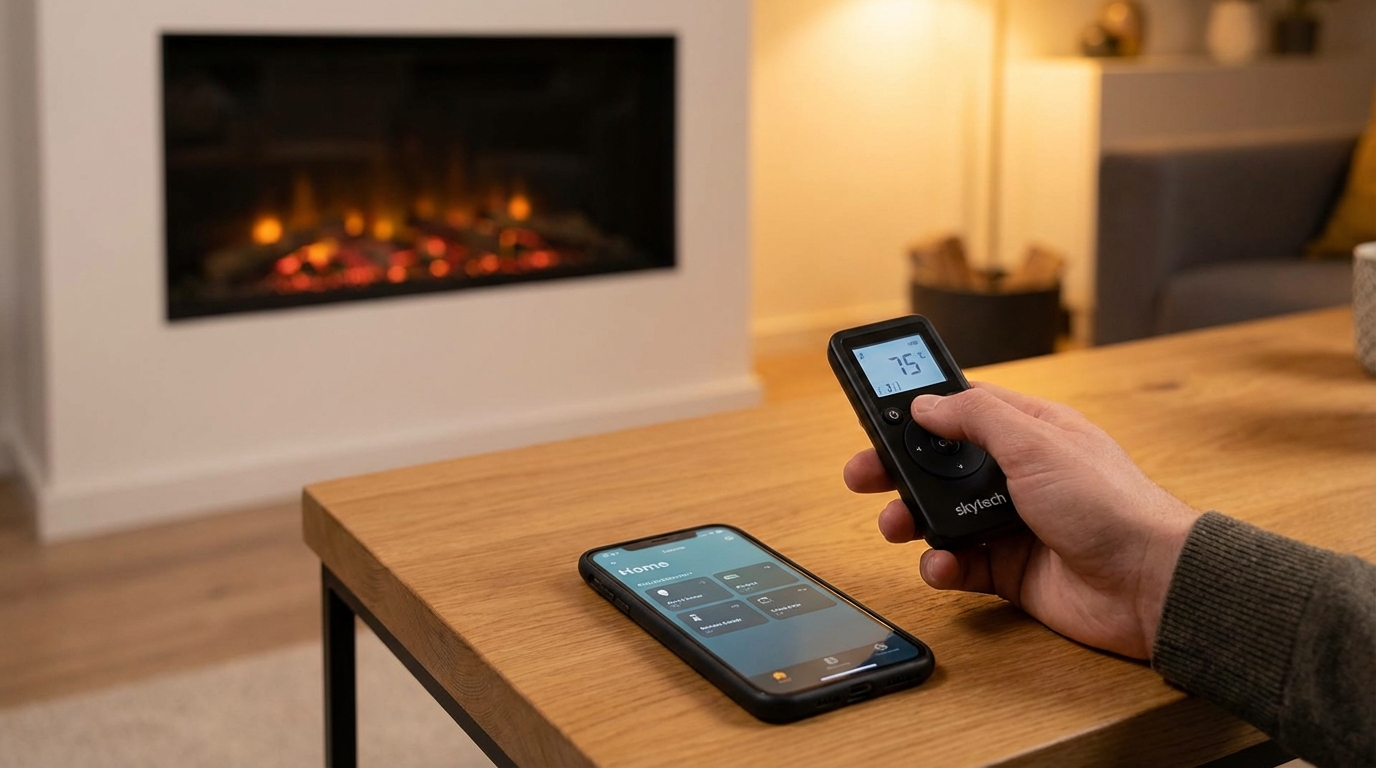
Skytech remotes often have LCD screens with different modes: ON, OFF, and THERMO (or AUTO).
If your screen says "THERMO," the remote acts like a thermostat. It will sense the temperature of the room (where the remote is sitting) and compare it to the "Set" temperature on the screen.
If the room is 72 degrees, and your remote is set to 70 degrees, the fireplace will not turn on. It thinks its job is done. You are warm enough.
To test if the remote is working, cycle the mode button until it just says ON. This overrides the thermostat and forces the fire to light. If it lights up in ON mode but not in THERMO mode, your remote isn't broken-it's just doing its job perfectly.
Step 6: Is the Child Lock On?
Yeah, these remotes have child locks. It's annoying if you don't know about it. Usually, if the child lock is engaged, you will see a little icon that looks like a key or a lock on the LCD screen.
To unlock it, the combination varies, but on many Skytech models, you have to press the UP and DOWN arrow buttons simultaneously (or sometimes Mode and Up). Hold them for a few seconds until the lock icon disappears. If you can push buttons but nothing happens on the screen, check for that lock icon.
When the Receiver is Actually Dead
Sometimes, despite our best efforts, the hardware is just toast. According to general HVAC consensus and manufacturer documentation, these receiver boxes are rated for temperatures up to usually 130°F or 175°F depending on the model. But inside a fireplace cavity, things can get hot.
If the plastic on your receiver box looks warped, or if the "Learn" button doesn't beep no matter how many fresh batteries you feed it, the internal board is likely heat-damaged.
The good news is you don't need a whole new fireplace. You can buy a "Skytech Fireplace Remote Control Replacement Kit" online. You just unplug the two wires from the valve, plug the new box in, put batteries in, and you're good to go. It's one of the easiest DIY repairs you can do.
A Note on Interference
One last weird thing I've seen. Electronic interference. If you just installed a new wifi router, a baby monitor, or a new smart TV right next to the fireplace, it could theoretically interfere with the radio frequency (RF) signal.
Also, check the position of the receiver box. If it is shoved way back inside a metal enclosure, the metal acts like a Faraday cage and blocks the signal. Try pulling the black box forward, closer to the front of the fireplace opening (but not touching the fire, obviously). Sometimes moving it just two inches forward gives the antenna a better line of sight.
Troubleshooting the Valve (Briefly)
If the receiver clicks or the light blinks, and you hear the valve trying to open but no gas flows, the problem might be the pilot light.
Is your pilot light on? The remote controls the main burner, not the pilot (usually). If the pilot flame is out, the safety thermocouple will prevent the gas valve from opening the main flow, no matter what the remote says. If your pilot is out, follow the instructions on your fireplace rating plate to relight it manually first.
Frequently Asked Questions
How do I reset my Skytech fireplace remote?
To do a full reset, take the batteries out of both the remote and the receiver box. Let them sit for about 5 minutes to drain any residual power. Put fresh batteries in. Then, perform the "Learn" process: Press the Learn button on the receiver (hear the beep), then press the ON button on the remote (hear the confirmation beeps).
Why is my fireplace receiver beeping?
If your receiver box is beeping randomly, it is usually a cry for help regarding the batteries. Many Skytech models have a low-battery alert that beeps when the voltage drops below a certain point. Change the batteries in the receiver box immediately.
Can I use a universal remote for my gas fireplace?
Generally, no. Fireplace remotes use specific radio frequencies and safety protocols. While you can replace a Skytech with another Skytech (or compatible generic specifically made for millivolt valves), you can't usually use your TV remote or a standard "smart home" hub without a specific adapter bridge.
How long should the batteries last?
In the handheld remote, they should last a year or two. In the receiver box, because of the heat and the power required to drive the solenoid, expect to change them once a year. I make it a habit to change them every autumn when I first turn the heat on.
My remote screen is fading, what does that mean?
This is the classic sign of low batteries in the handheld unit. Even if it still transmits a signal, a fading screen usually indicates the voltage is dropping below 2.6 volts. Replace them before they leak and ruin the remote.
Hopefully, this gets your fire roaring again. Stay warm!