
Key Takeaways
- Unlock It First: The #1 reason your remote won't work is the Child Lock. Hold the FLAT and STOP (or F) buttons together for 10-15 seconds.
- Power Cycle: Unplug the base from the wall outlet for at least 60 seconds to reset the computer inside the bed.
- Re-Pairing: Most remotes lose connection and just need to be introduced to the bed again usually by pressing a button on the control box under the bed.
- Check the Brick: Look at the power supply box on the floor. If the green light isn't on, the remote isn't the problem-the power is.
- App Backup: If the remote is toast, download the Tempur-Pedic Sleeptracker app to control the bed with your phone while waiting for a replacement.
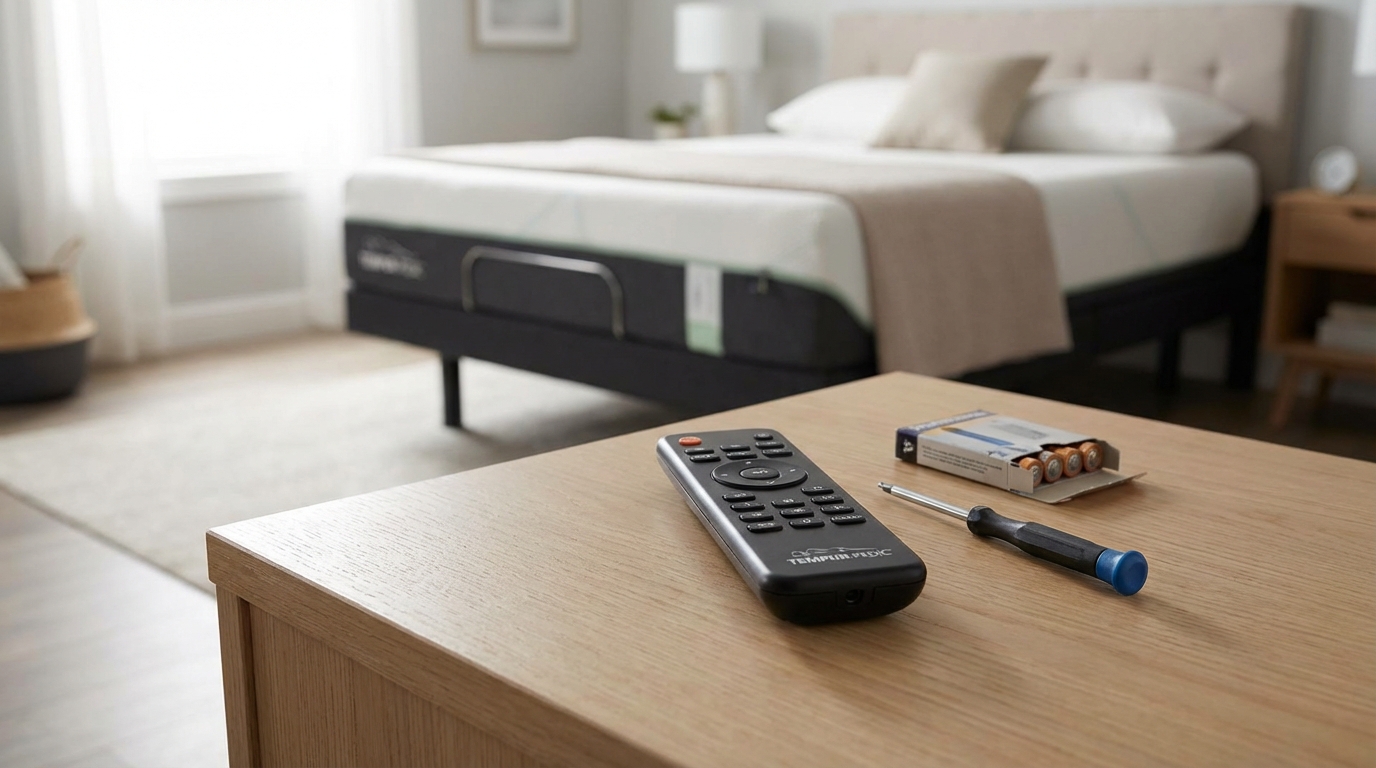
If your Tempur-Pedic remote isn't working, don't panic. Start by pressing and holding the FLAT and STOP buttons simultaneously for about 10 to 15 seconds. If the backlight on the remote flashes, you just turned off the Child Lock, and your bed should move again. If that didn't work, replace the batteries with brand new AAA alkaline ones (don't use rechargeables, they mess with the voltage). Still nothing? Unplug the entire bed from the wall outlet, wait one full minute, and plug it back in to reset the system.
Now that we got the quick fix out of the way let's actually talk about what is going on. There is nothing worse than getting stuck in the "taco" position with your head and feet up and the remote decides to quit on you. I've been there, and it's incredibly frustrating. But, honestly, 90% of the time it is something super simple that you can fix in five minutes without calling customer support and sitting on hold for an hour.
I'm going to walk you through everything you can try to get that bed moving flat again. We'll start with the easy stuff and get into the "crawling under the bed" stuff later.
The "Is It Plugged In?" Phase (Don't Skip This)
Okay, I know. You're rolling your eyes. But seriously, hear me out. Before we start messing with frequency codes and pairing buttons we gotta make sure the bed actually has juice. I had a friend who swore his bed was broken, and it turned out his cat had nudged the power strip switch to "off."
Check the Power Supply Light
Go look at the black power brick that sits on the floor (connected to the power cord). Most Tempur-Pedic Ergo bases have a little LED light on that brick.
- Solid Green Light: You have power. This is good. The issue is likely the remote or the pairing.
- No Light: The outlet is dead, the strip is off, or the brick is fried. Try plugging a lamp into that same outlet to test it.
- Flashing Light: This usually means there's a surge protection issue or a short. Unplug it for a while and try again.
If you have power, the problem is definitely the communication between your hand and the bed.
The Child Lock: The Silent Killer of Sleep
This is the most common issue I see. You might not even know your remote has a child lock. I certainly didn't until I sat on my remote by accident and locked myself out.
The Child Lock feature is designed to keep kids from turning the bed into a carnival ride, but it's really easy to trigger accidentally. When this is on, the remote lights up when you press a button, but the bed ignores you completely.
How to Unlock It
The method varies slightly depending on which remote you have (Ergo, Ergo Extend, Premier), but the logic is usually the same.
For most Ergo Remotes: Press and hold the FLAT button and the STOP button at the same time. Keep holding them. You might see the remote backlight flash or the LED on the remote blink. After about 10-15 seconds, release them and try to raise the head.
If you have a remote that doesn't have a specific "Stop" button, look for the button with a square icon. If that fails, consult your specific manual (or Google the model number on the back of the remote), but for the vast majority of Tempur bases, it's the Flat + Stop combo.
Battery Drama
I mentioned this in the intro, but let's be specific. These remotes are weirdly picky about power. If you are using those cheap batteries that have been sitting in your junk drawer for three years, throw them out.
You want fresh, name-brand alkaline batteries. Some people try to use heavy-duty or rechargeable batteries, but sometimes the voltage drop on those is just enough to make the RF (radio frequency) signal weak. The remote will light up, so you think the battery is fine, but it doesn't have enough "oomph" to send the signal through the mattress to the receiver.
Also, open the battery compartment and spin the batteries with your thumb. Sometimes a little bit of corrosion or dust gets on the contacts. Spinning them scrapes it off and makes a better connection.
The "Power Cycle" (The Old IT trick)
If the lock is off and batteries are new, we need to reboot the bed. These bases are basically simple computers. Like your laptop or router, sometimes the logic board inside just freezes up.
- Unplug the power cord from the wall. Don't just turn off the surge protector; actually pull the plug.
- Wait at least 60 seconds. This is important. You need to let the capacitors inside the control box drain all their electricity. If you plug it back in too fast, it doesn't actually reset.
- Plug it back in.
- Try the remote immediately.
If that worked, great! If not, we have to do the slightly annoying part: Pairing.
How to Program (Pair) Your Tempur-Pedic Remote
Remote controls can lose their pairing. It happens during power outages, or sometimes just... because. When this happens, the remote is shouting instructions, but the bed isn't listening because they aren't on the same "channel" anymore.
How you fix this depends on your bed model. I'll cover the two most common ones.
Method 1: The "Double Tap" (For Ergo & Ergo Extend)
This is for the newer bases. You're gonna need to get on the floor for this, so stretch first.
- Locate the Control Box mounted under the bed. It's usually a black box strapped to the frame with wires coming out of it.
- Find the small RESET/PAIR button on the side of that box.
- Press the button twice quickly (double click like a mouse). The LED light on the control box should light up or flash.
- Immediately grab your remote and press and hold the PAIR button (often on the back of the remote) or press the FLAT and STOP buttons simultaneously until the remote backlight flashes.
- Test the bed.
Note: You usually only have a 10-second window after pressing the box button to press the remote buttons, so have the remote in your hand before you crawl under there.
Method 2: The Power Down Method (For some older models)
Some older Tempur-Pedic bases work differently.
- Unplug the bed from power.
- Plug it back in.
- Within 3 minutes, press and hold the HEAD UP and FOOT UP buttons simultaneously on the remote.
- Hold them until the backlight flashes or you hear a click from the base.
Method 3: The DIP Switches (The Old School Models)
If your bed is from like 2010 or earlier, you might have DIP switches. These are tiny little toggle switches inside the battery compartment of the remote and on the control box under the bed.
Check both locations. The pattern of the switches (Up, Down, Up, etc.) MUST match exactly on both the remote and the box. If they match and it still doesn't work, try changing the pattern on both to something new. Sometimes a neighbor's garage door opener or something interferes with the frequency, and changing the switch pattern puts you on a new channel.
Checking Under the Hood (Loose Cables)
If you've re-paired and it's still dead, grab a flashlight and look under the bed again. The control box has a bunch of wires plugging into it-these go to the head motor, the foot motor, and the massage motors.
Sometimes, if you vacuum too aggressively under the bed or if you have a dog that likes to hide there, a cable can get wiggled loose. Push all the connectors firmly into the control box. Ensure the power cable going into the box is tight. It sounds basic, but a loose connection is super common.
Interference Is Real
This is rarer, but it happens. RF (Radio Frequency) remotes can get confused by other wireless devices. If you have a powerful Wi-Fi router sitting right next to the bed, or a wireless baby monitor, try moving them a few feet away.
Also, LED bulbs in bedside lamps can sometimes cause radio interference if they are cheap or failing. Try turning off the lamps in the room and see if the remote works better. It's weird, I know, but electronics are sensitive.
The "Emergency Lower" Option
Okay, so nothing worked. You're stuck with the head up, and you need to sleep. You don't have to sleep sitting up.
Look at your power brick (the one on the floor). Most Tempur-Pedic power supplies have a battery backup compartment. It usually takes two 9-volt batteries. If you put batteries in there and press the little button on the side of the power brick (or just unplug the main power sometimes triggers it depending on model), the bed will slowly lower to the flat position using the battery power.
This is a one-time use thing usually-it drains those 9-volts fast-but it gets the bed flat so you can sleep.
Use the App!
If you have a newer Tempur-Ergo Smart Base, you might not even need the remote. These beds work with the Sleeptracker-AI app. Download it on your iPhone or Android.
If your bed is connected to your Wi-Fi, you can control the head and foot lift right from your phone screen. This is a life saver if your physical remote is broken and you're waiting for a new one to ship. It's actually kinda cool because the app also tracks your sleep quality, so it's worth setting up anyway.
When to Call for Help
If you have changed batteries, reset the breaker, power cycled the bed, re-paired the remote, and checked cables, and it's still dead, you might have a blown control box or a dead remote.
Remotes do die. They get dropped, coffee gets spilled on them, or the internal chip just fails. You can buy replacements online (Amazon or eBay usually stock them), but they aren't cheap-usually between $60 and $100.
If your bed is still under warranty (Tempur-Pedic usually has decent warranties on the mechanics), call their support. Have your serial number ready-it's usually on a sticker on the metal frame under the bed or on the cover of the manual.
Tempur-Pedic Support Number: 1-800-821-6621
Hopefully, one of these tricks got your bed moving again. Usually, it's just that sneaky Child Lock or a pairing glitch. Good luck, and hope you get some good sleep tonight!
Frequently Asked Questions
Why is my Tempur-Pedic remote flashing but the bed isn't moving?
This almost always means the remote has power (batteries are okay), but it isn't talking to the bed. It's either the Child Lock is active (try holding Flat + Stop), or the remote has lost its pairing connection and needs to be re-synced with the control box under the bed.
How do I know if my control box is broken?
Check under the bed. If the control box is plugged in but has absolutely no lights on it (and you know the outlet works), the box might be dead. Also, if you hear a "clicking" sound from the motors when you press a button but no movement happens, that could indicate a motor failure or an obstruction.
Can I use a universal remote for my adjustable bed?
Generally, no. Adjustable bed bases use specific radio frequencies (RF) that typical TV universal remotes (which use Infrared/IR) can't control. You usually need the specific replacement remote for your model.
Where is the sync button on my Tempur-Pedic base?
On most modern Ergo bases, the sync/reset button is located directly on the main control box mounted under the bed. It is usually a small, sometimes recessed button. You might need a flashlight to see it clearly against the black plastic box.
What does it mean if the green light on the power brick is blinking?
A blinking green light on the power supply usually indicates a fault or a short circuit. It could mean a cable is pinched or the power supply itself has failed. Unplug it immediately, check for damaged wires, and wait a few minutes before plugging it back in.