
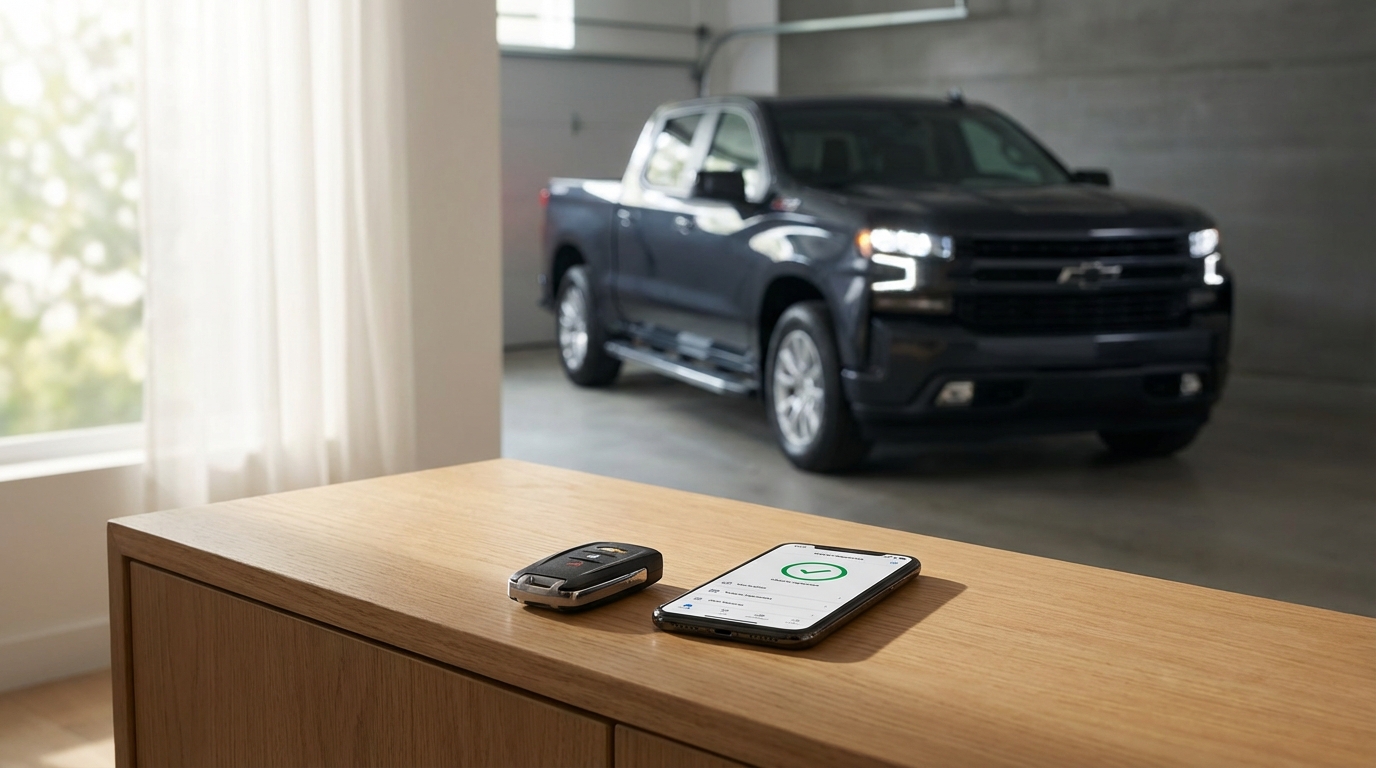
Key Takeaways: Why Your Silverado Won't Start
- Check Engine Light: If the truck has thrown a code (even a silent one), remote start is disabled to protect the engine.
- Key Fob Battery: The CR2032 battery is the most common culprit. Swap it out first.
- Hood Latch Sensor: A dirty or misaligned hood latch sensor makes the truck think the hood is open.
- Settings Menu: On the 2024 models with the Google system, the remote start toggle can sometimes get switched off after an update.
- "Sleep Mode": If you haven't driven the truck in a few days, it might have entered deep sleep mode to save battery.
The Short Answer
If your 2024 Silverado remote start isn't working, start by checking your dashboard for a Check Engine Light. If that light is on, the remote start is automatically disabled by the computer. If there's no light, check that your hood is fully closed. Finally, replace the battery in your key fob (CR2032). If those don't fix it, you likely have a settings configuration issue in the infotainment screen or a bad hood latch sensor.
I know how annoying it is to walk out to a cold truck in the morning. Lets get this fixed so you can get back on the road.
1. The "Safety Lockout" Checklist
Before we tear apart the key fob or mess with the battery, we have to look at the safety features. GM designs these trucks to not start remotely if it thinks doing so would be dangerous or bad for the vehicle. It's actually a safety feature according to the owner's manual, not a bug.
Here is the list of things that will instantly block a remote start signal:
- The Hood is Open: Or at least, the truck thinks it is. This is super common. There is a tiny sensor in the hood latch. If its dirty or the hood isn't slammed hard enough, the truck refuses to start because it thinks you might be working on the engine.
- The Doors or Tailgate are Ajar: Make sure everything is shut tight.
- Hazard Lights are On: If your flashers are going, remote start is disabled.
- Key is Inside: If you left a spare fob in the cup holder or the glovebox, the truck wont remote start to prevent theft.
- Fluid Levels: Extremely low oil pressure or high coolant temps can stop it. Also, if your Low Fuel light is on, the system disables remote start to keep you from running the tank dry while it idles in the driveway.
How to Test the Hood Latch
This is probably the most annoying specific issue on Silverados. Go to the front of the truck. Open the hood and then close it with a bit of authority. Don't be afraid to give it a firm slam. Try the remote start again.
If it still doesn't work, look at your dashboard when you get in. Does it say "Hood Open" even when its closed? If yes, your sensor is bad or disconnected. You can try cleaning the latch mechanism with some brake cleaner or WD-40 to get the gunk out, as sometimes grease blocks the connection.
2. The Check Engine Light (CEL)
This is the big one that catches people off guard. You might think your truck is fine because it drives okay, but the computer is smarter than that.
If the Engine Control Module (ECM) detects any fault code related to the powertrain, it disables remote start. This is to prevent the engine from running without a driver present to notice weird noises or smells.
Note: Sometimes, a code is "pending." This means the computer saw a glitch but hasn't turned on the dashboard light yet. However, it still locks out the remote start.
The Fix: You need an OBDII scanner. You can buy a cheap one on Amazon for like 20 bucks, or go to an AutoZone or O'Reillys and they will scan it for free. If you clear the codes, remote start usually comes back immediately. Just remember, clearing the code doesn't fix the underlying problem, but it proves that the code was the reason your remote start quit.
3. The Key Fob Battery Issues
Even on a 2024 model, it is possible to get a dud battery from the factory. I've seen it happen. If you are pressing the lock button and the truck isn't responding instantly from a distance, your battery is weak.
How to change it:
- Press the chrome button on the side of the fob to pull out the physical emergency key.
- Use that physical key (or a flathead screwdriver) to pry the two halves of the plastic shell apart. It feels like you're gonna break it, but just be firm.
- Pop out the old battery.
- Insert a new CR2032 battery. Make sure the positive side (the flat side with writing) is facing up.
- Snap the case back together.
After you swap the battery, you shouldn't need to reprogram anything. It should just work.
4. Check Your Infotainment Settings
The 2024 Silverado has that massive, beautiful Google built-in screen (on LT trims and up). It's great, but software updates can sometimes reset your preferences without asking you.
I had a buddy whose truck updated overnight and just turned the feature off. Here is how you check it:
- Turn the truck on.
- Tap the Settings icon on the home screen.
- Go to the Vehicle tab.
- Select Remote Lock, Unlock, Start.
- Look for Remote Start. Make sure the toggle is set to ON.
While you are in there, check the "Remote Window Operation" too, just to make sure your settings are how you like them. If this was toggled off, simply turning it back on fixes the problem instantly.
5. The "Maximum Run Time" Limit
Did you know there is a limit to how many times you can remote start the truck? According to the Chevrolet owner's manual, you are only allowed two remote starts in between ignition cycles.
Here is how the math works:
- First Start: Runs for 15 minutes.
- Extension: If you use the fob again while it's running, it adds 15 minutes to the current time (it doesn't stack to 30 minutes total, it just resets the 15-minute timer).
- Total Time: Roughly 30 minutes max.
Once you have hit that limit, or done two remote start cycles, the truck will not remote start again until you physically get in, push the start button, and turn the truck on. This resets the counter.
6. Deep Sleep Mode
If your 2024 Silverado has been sitting at the airport while you were on vacation for a week, remote start probably won't work. This is normal.
Modern trucks have so many computers listening for signals that they drain the battery. To stop the battery from dying completely, GM trucks enter a "Deep Sleep" or energy-saving mode after a few days of inactivity. In this mode, the receiver that listens for your key fob signal shuts down to save power.
You'll have to unlock the door with the physical key or the fob unlock button (which wakes up the system) and start it manually the first time.
7. Interference and Range
This sounds obvious, but are you too far away? The 2024 remotes are pretty good, usually working up to 300 feet or more, but environmental stuff gets in the way.
If you are trying to start it from inside a metal building, or if you are parked near high-voltage power lines or a radio tower, the signal might be blocked. Also, other electronic devices in your pocket (like a phone or a second fob) can cause interference. Try holding the fob against your chin (I know, it looks stupid, but your skull acts as an antenna amplifier-science says it works!) and press the buttons.
8. The "Hard Reset" (Disconnecting the Battery)
If you have checked the codes, the hood, and the settings, and it still won't work, the truck's computer might just be hung up. Think of it like a frozen laptop. You need to reboot it.
The easiest way to do a "Global Reset" on a Silverado is:
- Pop the hood.
- Locate the truck's 12V battery.
- Use a 10mm wrench (if you can find it, haha) to loosen the nut on the Negative (Black) terminal.
- Pull the black cable off the post.
- Wait about 15 to 20 minutes. This gives all the capacitors in the truck's modules time to drain completely.
- Reconnect the cable and tighten it down.
- Start the truck manually.
This resets the Body Control Module (BCM) and the Radio Module. Often, this clears up any software glitches preventing the remote start from engaging. You might lose your radio presets, but it's worth it if it fixes the start issue.
9. Is it the OnStar App or the Fob?
We need to figure out if the problem is the truck or the remote. Try using the myChevrolet app on your phone to start the truck.
- If the App works but the Fob doesn't: The problem is your Key Fob (battery or broken buttons) or the Receiver in the truck that listens to the fob.
- If the Fob works but the App doesn't: The problem is likely your OnStar subscription or the truck's cellular connection. GM recently changed their subscription plans, so check that your "Remote Access" plan is actually active.
- If NEITHER works: The issue is definitely on the truck side (Check engine light, hood latch, or BCM issue).
10. Known 2024 Glitches: The Radio Module
There has been chatter on the forums and some technical service bulletins regarding the radio module on the new refreshed interiors. Because the remote start logic runs partially through the infotainment/gateway module, if your radio is acting weird (blank screen, freezing), it often takes the remote start down with it.
If you notice your screen glitching and your remote start failing, you likely need a software update that only the dealer can perform. It's covered under warranty, so don't stress about the cost, just the time.
11. Valet Mode
This is rare, but check if you accidentally put the truck in Valet Mode. Valet mode locks out the infotainment screen and limits vehicle functions to keep parking attendants from joyriding or stealing your data. While Valet mode usually allows starting, some specific security configurations might interfere depending on how the dealer set it up.
Go into settings and ensure Valet Mode is disabled. You'll need the 4-digit PIN you created to turn it off.
12. Aftermarket Lights and Accessories
Did you recently install LED headlights, a light bar, or a dash cam hardwired into the fuse box?
The Silverado electrical system (Global B architecture) is extremely sensitive. If you tapped into a circuit that the Body Control Module monitors, the truck might sense a voltage irregularity. It interprets this as a potential electrical short or tamper attempt and disables remote start to be safe.
If you installed something recently and the remote start stopped working the next day, try disconnecting that accessory to see if the function returns.
When to Visit the Dealership
Look, I'm all for DIY, but sometimes you gotta fold 'em. Since your truck is a 2024, it is almost certainly still under the bumper-to-bumper warranty.
You should go to the dealer if:
- You have a Check Engine Light that keeps coming back after clearing it.
- The dashboard says "Hood Open" even after you cleaned and adjusted the latch.
- You've done the battery disconnect reset and nothing changed.
- The key fob itself seems physically broken.
When you go, bring both key fobs. If they have to reprogram the theft deterrent system, they usually need all keys present to sync them to the truck.
Conclusion
90% of the time, a remote start failure on a 2024 Silverado is the Hood Latch or a Check Engine Light. It's rarely a catastrophic failure of the truck's engine. It's just the computer being overly cautious.
Start with the hood slam, check for engine codes, swap the fob battery, and check the settings menu. Hopefully, one of those gets you warmed up (or cooled down) before your next drive.
Frequently Asked Questions
Q: Why does my Silverado flash the lights but not start?
A: This usually means the truck received the signal (so the battery is fine), but a safety system rejected the request. This is classic behavior for a Check Engine Light issue or a Hood Ajar sensor.
Q: Can I reset the remote start by myself?
A: Yes, you can perform a "Global Reset" by disconnecting the negative battery terminal for 15 minutes. This reboots the truck's computers.
Q: Does the 2024 Silverado have a remote start fuse?
A: It doesn't have a single fuse labeled "Remote Start." The function is controlled by the Body Control Module (BCM). Checking the BCM fuses in the fuse box (passenger side dash or under hood) is a good idea, but if a BCM fuse blew, you'd likely have issues with door locks and windows too.
Q: How long will the remote start run for?
A: It runs for 15 minutes. You can extend it once for another 15 minutes, giving you a total of 30 minutes.
Q: My app says "Remote Start Pending" forever. What does that mean?
A: This usually happens when the truck has poor cellular reception. It's trying to talk to the GM cloud but can't confirm the command. Move the truck to an area with better cell service.