
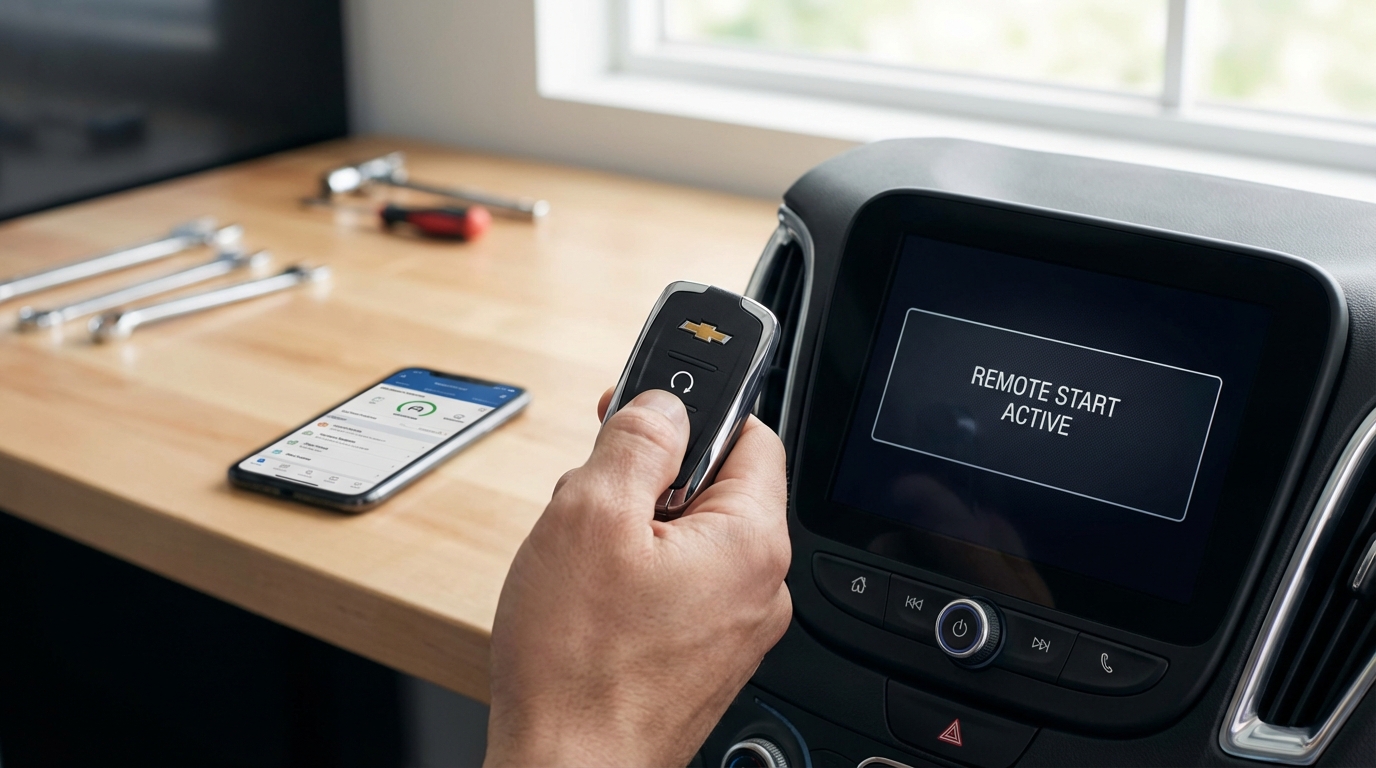
Key Takeaways: Quick Fixes
- Check the Fob Battery First: 90% of the time, it's a dead CR2032 battery. Swap it out.
- Check Engine Light: If your dashboard has a "Check Engine" light on, remote start is disabled automatically for safety.
- Hood Latch: If the car thinks the hood is open, it wont start. Check the latch sensor.
- Maximum Attempts: You only get two remote starts (10-20 minutes total) before you have to physically turn the ignition on.
- The "Spare Key" Rule: If another key fob is inside the vehicle, remote start will refuse to work.
Direct Answer: Why Your Cadillac Remote Start Failed
If you're standing in the cold pressing that button and nothing is happening, here is the short answer: Your Cadillac remote start is likely disabled because of a dead key fob battery, a Check Engine Light (CEL), or an unlatched hood.
The car’s computer disables the remote start feature anytime it detects a safety risk or a mechanical issue. It does this so you don't accidentally blow up the engine while you're sitting inside your house drinking coffee. Below, I’m going to walk you through exactly how to troubleshoot this, from the easy fixes to the weird sensor issues that drive people crazy.
1. The Key Fob Battery (Start Here)
I know, I know. It sounds too obvious. But honestly, this is the culprit almost every single time my friends call me with this problem. Even if the buttons still unlock the doors, the battery might be too weak to send the strong, sustained signal needed for remote start.
Most Cadillac key fobs use a CR2032 battery. You can grab these at any pharmacy or grocery store. To swap it, just locate the little chrome button on the side of the remote to pull out the physical emergency key. Once that key is out, wedge it into the slot and gently pry the plastic case apart. Pop the new battery in (make sure the positive side is facing the right way), snap it back together, and try again.
If the range has been getting worse lately, that's a dead giveaway. If you have to hold the remote to your chin (yeah, that weird trick actually works due to using your skull as an antenna) to get it to work, change the battery.
2. The "Check Engine Light" Rule
This is the one that catches everyone off guard. According to the owner's manuals for almost every GM vehicle produced after 2005, remote start is completely disabled if the Check Engine Light is on.
The logic is pretty sound if you think about it. If the car has an engine issue-say, low oil pressure or a misfire-the car doesn't want to run without a driver present to notice the smoke or the weird noises. It’s a self-preservation tactic.
How to check this:
Go out to the car and start it manually. Look at the dashboard. is there a little orange engine icon glowing? If yes, that is your problem. It doesn't even have to be a major issue. A loose gas cap can trigger an EVAP code, which turns on the light, which kills your remote start.
The Fix: You need to clear the code. If it's a loose gas cap, tighten it and drive for a few days; it might clear itself. Otherwise, go to an auto parts store like AutoZone, use their free scanner to read the code, and fix the issue. Once the light is off, your remote start will work again.
3. The Hood Latch Sensor
This is a safety feature that keeps mechanics safe. The car has a sensor under the hood that tells the computer if the hood is open or closed. If the car thinks the hood is up, it assumes someone has their hands in the engine bay. It will not remote start because it doesn't want to mangle someone's fingers in the serpentine belt.
Sometimes, this sensor gets dirty, corroded, or just stuck. Even if the hood looks closed, the sensor might be reading "OPEN."
The Fix: Pop the hood and slam it shut firmly. Sometimes it just wasn't latched all the way. If that doesn't work, locate the latch mechanism and spray some WD-40 or silicone lubricant in there to loosen up the microswitch. If your dashboard says "Hood Open" when it's clearly not, you might need to replace the hood latch assembly.
4. You've Hit the "Two Start" Limit
Did you know there's a limit on how long you can idle? Cadillac allows you to remote start the vehicle twice per drive cycle.
- Start 1: Runs for 10 minutes (or 15 on some older models).
- Start 2: You can "extend" the run time by doing the remote start sequence again, adding another 10 minutes.
Once those two cycles are done, the car shuts off. You cannot remote start it a third time. You have to physically go out, unlock the door, and push the ignition button to reset the counter.
5. Hazard Lights are On
This is a weird one, but I've seen it happen. If you left your hazard flashers on, the remote start system is disabled on most GM platforms. Make sure the hazard button isn't depressed.
6. Key Fob is Left Inside the Car
Modern Cadillacs are smart. They know exactly where the key is. If you have a spare key hidden in the glove box, or if your gym bag is in the back seat with your second set of keys in it, the car generally won't remote start.
This is to prevent theft. The car doesn't want to start up while unlocked if a key is sitting right there inside it. Locate your spare key and move it far away from the vehicle.
7. Coolant and Oil Pressure Safety
Similar to the Check Engine Light, the car monitors its vital fluids. If the coolant temperature is too high (overheating) or the oil pressure is dangerously low, the computer will refuse the remote start command to save the engine.
Usually, this would also trigger a warning light on the dash, but sometimes the sensors just send a "DO NOT START" signal to the Body Control Module (BCM) without throwing a light immediately.
8. Valet Mode is Active
If you have a newer Cadillac like a CT5, CT4, or an Escalade, you might have put the car in Valet Mode to lock the infotainment screen or glove box. Sometimes, depending on the model year, Valet Mode can interfere with certain remote functions.
Check your settings menu on the infotainment screen. If Valet Mode is on, turn it off using your PIN code.
9. The "OnStar" App Issues
A lot of us aren't using the key fob anymore; we're using the myCadillac app. If the app isn't starting the car, the problem might not be the car at all.
- Subscription Status: Remote start via the app is usually a paid feature after the trial period. Did your credit card expire? Check your OnStar account.
- Cell Service: The car needs a cellular connection to receive the signal from the app. If you parked in a deep underground concrete garage, the car might not have signal.
- App Glitch: Delete the app and reinstall it. sounds like generic tech support advice, but it fixes the handshake issue between the phone and the car pretty often.
10. Aftermarket Accessories
Did you recently install a dash cam, a radar detector hardwired into the fuse box, or some cool LED lights? Sometimes aftermarket electronics can mess with the vehicle's "sleep" mode or interfere with the BCM.
If you recently plugged something into the OBDII port (like one of those insurance tracking devices from Progressive or State Farm), try unplugging it. Those devices can sometimes cause communication errors on the CAN bus network, blocking the remote start signal.
Troubleshooting Checklist: Step-by-Step
Okay, so you've read the causes. Now let's do a quick diagnostic run. Go through this list in order, because it goes from "easiest/cheapest" to "hardest/most expensive."
- Replace the fob battery. Seriously, just do it. It costs $5.
- Walk to the car with the spare key. Try remote starting with the other key fob. If the spare works but your main one doesn't, the problem is a broken button or chip in your main remote.
- Check the Dashboard. Start the car manually. Look for the Check Engine Light. If it's on, scan the code.
- Check the Hood. Open it and slam it shut.
- Check the Settings. Go into the vehicle settings on the touchscreen. Look for "Vehicle," then "Remote Lock, Unlock, Start." Make sure the "Remote Start" option is actually toggled to ON. Sometimes a battery disconnect can reset this to default (off).
When to Call the Pros (The BCM Issue)
If you have done literally everything above-no check engine light, new batteries, hood is shut, settings are correct-and it still won't work, you might have a problem with the Body Control Module (BCM).
The BCM is the computer brain that controls the locks, lights, and remote start. Sometimes, the software gets corrupted. It’s not something you can fix in your driveway with a screwdriver.
You’ll need to take it to the dealer or a shop with a high-end scanner (like a Snap-On tool). They might need to "reflash" or reprogram the BCM. It’s annoying, but sometimes computers just glitch out.
A Note on Cold Weather
I’ve noticed on my truck that when it gets really cold (like -10F), the battery voltage drops just enough that the remote start struggles, even if the car eventually starts manually. Batteries hate the cold. If it only fails on freezing mornings, your main car battery (under the hood) might be on its way out. Have an auto parts store load-test your car battery.
Frequently Asked Questions
How do I reset my Cadillac remote start?
There isn't a dedicated "reset button." However, you can perform a system reset by disconnecting the negative terminal on your car's main battery for about 15 minutes. This forces the computer modules to reboot. Just remember, you might lose your radio presets.
Does the Check Engine Light disable remote start on all Cadillacs?
Yes, pretty much all of them made in the last 15-20 years. It is a universal GM safety standard. Even a minor code will block the signal.
Why do my lights flash but the car won't start?
If the lights flash (usually just once) but the engine doesn't crank, the car received the signal but rejected it. This confirms your key fob is working, but a safety inhibitor (like the hood latch, check engine light, or key inside the car) is stopping the engine from firing.
Can I program a new remote myself?
On older models (pre-2010ish), you often could. On newer Cadillacs (2015+), you usually need two working keys to program a third one yourself. If you have zero working keys, or only one, you generally have to visit a locksmith or the dealer to program a new one because of the anti-theft chip requirements.
Is there a fuse for remote start?
Technically, no. There isn't a single fuse labeled "Remote Start." The system runs through the BCM (Body Control Module) fuse and the ignition fuses. If those were blown, your car wouldn't start manually either.
Hopefully, this gets you back into a warm car soon! Good luck fixing it.