
Key Takeaways
- It’s your right: Under the ADA, if you have a disability and can do the essential parts of your job, you are entitled to reasonable accommodations.
- Remote work is valid: Working from home is recognized by the EEOC as a specific type of accommodation, not just a perk.
- It’s a conversation: The legal term is the "interactive process." It means you and your employer have to talk back and forth to find a solution that works.
- Documentation matters: You don't need to show your whole medical history, just proof of the disability and why a specific change helps you work.
- Undue Hardship: This is the only real reason an employer can say no-if it costs too much or literally breaks their business operations.
Reasonable accommodation is simply a modification or adjustment to a job, the work environment, or the way things are usually done that enables an individual with a disability to apply for a job or perform the essential functions of that job. That’s the direct definition.
If you are working remotely or want to work remotely because of a medical condition or disability, you aren't asking for a favor. You are asking for a tool to help you be productive. Think of it like a carpenter asking for a hammer; you wouldn't tell them to pound nails with their fist. If you need a screen reader, a flexible schedule, or the ability to work from your home office to do your job, that is your hammer.
What "Reasonable" Actually Means
The word "reasonable" does a lot of heavy lifting here. According to the Americans with Disabilities Act (ADA), an accommodation is reasonable if it doesn't cause "undue hardship" to the employer. We will get into the hardship part later, but generally, if it’s affordable and doesn't disrupt the core business, it’s reasonable.
For remote work specifically, this usually falls into two buckets:
- Telework as the accommodation: You are asking to work from home because the office environment exacerbates your condition (like social anxiety, immune compromise, or mobility issues).
- Accommodations for remote work: You already work from home, but you need special software, equipment, or schedule changes to do it effectively.
Since the pandemic, the landscape has changed. The Equal Employment Opportunity Commission (EEOC) has noted that if an employer allowed telework during COVID-19 and employees were productive, it is much harder for them to argue now that working from home creates an "undue hardship." They proved it works, so you have a bit more leverage.
Step 1: Assessing Your Needs
Before you talk to HR or your boss you need to be clear on exactly what hinders your work. It's not enough to say "my back hurts." You have to connect the medical issue to a specific work barrier.
For example, don't just say, "I have migraines." Say, " The fluorescent lighting and noise levels in the office trigger severe migraines that prevent me from looking at a screen. Working from home allows me to control lighting and noise, which reduces the frequency of episodes."
Here is a list of common remote work accommodations that people forget they can ask for:
- Asynchronous hours: If your medication makes you groggy in the morning, asking to start work at 10 AM and finish at 6 PM is a reasonable accommodation.
- Speech-to-text software: For those with carpal tunnel or dexterity issues.
- Printed materials: If you have screen fatigue or vision issues, asking for a printer and paper allowance at home is valid.
- Focus time: Blocking off chunks of time on a shared calendar where you are not expected to answer Slack or Teams messages immediately (great for ADHD).
Step 2: The Request (How to Ask)
You don't need to use legal jargon, and you actually don't even need to use the phrase "reasonable accommodation" to start the process, though it helps if you do so there is no confusion.
You should put this in writing. Always. If it's not in writing it didn't happen. Send an email to your supervisor and HR representative. Keep it simple and direct.
Here is a rough template you can use:
"Hi [Manager Name], I’m writing to request a reasonable accommodation for my disability under the ADA. I am having difficulty performing [Job Duty] due to [Medical Condition/Limitation]. I believe that [Specific Accommodation, e.g., working from home 3 days a week] would allow me to perform my job duties effectively. I have medical documentation available if needed."
Notice I didn't write a novel. You don't need to spill your guts about every symptom you have. You just need to link the disability to the job duty.
Step 3: The "Interactive Process"
Once you send that email, the "interactive process" begins. This sounds scary but it’s really just a negotiation. Your employer might come back and say, "Well, we can't let you work from home five days a week, but we can do three." Or they might say, "We can't buy that $1,000 chair, but we can buy this $400 one that has the same lumbar support."
According to the Job Accommodation Network (JAN)-which is an amazing resource you should bookmark-employers must make a "good faith effort" to find a solution. They can't just say "no" and walk away without offering alternatives, unless the request is totally unreasonable.
During this phase, be flexible but firm on your needs. If they offer a solution that won't actually help you, explain why. For instance if you need a screen reader and they offer a screen magnifier, explain that magnification doesn't solve the issue because of eye strain.
The Documentation You Will Need
Most companies will ask for a note from your doctor or therapist. This is standard so don't get offended. However, your employer is not entitled to your entire medical file. They don't need to know about your appendectomy from 1998.
Your doctor's note should cover three things:
- Verification that you have a disability (impairment that substantially limits a major life activity).
- Description of how this disability affects your ability to do your specific job.
- Suggestions for accommodations that would help.
It helps if you talk to your doctor beforehand. Doctors are busy and they don't know your job description. If you tell them, "Hey, I need you to specifically write that I need a standing desk because sitting for 8 hours triggers my sciatica," they will usually write exactly that.
Dealing with "Undue Hardship"
This is the employer's "Get Out of Jail Free" card. They can deny your request if it causes undue hardship. But what does that mean?
It generally means the accommodation is:
- Too expensive: Relative to the size of the company. A generic request for a $200 software license isn't a hardship for Google, but it might be for a tiny non-profit.
- Disruptive: If asking to work from home means there is nobody to greet clients at the front desk, and greeting clients is an essential part of your job, that is an undue hardship.
If they claim undue hardship, ask them to explain exactly why. Sometimes managers just assume something will be difficult without checking. If they say "Remote work is a security risk," you can counter with, "I can use a VPN and two-factor authentication, which is standard industry practice."
Mental Health and Remote Work
I want to take a second to talk specifically about mental health because its often invisible. Anxiety, depression, PTSD, and ADHD are covered under the ADA. A lot of people feel guilty asking for accommodations for these, but you shouldn't.
Remote work is massive for mental health accommodations. Being able to control your environment, step away for a panic attack without colleagues watching, or control sensory input can make the difference between quitting and thriving.
If you are asking for remote work due to anxiety, focus on the outcome. "Working from a quiet home environment allows me to maintain the focus required for data entry, whereas the open-plan office creates sensory overload that slows my productivity." See what I did there? I made it about productivity, not just feelings. Employers love productivity.
What If They Deny You?
It happens. If they say no, don't immediately rage quit. First, ask for the denial in writing with the specific reason. This is important for your records.
Check if there is an appeals process in your company handbook. If not, you can try to suggest an alternative accommodation. If you asked for full-time remote work and they said no, maybe ask for a hybrid schedule or a private office.
If you feel you are being discriminated against-like if they let other people work from home but not you-you can file a charge with the EEOC. This is the "nuclear option" and will definitely make things awkward at work, but it is your right.
Equipment for Remote Workers
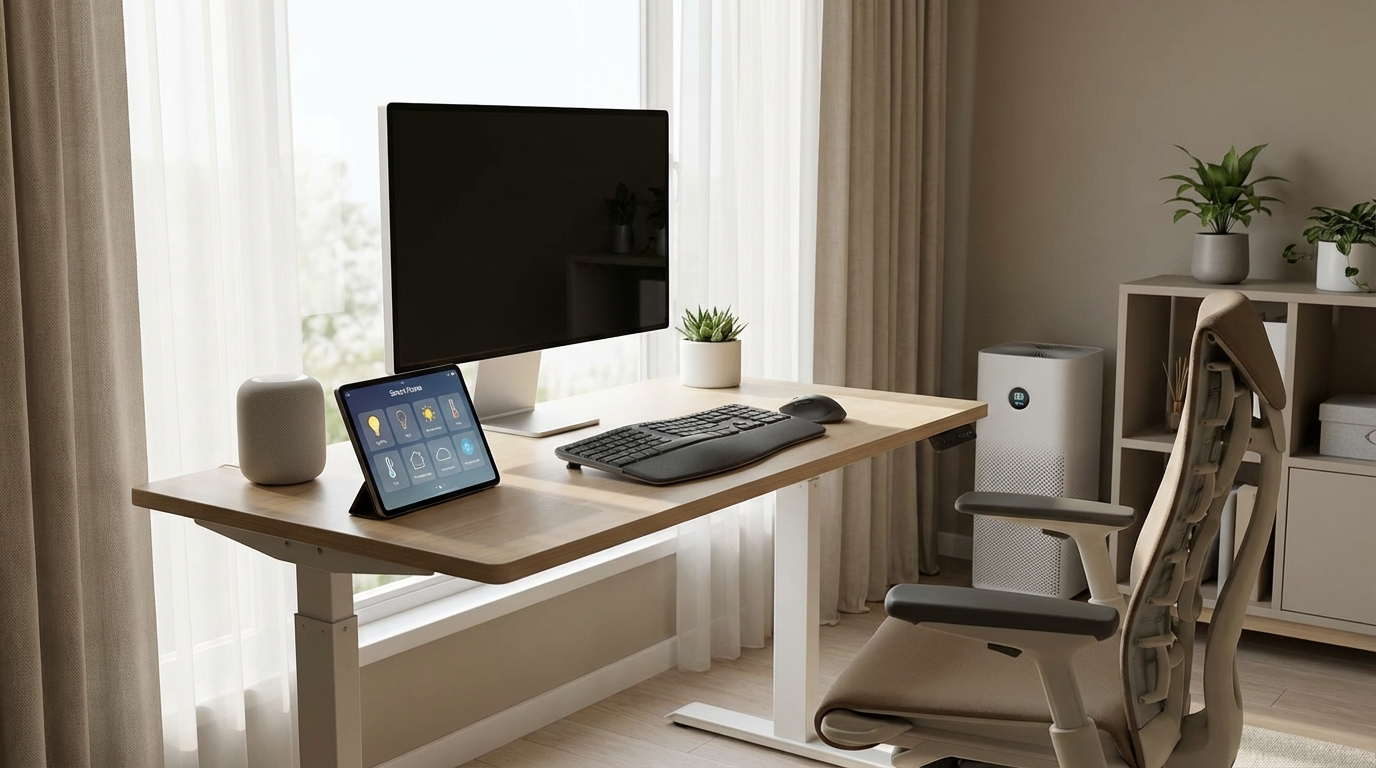
If you are already remote, don't forget you can ask for physical items. Just because you are at home doesn't mean the company is off the hook for ergonomics. If you are typing 8 hours a day for them, they have an interest in you not getting carpal tunnel.
Common things to ask for:
- Ergonomic chair (or reimbursement for one).
- Vertical mouse.
- Split keyboard.
- Dual monitors (helps with attention issues).
- Noise-cancelling headphones.
Keep in mind, usually, the employer owns this stuff. If you leave the job, you probably have to ship that nice chair back. Just something to keep in mind.
Final Thoughts on Authenticity
When you have these conversations, try to take the emotion out of it. Treat it like a business problem you are solving together. You have a barrier (the disability), and you have a solution (the accommodation). Present it that way.
It’s scary to disclose a disability. There is still a stigma, unfortunately. But the law is on your side, and honestly, most decent managers just want you to be able to do your work. If you frame it as "this helps me do more work for you," it’s usually a winning argument.
Frequently Asked Questions
Can my employer force me to come back to the office if I’ve been working remotely?
Generally, yes, unless you have a disability that makes working in the office impossible or very difficult. If you have a medical reason to stay remote, you need to file that formal accommodation request immediately. Do not just refuse to come in; use the proper legal channels.
Who pays for the equipment?
The employer pays. If you need special software or a specific chair, they buy it. However, they aren't required to pay for personal items like your hearing aids or a pair of glasses, because you use those outside of work too.
Can they cut my pay if I work remotely as an accommodation?
No. If you are doing the same job with the same essential functions, they cannot pay you less just because you are disabled and need to work from home. That would be discrimination.
Does my manager have to keep my disability secret?
Yes. The ADA has strict confidentiality rules. Your manager can tell safety personnel if you might need emergency help, but they can't tell your coworkers "John is working from home because he has Crohn's disease." They just have to say it's a private personnel matter.
What if I’m a contractor or freelancer?
This is where it gets tricky. The ADA applies to employees, not independent contractors. However, many companies will still work with you because they want the work done, but you don't have the same legal protections as a W-2 employee.
Is stress a disability?
"Stress" by itself usually isn't considered a disability, but the conditions caused by stress (like hypertension, anxiety disorders, or heart conditions) often are. It's all about how you frame it and what your doctor diagnoses.