
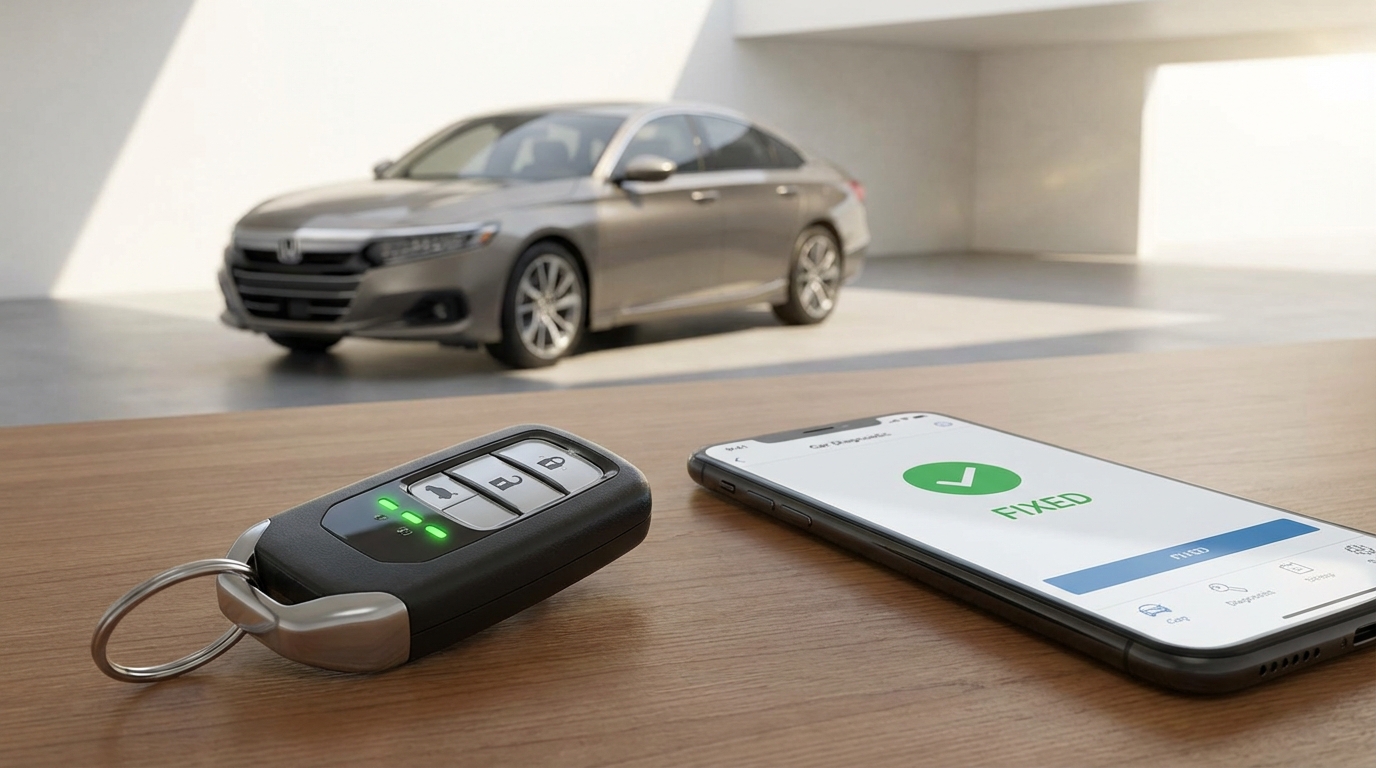
Key Takeaways: The Quick Fix
- Check your subscription: The #1 reason HondaLink fails is because the "Remote" package trial expired. It is not free forever.
- Lock the doors: The app will not start the car if the doors are unlocked, the hood is cracked open, or the trunk is up.
- Update the App: Delete the app and reinstall it. Sometimes the cache gets corrupted.
- Check the 12V Battery: If your car battery is slightly weak, the remote start system is the first thing the car shuts down to save power.
- Cell Signal Matters: Your car needs an AT&T signal to receive the command. Underground parking is a remote start killer.
The Short Answer
If your HondaLink remote start isn't working, 90% of the time it is because your HondaLink Remote subscription has expired or your doors aren't locked. If you are sure you paid for the service and the doors are locked, the next most likely culprit is a weak cellular signal at the car's location or a glitch in the Telematics Control Unit (TCU) that requires a battery disconnect to reset.
Here is exactly how to troubleshoot this, step-by-step, starting with the easiest fixes.
1. The "Did You Pay?" Check (Don't Skip This)
I know, nobody likes to hear this, but its the most common issue. When you bought your new Honda-whether it's an Accord, CR-V, Pilot, or Civic-the dealer probably set you up with a free trial of HondaLink. usually, this trial lasts for 3 months or a year depending on the promotion.
Once that trial ends, the remote start button in the app just stops working or disappears entirely. Many people assume the "Basic" free package includes remote start. It does not.
According to the HondaLink official site, you need the Remote package. As of right now, that costs money (usually around $110/year). If you aren't paying a monthly or yearly fee, you probably don't have the feature anymore. Check your credit card statement or log into the HondaLink website to see your status.
2. The "Safety Check" Fail
Honda has built in a ton of safety protocols to stop people from accidentally gassing out their garage or hurting someone. If any of these conditions aren't met, the app might say "Failed" or just spin forever.
Before you get mad at the app, walk out to the car and check these things:
- Are the doors locked? This is the big one. Even if you think they are, hit the lock button on your fob again. The car will refuse to start if it thinks a door is ajar.
- Is the Hood or Trunk open? Even if the hood looks closed, give it a firm press. A bad hood latch sensor can trick the computer into thinking the hood is up. If the car thinks the hood is open, it disables remote start to prevent an engine starting while a mechanic is working on it.
- Is the Check Engine Light on? If you have a warning light on your dashboard, remote start is disabled automatically to protect the engine.
- Is the Gear Selector in Park? Sounds obvious, but make sure the shifter is firmly in 'P'.
3. The App Glitch (iOS and Android)
Lets be honest, the HondaLink app isn't exactly the best piece of software ever written. It can be pretty buggy. If your subscription is good and the car is safe, the app on your phone might just be confused.
Try these steps in order:
- Force Close the App: Don't just swipe home. Actually go into your recent apps and swipe it away to kill the process.
- Log Out and In: Go to settings inside the app, log out, and log back in. This forces the app to re-sync with the Honda servers.
- Clear Cache (Android): If you're on Android, go to Settings > Apps > HondaLink > Storage > Clear Cache. This clears out old, junk data.
- The "Delete and Reinstall": If all else fails, delete the app entirely, restart your phone, and download it again. This fixes a surprising amount of connection issues.
4. The "No Service" Problem
This is something alot of people forget. Remote start via the Key Fob works on radio waves (short range). Remote start via the App works on Cellular Data.
Your car actually has a little cell phone modem inside it (the Telematics Control Unit). In the US, Honda usually uses the AT&T network. If you park your car in a deep underground garage, a concrete parking structure, or out in the boonies where cell service is trash, the car will never get the signal from the Honda server.
Test this: If you're standing next to the car and your phone has 1 bar of service, the car probably has zero. Move the car to an open area and try again. If it works there, you know it's just a signal issue at your parking spot.
5. The 12-Volt Battery Issue
Modern Hondas are super sensitive to battery voltage. If your 12V battery (the regular car battery) is getting old or is running slightly low on charge, the car's power management system starts turning off "non-essential" features to ensure there is enough juice to start the engine manually.
Remote start is considered non-essential. I had a friend with a CR-V where the remote start stopped working for weeks. He drove it on a long 2-hour highway trip (which charged the battery up fully), and suddenly remote start worked again.
If your battery is over 3 years old, go to an auto parts store and have them test it. If the voltage is dipping, replace the battery. It fixes a lot of weird electrical gremlins.
6. The "Nuclear Option": Resetting the System
If you have tried everything above and it still says "Failed to Start" or "Error," the car's internal computer might be frozen. Think of it like a laptop that needs a reboot.
You can perform a "hard reset" of the car's electronics. You don't need to be a mechanic to do this, but you do need a wrench.
How to do it:
- Open the hood.
- Locate the Negative battery terminal (it usually has a black cover or a minus sign '-'). Do NOT touch the Positive (Red) one.
- Use a 10mm wrench to loosen the nut on the negative cable.
- Pull the cable off the battery post.
- Wait for about 10 to 15 minutes. This drains the capacitors in the car's computers.
- Put the cable back on and tighten it up.
Start the car manually once to initialize everything. Then turn it off, lock it, and try the app again. This resets the TCU (Telematics Unit) and often forces it to reconnect to the cell network.
7. Understanding the "Two Starts" Rule
Honda has a strict rule regarding how many times you can remote start the vehicle. According to the owner's manual, you can only run two consecutive remote starts.
Each remote start cycle lasts for 10 minutes. You can extend it once for another 10 minutes. After that total of 20 minutes (or two commands), the car will not remote start again until you physically get in the car, push the brake, and start it with the Start/Stop button.
So, if you've been playing with the app trying to get it to work and you've already sent two success commands, you're locked out until you manually reset the cycle.
Why Does This Happen So Often?
Honestly, the integration between car manufacturers and software companies is still a bit clunky. Honda makes great engines, but they aren't exactly Apple or Google when it comes to software.
The signal has to go from your Phone -> Honda's Cloud Server -> The Cellular Carrier (AT&T) -> The Car's TCU -> The Car's Engine Computer. That is four different jumps where something can go wrong. If the server is down for maintenance (which happens), it won't work. If the cell tower is congested, it won't work.
Is there a workaround?
If the app is driving you crazy and you just want to warm up your car, check your physical key fob. Most newer Hondas (EX trims and above) have remote start built into the key fob, even if you don't pay for the app.
Key Fob Method:
1. Press the Lock button.
2. Immediately press and hold the Remote Start button (it looks like a circle with an arrow) for 5 seconds.
3. The lights should flash, and the engine should start.
This bypasses the internet, the servers, and the subscription. It works directly via radio signal. If this works but the app doesn't, you know 100% the issue is with the App or the Cell connection, not the car itself.
When to Call the Dealer
If you have done the battery reset, checked your subscription, ensured the doors are locked, and even the key fob won't start the car, you might have a hardware failure.
There are known issues with the "Keyless Access Control Unit" in some Honda models (specifically Pilots and Odysseys from a few years ago) where the unit simply fails. If this happens, no amount of troubleshooting will fix it, and you'll need to visit the dealership for a warranty claim or repair.
Frequently Asked Questions
Does HondaLink remote start work on Wi-Fi?
No. Your phone can be on Wi-Fi, but the car itself relies on a cellular connection (usually AT&T 4G or LTE) to receive the signal. If the car is in a dead zone, it wont work.
Why does my app say "Success" but the car didn't start?
This is usually a communication lag. The server sent the message, so it reports "Success," but the car failed to execute the command locally (maybe a door was unlocked or the battery was too low) and didn't send the error message back in time.
How much does the Remote subscription cost?
Prices change, but generally, the "Remote" package is around $110 per year. The free "Basic" package usually only includes recall notifications and service appointments, not remote start.
Can I add remote start if my Honda didn't come with it?
You can buy a physical accessory remote start kit from the dealer, but you usually cannot add the App-based remote start if the car didn't come with the necessary Telematics hardware from the factory.
Will disconnecting the battery erase my radio presets?
On newer Hondas, usually not. The infotainment systems have non-volatile memory. However, you might see some warning lights on the dash (like VSA or ABS) for the first mile you drive while the sensors recalibrate. This is normal.