
Key Takeaways
- Check Engine Light (CEL): If your engine light is on, the remote start is automatically disabled by the computer. This is the #1 cause.
- Hood Latch Sensor: The 2018 Silverado is notorious for faulty hood latch sensors. If the truck thinks the hood is open, it wont start.
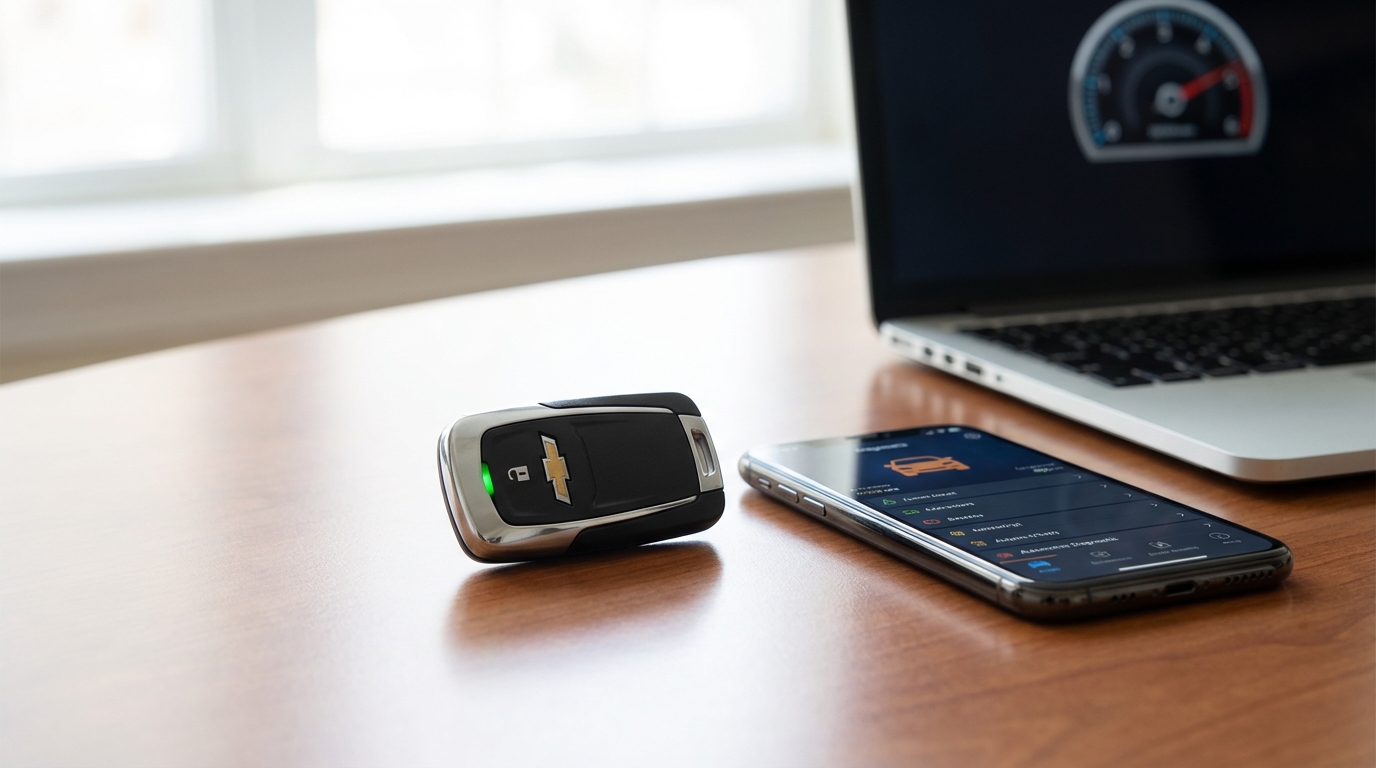
- Key Fob Battery: A weak CR2032 battery in your fob can send the signal to lock the doors but fail to send the strong signal needed for ignition.
- Fluid Levels: Low oil pressure or low coolant can trigger a safety lockout.
- Must be Locked: You have to press the lock button before holding the start button. If the truck isn't locked, it does nothing.
The Short Answer: Why It's Happening
If your 2018 Silverado remote start isn't working, the most likely culprit is either a Check Engine Light causing the system to disable itself for safety, or a faulty hood latch sensor that is telling the computer the hood is open. GM designed these trucks to prevent remote starting if there is any risk of engine damage or if it thinks a mechanic might be working under the hood.
Fixing it usually involves scanning for codes to clear the engine light or replacing the $30 hood latch assembly. Let's dig into the details so you can get your truck warming up again before you have to go outside in the cold.
1. The Check Engine Light (The Usual Suspect)
I can't tell you how many times I've seen this happen. A buddy calls me saying his truck is broken, but really, it's just doing exactly what it was programmed to do. According to the owner's manual and GM service docs, the remote start feature is completely disabled if the Check Engine Light (CEL) is illuminated on your dashboard.
The computer's logic is actually pretty smart here. If the truck has an issue-say, a misfire or a lean fuel condition-remote starting it without a driver present to watch the gauges could destroy the engine. So, the truck protects itself by refusing to fire up.
What to do:
Turn the key (or push the start button) and look at your dash. Is that little orange engine icon glowing? If yes, that is 100% your problem. Even if it's something minor like a loose gas cap causing an EVAP code, the remote start will not work until that light is off.
You can run to an auto parts store like AutoZone or O'Reillys, and they will scan the code for free. Once you fix the issue and clear the code, your remote start should come back to life immediately.
2. The Hood Latch Sensor (The "Silverado Special")
If you don't have a Check Engine Light on, this is the next place you need to look. The 2014-2018 generation of Silverados and Sierras are somewhat infamous for having hood latch switches that get dirty or fail prematurely.
There is a micro-switch inside the latch mechanism that holds your hood down. Its job is to tell the Body Control Module (BCM) whether the hood is open or closed. This is a safety feature meant to prevent the engine from starting while your hands are near the fan belt.
However, road grime, salt, and dirt get up in that grille area and gunk up the sensor. When this happens, the truck thinks the hood is popped open, even when it's shut tight. If you try to remote start it, you might see the lights flash, but the engine wont crank.
How to test it:
Sit inside the truck with the engine running. Look at your Driver Information Center (the screen between your gauges). Does it say "Hood Open"? If it does, and you know for a fact the hood is closed, you found the problem.
Sometimes, the sensor is intermittent. You can try opening the hood and slamming it shut with a bit of authority (don't dent it, just be firm). If that fixes it temporarily, you know the sensor is on its way out.
The Fix:
You can try cleaning it with some contact cleaner or WD-40, but usually, you just have to replace the latch. It's a cheap part (usually under $50 online) and takes about 15 minutes to swap out with basic hand tools.
3. Key Fob Battery Issues
Sometimes we overthink things and forget the basics. How old is the battery in your key fob? If you haven't changed it since you bought the truck in 2018, it's probably running on fumes.
Here is the tricky part: A weak battery might still have enough juice to unlock the doors, but the remote start signal requires a longer, sustained transmission. When the battery is low, that signal can get weak or interrupted.
Grab a CR2032 battery (you can find them at any grocery store). Pop the fob open-usually, you just use a small flathead screwdriver or even a dime to pry the two halves apart-and swap it out. It's the cheapest repair you'll ever do.
4. Your Truck's Battery Voltage
Modern trucks are basically rolling computers. The 2018 Silverado is sensitive to voltage drops. If your main truck battery is getting old (they usually last 3-5 years), it might have enough cold cranking amps to start the truck when you turn the key, but the resting voltage might be too low for the remote start system.
The vehicle's computer checks the battery voltage before attempting a remote start. If it senses the voltage is below a certain threshold, it aborts the start to ensure you don't completely drain the battery and get stranded.
If you notice your truck cranks a little slower on cold mornings, verify your battery health. Most shops will load test it for you for free.
5. Coolant and Oil Pressure Safety Switches
This goes back to the safety protocols I mentioned earlier. The truck monitors vital fluids. If the oil pressure sensor is giving a weird reading, or if the coolant temperature sensor is acting up, the system disables remote start to prevent overheating or seizing the engine.
Usually, this would be accompanied by a Check Engine Light, but not always immediately. If you are low on coolant, top it off. If your oil change is way overdue, get that done. It sounds crazy, but dirty oil can affect the variable valve timing solenoids, which can trigger codes that disable the starter.
6. Hazard Lights and Doors
This is a simple one that catches people off guard. Are your hazard lights on? The remote start will not function if the hazards are flashing. I don't know why you'd try to remote start it with hazards on, but hey, it happens.
Also, verify that all doors are fully closed. If a door sensor is broken and thinks the rear passenger door is ajar, the system will not engage. You can check this on the dashboard screen just like the hood latch.
7. Valet Mode and Settings
While less common on the trucks compared to the Corvettes or Cadillacs, check your infotainment settings. Go into the Settings > Vehicle > Remote Lock, Unlock, Start menu on your touchscreen.
Make sure the "Remote Start" option is actually toggled to "On." Sometimes, if the battery was disconnected or the software was updated by the dealer, these settings can revert to default or get switched off.
Also, verify you aren't in "Valet Mode," which restricts a bunch of features to keep parking attendants from joyriding your truck.
8. The "Hard Reset" (The IT Guy Fix)
When in doubt, reboot it. Since the BCM (Body Control Module) is a computer, sometimes it just gets a glitch stuck in its memory. You can perform a hard reset on the truck's electronics.
How to do a Hard Reset:
- Pop the hood.
- Take a 10mm wrench and disconnect the Negative (Black) battery terminal.
- Leave it disconnected for about 15 to 20 minutes. Go grab a coffee.
- Reconnect the cable and tighten it down snug.
This forces all the modules in the truck to power down and reboot. I've fixed weird radio glitches, climate control issues, and yes, remote start failures just by doing this. Note that you might lose your radio presets or your clock time, but it's worth a shot.
9. Aftermarket Starters
Everything I wrote above applies to the factory OEM remote start (the one built into your Chevy key). If you have an aftermarket system-like a Viper, Compustar, or one of those "Start-X" kits you buy on Amazon-troubleshooting is different.
Aftermarket kits usually have a separate module tucked under the dashboard near the steering column. Sometimes these modules lose their programming or get knocked loose by a goofy boot. If it's aftermarket, look for a toggle switch under the dash. Mechanics often flip the "Valet Switch" to off when servicing the car to stop it from starting automatically. If they forgot to flip it back, your remote won't work.
Conclusion
To wrap this up, if your 2018 Silverado wont remote start, don't panic. It is rarely a blown engine or a massive electrical failure. 9 times out of 10, it's the truck trying to protect itself.
Start with the Check Engine Light. If that's clear, check the hood latch. Those two things account for the vast majority of issues on this platform. It’s annoying, sure, especially when it’s freezing outside, but it’s usually an easy fix.
Frequently Asked Questions
Q: Will my remote start work if the fuel light is on?
A: Generally, yes, but if the fuel level is critically low, the system might disable remote start to prevent the fuel pump from sucking air or running the tank completely dry while idling.
Q: How many times can I remote start my 2018 Silverado?
A: You can remote start it twice. The first start runs for 10 minutes. You can "extend" it for another 10 minutes. After two cycles (or 20 minutes total), you have to physically turn the ignition on with the key/button to reset the counter.
Q: Why do my lights flash but the truck doesn't start?
A: If the lights flash, the truck received the signal. If it doesn't crank after the flash, it means a safety parameter failed (Hood Open, Check Engine Light, Key in ignition, etc.).
Q: Can I bypass the hood latch sensor?
A: Technically, yes, you can jumper the wires to trick the computer, but I really don't recommend it. It's a safety feature for a reason. Replacing the latch is cheap enough that bypassing it isn't worth the risk.
Q: Does the MyChevrolet App work if the key fob doesn't?
A: If the issue is a dead battery in your physical key fob, the App will still start the truck. However, if the issue is the Check Engine Light or Hood Latch, the App will fail and usually send you a notification saying "Remote Start Failed."