
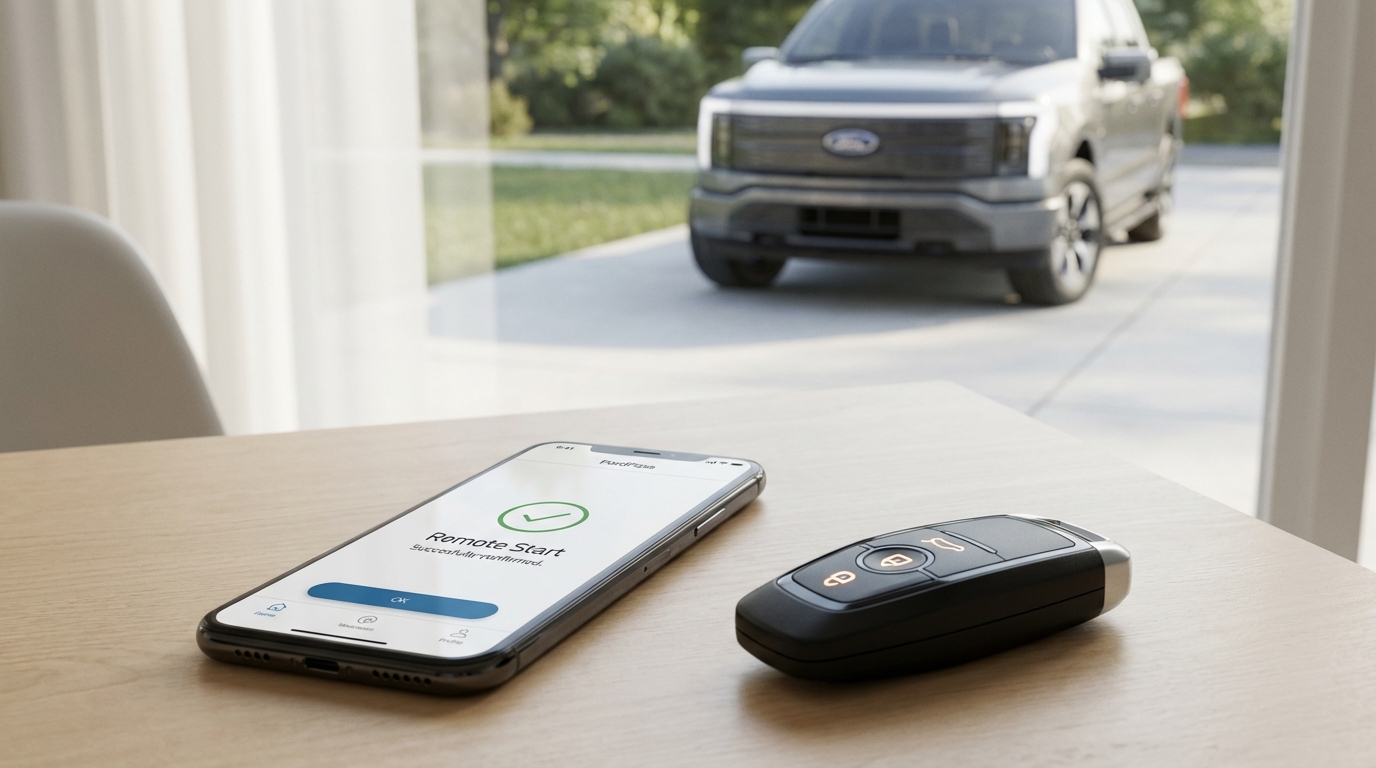
Key Takeaways: Quick Fixes
- The "Lock First" Trick: Try hitting the lock button on the app before hitting the start button. It wakes up the car's modem.
- Deep Sleep Mode: If your car hasn't moved in a few days or the battery is slightly low, the car turns off the remote start feature to save power.
- App Cache: 90% of the time, deleting the FordPass app and reinstalling it fixes the connectivity glitch.
- Check Engine Light: If you have any warning light on your dash, remote start is disabled by safety design.
- The Fuse Pull: For stubborn cases, pulling the TCU (Telematics) fuse creates a hard reset for the car's internet connection.
The Immediate Fix: Try This Before Anything Else
Look, I know why you are here. You're freezing (or sweating), you're holding your phone, and that little spinning circle on the FordPass app just timed out again. It's frustrating.
Here is the fastest solution that works for most people. Do this in exactly this order:
- Log out of the FordPass app completely.
- Delete the app from your phone. Don't just offload it, delete it.
- Restart your phone. This clears the RAM and temporary files.
- Reinstall the app from the App Store or Google Play.
- Log back in and try again.
If that didn't work, try the "Lock Trick." Sometimes the car is in a light sleep and doesn't register the "Start" command immediately. Tap the Lock button in the app first. Wait for the circle to stop spinning and confirm the doors are locked. Then press and hold the Start button. This forces the car's modem to wake up and pay attention.
Still nothing? Alright, grab a coffee. We need to dig a little deeper into why your Ford is acting up. It's usually one of three things: the software, the battery, or the modem.
Understanding "Deep Sleep" Mode
This is the number one reason remote start fails, according to pretty much every Ford forum on the internet. Ford vehicles are smart, maybe a little too smart for their own good. They have a feature called Deep Sleep Mode.
Here is how it works. Your car has a 12-volt battery (the regular car battery). If the voltage drops even a tiny bit below a certain threshold, or if the car hasn't been started manually in a few days (usually 14 days, but can be less in cold weather), the system shuts down "non-essential" features to ensure the car can still start with the key.
Guess what Ford considers "non-essential"? The modem that talks to your phone.
If you see a message in your Message Center on the app that mentions "Remote features disabled to preserve battery," you are in Deep Sleep. The fix is simple: you have to go out and start the car manually. Drive it for about 20 or 30 minutes. This charges the battery back up and tells the computer, "Hey, I'm awake, you can turn the modem back on."
Why is my battery getting low?
You don't need a bad battery to trigger this. Modern Fords are always "listening" for signals, which drains power. If you only take short trips (like 5 minutes to the store and back), the alternator never gets a chance to fully charge the battery. Over time, the voltage creeps down until Deep Sleep kicks in.
Troubleshooting the App and Phone Side
If you know your battery is fine and you drive the car every day, the problem might be the connection between your phone and Ford's servers. The FordPass app is notoriously glitchy sometimes. I've had issues with it on my own truck where it just decides not to talk to the server.
Clear the Cache (Android)
If you are on an Android, you don't always have to delete the app. You can clear the cache. Go to Settings > Apps > FordPass > Storage > Clear Cache. This wipes out the temporary junk data that might be confusing the app. iPhone users, you pretty much just have to reinstall the app to do this.
Check for Updates
Ford updates the app frequently. If your app is outdated, it might not be shaking hands correctly with the security protocols on the server. Go to your app store and make sure there isn't a pending update.
Disconnect and Reconnect the Vehicle
This is a bit of a nuclear option for the app side, but it works.
1. Open FordPass.
2. Go to the Vehicle tab.
3. Scroll down and look for a button that says "Remove Vehicle."
Warning: This will delete your driving history in the app and you'll have to set up Phone-as-a-Key again if you use that.
4. Once removed, add the VIN back in and go through the authorization process on the car's touchscreen.
Troubleshooting the Car Side (Hardware)
Okay, so the app is fine, and the phone is fine. Now we have to look at the car. There are a few mechanical and electrical reasons why the remote start refuses to engage.
The "Check Engine Light" Rule
This is a safety feature that people forget about. If your Check Engine Light (CEL) is on-even for something minor like a loose gas cap-the remote start will not work. This is hardcoded into the car's computer.
The logic is pretty sound: if the engine has a problem, the car doesn't want to run without a human present to monitor it. If you have a CEL, you need to get the code read and cleared. Once the light is off, remote start should work again instantly.
Hood and Door Sensors
The system checks all perimeter sensors before starting. If the car thinks the hood is open, it won't start. This is to prevent the engine from roaring to life while a mechanic has their hands inside the engine bay.
Sometimes, the hood switch gets dirty or bent. Open your hood and slam it shut firmly. If your dashboard says "Hood Ajar" even when it's closed, that's your culprit. You'll need to replace the hood switch or latch.
The TCU Reset (The Modem Fuse)
This is for the advanced troubleshooters, but it's honestly the most effective fix for connection issues. Your car has a piece of hardware called the TCU (Telematics Control Unit). This is basically the car's cell phone.
Sometimes, just like your home Wi-Fi router, the TCU freezes up. It needs a reboot. But since there is no "off" switch, you have to pull the fuse.
How to do it:
- Look in your owner's manual for the fuse box diagram (usually the one inside the cabin, near the passenger footwell or steering wheel).
- Find the fuse labeled "TCU" or "Telematics" or sometimes "Sync Connect".
- With the car off, pull that fuse out.
- Wait about 5 minutes. Seriously, wait the full time to let the capacitors discharge.
- Put the fuse back in.
- Start the car and wait a few minutes for the modem to reconnect to the cell tower.
I did this on a 2018 Explorer last month and it fixed the problem immediately when nothing else would.
The Master Reset (SYNC System)
If the fuse pull scares you, try a Master Reset of the infotainment screen. This wipes your saved radio stations and paired phones, so it's a pain, but it refreshes the software.
For SYNC 3 and SYNC 4:
1. Go to Settings on your car screen.
2. Go to General.
3. Scroll down to Master Reset.
4. Confirm and wait. The screen will go black and reboot.
Once it comes back up, you will have to reconnect your FordPass app to the car like it's brand new. This re-establishes the secure token between the car and Ford's cloud servers.
Network Issues and The "Sunset"
We gotta talk about the cell network. Your car uses a cellular connection (usually AT&T in the US) to talk to the app. If you have an older Ford (roughly 2011-2016) that used the old 3G modems, your remote start might have stopped working because the 3G networks have been shut down.
Ford offered a program to upgrade these to 4G modems, but if you missed the window or bought the car used, you might be stuck with a dead modem. If your car is newer (2018+), it uses 4G, so you are safe from the sunset, but you are not safe from bad signal.
If your car is parked in a concrete parking garage, underground, or in a rural area with zero bars, the remote start signal won't reach it. It's just like trying to load a webpage on your phone in a dead zone. Move the car to an open area and try again to rule this out.
Battery Voltage: The Silent Killer
I mentioned Deep Sleep earlier, but I want to double down on battery health. Modern cars are electrical hogs. Even when the car is off, it is running checks, listening for key fobs, and pinging servers.
If your battery is more than 3 or 4 years old, it might be showing "good" voltage (12.4v) when resting, but dropping too low (under 11.5v) when a load is applied. The Battery Management System (BMS) on Fords is very sensitive. It monitors the battery state of charge (SoC).
If the BMS thinks the battery is weak, it disables remote start to ensure you don't get stranded. You can try resetting the BMS if you recently changed the battery.
The BMS Reset Trick (No tools needed):
1. Get in the car, turn ignition to ON (engine off).
2. Flash the high beams 5 times.
3. Press the brake pedal 3 times.
4. Watch the battery icon on the dash-it should flash after a few seconds.
This tells the car "Hey, I have a new battery, reset your learning strategy." Only do this if you actually have a good battery, otherwise, you're just lying to the computer and it will eventually die on you.
Summary of Steps
So, to wrap this up before we hit the FAQs. If your remote start isn't working:
- Software Check: Delete and reinstall the app. Toggle the "Lock" button first.
- Status Check: Look for "Deep Sleep" messages or Check Engine Lights.
- Hardware Reset: Drive the car to charge the battery, or do a Master Reset on the screen.
- Hard Reset: Pull the TCU fuse or disconnect the negative battery terminal for 10 minutes.
It's annoying, I know. We get used to warming up the car while we drink our morning coffee, and when it stops working, it feels like we're back in the stone age. But usually, it's just a software glitch or a safety feature doing its job.
Frequently Asked Questions
Why does my app say "Request Failed" immediately?
This is usually a communication error between your phone and the Ford server, not the car. It means the app couldn't even send the signal out. Check your phone's internet connection. If you are on Wi-Fi, try switching to 5G/LTE and try again.
Does the key fob remote start still work if the app doesn't?
Yes, usually. The key fob uses a direct radio frequency (RF) signal to the car, while the app uses the cellular network. If the key fob works but the app doesn't, you know the car's starter motor and engine are fine, and the issue is strictly with the modem/telematics or the app itself.
My check engine light is on, can I override it to remote start?
No. There is no stock way to bypass this. It is a safety lockout. You must fix the issue causing the check engine light and clear the code before remote start will function again.
How long does the car run on remote start?
By default, most Fords run for 10 or 15 minutes. You can usually extend this in the vehicle settings menu on the dashboard (under Vehicle > Settings > Remote Start). You can generally "extend" the run time once via the app, giving you a total of 30 minutes max before you have to physically enter the car.
Is there a subscription fee for FordPass remote start?
For most newer Fords (Sync 3 and up, generally 2017+), the basic remote start/lock/unlock features in FordPass are currently free. Ford used to charge for this, but they changed their policy to compete with other brands. However, Wi-Fi hotspot data inside the car does require a paid subscription.
I just changed my battery and it still won't work?
Did you reset the BMS (Battery Management System)? If you swapped the battery but didn't tell the car, it still thinks the old, weak battery is installed and might be keeping you in power-save mode. Use the high-beam/brake pedal trick mentioned above to reset it.