
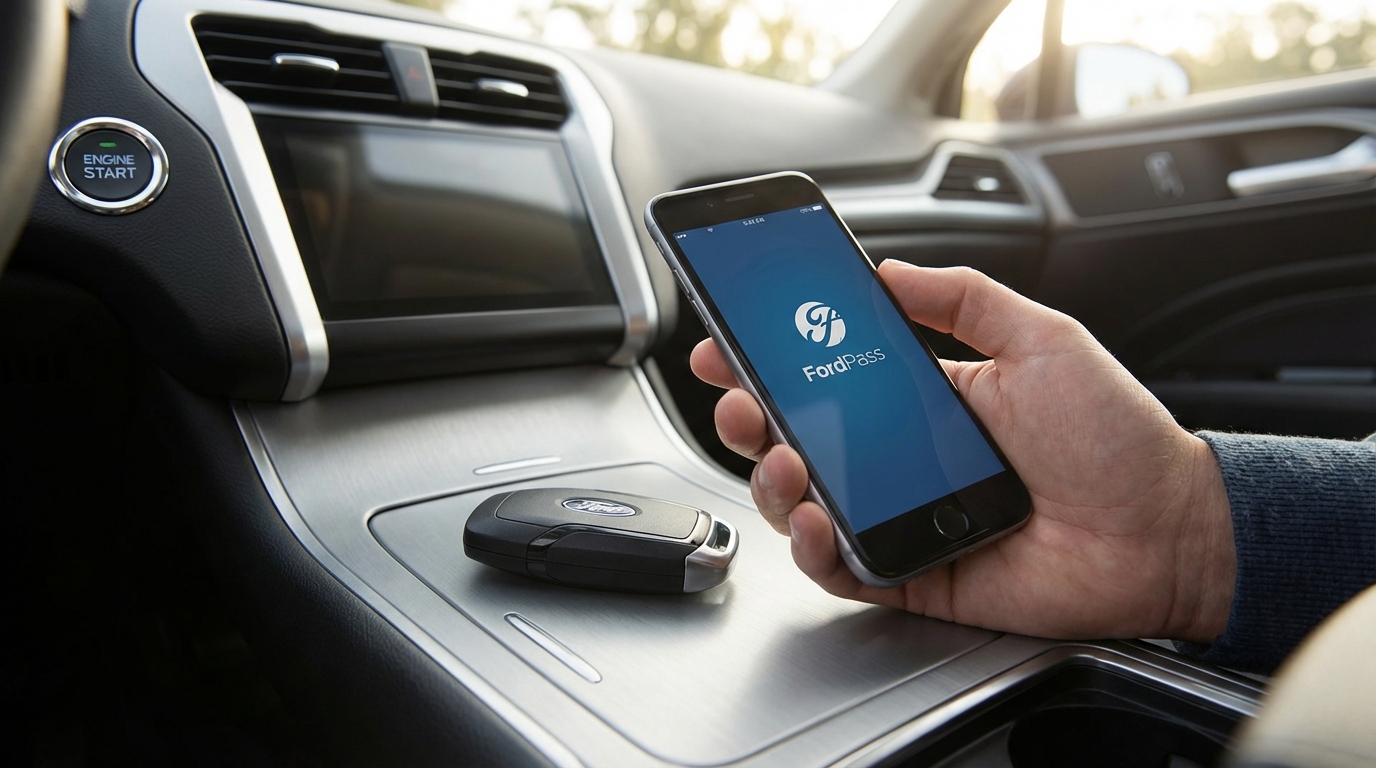
The Quick Fix: Why FordPass Isn't Connecting
If your FordPass app remote start isn't working, the most common reason is that your vehicle has entered Deep Sleep Mode to protect the battery, or your Check Engine Light is on. To fix the Deep Sleep issue, you need to manually start the vehicle and drive it for about 20-30 minutes to recharge the 12v battery. If you have a Check Engine Light, the system disables remote start for safety reasons until the code is cleared.
Other quick fixes include reinstalling the app, toggling the "Remote Start" setting in your dashboard menu, or ensuring your fuel level is above low.
Key Takeaways
- Deep Sleep Mode: If your car hasn't moved in a few days or the battery is a bit low, the modem shuts off. You have to drive it manually to wake it up.
- Check Engine Light: Any active engine code prevents remote start. Period.
- Hood Switch: If the car thinks the hood is open (even if it looks closed), it wont start.
- App Glitches: Sometimes you just gotta delete the app and download it again.
- Telematics Fuse: For the tech-savvy, pulling the TCU fuse for 5 minutes can reset the modem.
Deep Dive: Fixing the FordPass Remote Start Issues
There is literally nothing more annoying than paying for a modern truck or SUV, expecting to step into a warm cabin, and finding out the app just spun in circles and failed. I've been there with my F-150. It’s frustrating.
You aren't crazy, and your phone probably isn't broken. Ford's system is great when it works but it can be really finicky about conditions. Below I'm going to walk you through every single fix, starting with the most likely culprits.
1. The "Deep Sleep" Mode (The #1 Cause)
If I had to bet money, I’d say this is your problem. Modern Fords are basically computers on wheels. They are constantly listening for signals, checking sensors, and keeping the modem alive so you can connect with your phone. All that stuff drains the battery.
According to the Ford owner's manuals, the vehicle has a battery management system (BMS). If the voltage on your 12v battery drops below a certain threshold, the car goes into "Deep Sleep." It effectively turns off the modem (the TCU) to ensure the car still has enough juice to crank the engine manually.
The Fix: Unfortunately, you can't fix this from the couch. You have to go out, start the car with the key (or push button), and drive it. Idling usually isn't enough because the alternator needs higher RPMs to really charge the battery efficiently. Take it for a 20-minute drive on the highway. Once the voltage is back up, the modem will wake up, and remote start should work again next time.
Pro Tip: If this happens constantly, your battery might be on its way out. Cold weather kills batteries faster, which is ironic because that's exactly when you want remote start to work.
2. The "Check Engine Light" Safety Feature
This one catches a lot of people off guard. Ford programmed the remote start system to disable itself if there is an active simplified diagnostic trouble code (DTC). Essentially, if the Check Engine Light (CEL) is on, the car refuses to start remotely.
Why? Because if there is an engine problem (like low oil pressure or a misfire), starting the car without a driver present to notice the weird noises or smells could destroy the engine. It's a safety thing.
The Fix: Go look at your dashboard. Is the little yellow engine icon on? If yes, you need to scan the code and fix the problem. Once the light is off, remote start will come back.
3. The Hood Switch Sensor
This is a hardware issue that happens more often on older Explorers and F-150s. There is a safety switch under the hood that tells the computer if the hood is open. If the hood is open, remote start is disabled so that the engine doesn't start while a mechanic has their hands inside the fan belts.
Sometimes, this switch gets bent, dirty, or corroded. Even if your hood is latched tight, the sensor might think it's open.
How to check: Sit in the car and turn it on. Does the dashboard say "Hood Ajar"? If it does, go open the hood and slam it shut firmly. If the warning stays on, you might need to replace that little switch or bend the bracket back into place.
4. App Cache and Connectivity Issues
Sometimes the car is fine, but the FordPass app is just being garbage. It happens. The app caches data to load faster, but sometimes that data gets corrupted.
Try these steps in order:
- Force Close: Swipe the app away completely and reopen it.
- Logout/Login: Actually go to settings in the app and log out. Then log back in. This forces a re-sync with Ford's servers.
- The "Nuclear" App Fix: Delete the app entirely. Restart your phone (don't skip this!). Then reinstall the app. This clears out all the junk data.
Also, make sure your phone has a good signal. If you are on weak WiFi, switch to cellular data. The request has to go from your phone, to the cloud, to the AT&T network, and then to your car. If any link in that chain is weak, it fails.
5. Resetting the Telematics Control Unit (TCU)
Okay, this is for when you've tried everything else. The TCU is the modem in your car. Just like your WiFi router at home sometimes needs to be unplugged to work again, the car's modem can freeze up.
There are two ways to reset this:
Method A: The Battery Disconnect
Disconnect the negative terminal on your car battery for about 15 minutes. This resets everything in the car, including the radio presets (sorry). But it almost always fixes the modem.
Method B: The Fuse Pull (Better)
You can just pull the fuse for the TCU. You'll need to check your owner's manual for the fuse box diagram because it changes depending on the year and model (F-150, Mach-E, Explorer etc). Usually, it's in the passenger footwell fuse box. Look for "TCU" or "Telematics." Pull that fuse, wait 5 minutes, and put it back in.
6. Check Your Instrument Cluster Settings
It sounds stupid, but sometimes this setting just gets turned off. Maybe a software update did it, or maybe your kid was playing with the buttons.
- Go to your car's dashboard menu (using the steering wheel buttons).
- Look for Settings > Vehicle > Remote Start.
- Make sure "System" is checked or set to "On."
- Also, check the "Duration" setting. I like to set mine to 15 minutes.
If this is toggled "Off," the app will try to send the signal, but the car will reject it.
7. Fuel Level and Alarm Status
Here are two minor things that cause failures:
Fuel Level: If your gas light is on, remote start usually won't work. The logic is that you don't want to burn your last gallon of gas warming up the driveway and then run out of fuel on the way to work.
Alarm Triggered: If your car alarm went off recently and wasn't cleared by unlocking the car with the key, remote start might be disabled until you perform a manual start cycle.
8. Master Reset (The Last Resort)
If absolutely nothing else works, you might need to Master Reset the Sync system. This wipes your phone pairings and navigation favorites, so save this for last.
- For Sync 3/4: Go to Settings on the big center screen.
- Scroll to General.
- Scroll down to Master Reset.
- Confirm and let the system reboot.
After this, you will have to re-authorize your vehicle in the FordPass app. It’s a pain, but it usually clears up deep software bugs.
9. Is Your Subscription Active?
For a long time, FordPass was a paid service. Then they made it free for most vehicles (FordPass Connect). However, older vehicles that use the plug-in "SmartLink" dongles or older tech might still require a subscription. Double-check your account status on the Ford website just to be sure.
Also, keep in mind AT&T shut down the 3G network. If you have a really old Ford (like pre-2016/2017) that hasn't had the modem upgraded, your remote start just won't work anymore because the cellular tower it used to talk to doesn't exist. There are retrofits available at the dealer, but they aren't cheap.
Common Error Messages and What They Mean
When the app fails, it usually gives you a little red banner. Here is what they actually mean in plain English.
"Vehicle failed to start"
This is generic. It usually means the command reached the car, but the car said "no." This points to the Check Engine Light, Hood Switch, or Fuel Level.
"Request failed to send"
This means the problem is on your phone or the cloud. The signal never even got to the Ford servers. Check your WiFi or 5G connection.
"Vehicle Not Responding"
This means the Ford servers tried to talk to your car, but your car kept sleeping. This is the classic Deep Sleep symptom or a dead modem.
Conclusion
Fixing the FordPass remote start usually comes down to battery management. If you drive short trips, the battery never fully charges, the car enters Deep Sleep, and the modem shuts off. It’s a vicious cycle.
Start with the easy stuff: drive the truck for a while, delete the app, and check for warning lights on the dash. If you get into fuse pulling and Master Resets and it still doesn't work, it might be time to visit the dealer. There is a known issue with some TCU modules just failing, and that is covered under warranty if you're still within the mileage limits.
Hope this helps you get your car warmed up before you have to step out into the freezing cold!
Frequently Asked Questions
Why does my FordPass say "Deep Sleep Mode"?
This happens when your vehicle's battery voltage drops too low. The car shuts down non-essential electronics (like the modem used for remote start) to save power so the car can still start manually. You need to drive the vehicle to recharge the battery.
Can I remote start with the key fob if the app isn't working?
Yes! If your key fob has the remote start button (the little circle arrow), it works on a completely different radio frequency. It doesn't use the internet. If the key fob works but the app doesn't, the issue is definitely with the car's modem or the Ford servers.
Do I need to pay for FordPass remote start?
For most newer vehicles (2018 and up with FordPass Connect), no. Ford made the remote start and lock/unlock features free. You only pay if you want the WiFi hotspot data.
Will disconnecting the battery fix the app?
It often does. Disconnecting the negative terminal for 15 minutes forces the Telematics Control Unit (TCU) to reboot. It’s like restarting a frozen computer. Just remember you'll lose your radio presets.
Why does remote start turn off after 10 or 15 minutes?
That is a setting, not a bug. You can change the duration in the vehicle settings menu on your dashboard (usually 5, 10, or 15 minutes). It shuts off to prevent you from wasting gas or carbon monoxide poisoning if parked in a garage (which you shouldn't do anyway!).