
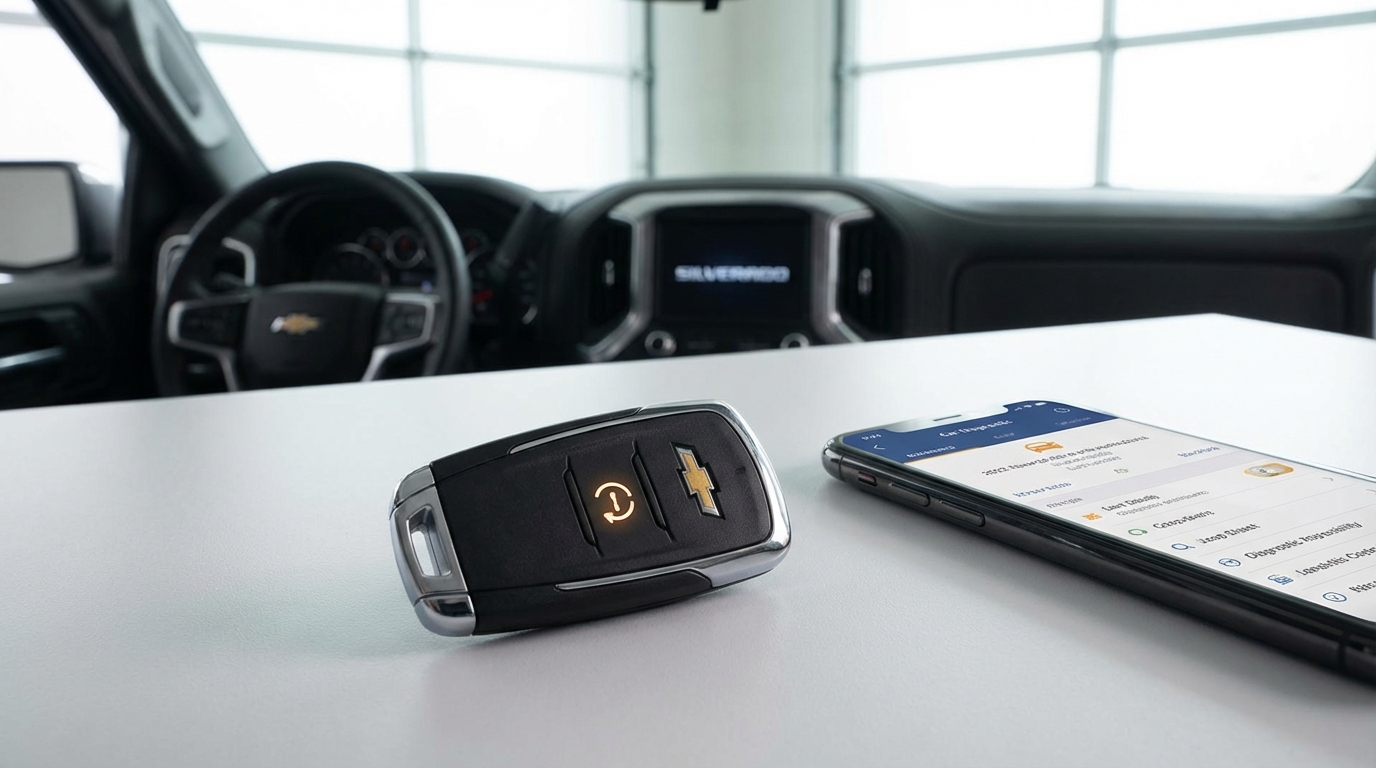
Key Takeaways: Why Your Chevy Won't Remote Start
If you're standing in the cold clicking your fob and nothing's happening, check these first:
- Check Engine Light (CEL): If this light is on, the remote start is automatically disabled. This is the #1 cause.
- The Hood Latch: If the car thinks the hood is open (bad sensor), it wont start.
- Key Fob Battery: A weak battery might unlock doors but fail to send the strong signal needed for ignition.
- Too Many Attempts: Chevy limits you to two remote starts per drive cycle. You gotta insert the key to reset it.
- Hazards or Keys Inside: Hazard lights on? Spare key left in the cupholder? It won't start.
So, you walked out to your Silverado, Equinox, or Malibu, pressed the lock button and held the start button, and... nothing. Just silence. It's frustrating, especially when it's freezing outside or blazing hot and you wanted the AC running. I've been there with my truck, and I know how annoying it is when technology decides to take a day off.
The good news is that 90% of the time, your remote start isn't actually "broken." The car is just preventing the start for safety reasons. It's a feature, not a bug, even though it feels like a bug right now.
Let's walk through exactly how to fix this remote start not working Chevy issue without heading to the dealership and dropping a few hundred bucks.
The #1 Culprit: The Check Engine Light
I cannot stress this enough-look at your dashboard. Turn the key or push the start button to the "Run" position (without starting the engine) and look for that little yellow engine icon.
According to General Motors and pretty much every Chevy owner's manual out there, the remote start system is hard-wired to fail if the Check Engine Light (CEL) is on. The computer logic is pretty simple: if the car is sick, it doesn't want to run without you sitting in the driver's seat to monitor it.
Why does this happen?
Imagine if your car had low oil pressure or a severe misfire. If you remote started it and let it run for 10 minutes while you finished your coffee inside, you could destroy the engine. The computer saves the car from itself by disabling the remote function.
The Fix
You need to know why the light is on. You don't need a mechanic for this part. Go to an auto parts store like AutoZone or O'Reillys; they usually scan codes for free. Or, buy a cheap OBDII scanner on Amazon for twenty bucks.
Once you fix the issue (it could be something silly like a loose gas cap causing an EVAP code) and clear the code, your remote start should work immediately.
The "Phantom" Open Hood
This one drives people crazy cause everything looks fine from the outside. Your Chevy has a safety switch under the hood. It ensures the engine doesn't start remotely while someone is working on it (which would be a terrible way to lose a finger).
Sometimes, the latch mechanism gets gunked up with road grease and dirt, or the sensor just goes bad. Even if the hood is physically closed, the car's computer thinks it's open. If the Driver Information Center (DIC) on your dash says "Hood Open," there's your problem.
How to troubleshoot it:
- Pop the hood and find the latch.
- Look for a wire connected to the latch assembly.
- Check if the connector is loose or corroded.
- Clean the latch with some degreaser or WD-40 and slam the hood shut firmly.
If that doesn't work, the microswitch inside the latch might be broken. It's a cheap part to swap out if you're handy with a wrench.
Your Key Fob might be Tired
We use our key fobs every single day. Eventually, that little coin battery inside gives up. Here is a tricky thing about Chevy fobs: sometimes the battery has enough juice to unlock the doors, but not enough juice to send the remote start signal.
The remote start signal requires a longer, sustained burst of radio frequency than a quick "unlock" click. If the battery is borderline dead, the doors unlock, but the start fails.
The Test: Do you have a second key fob? Try that one. If the second fob works perfectly, you just need a new CR2032 battery for the first one. They cost like five bucks at the grocery store.
The "Two-Start" Limit
I've had friends call me thinking their car was broken, when actually they just used the feature too much. Chevy vehicles have a limit on how many times you can remote start them between drive cycles.
Usually, you can perform two remote starts.
1. The first start runs for 10 or 15 minutes (depending on the model).
2. You can "extend" it once for another 10-15 minutes.
After that, the car says "No more." You have to physically go out, unlock the car, insert the key (or push the start button), and turn the ignition on. This resets the counter.
Other Safety Overrides (The Checklist)
If it's not the engine light, the hood, or the battery, run through this rapid-fire checklist. The computer checks all of these before firing the ignition:
1. Are the Hazard Lights On?
If your emergency flashers are blinking, the remote start is disabled. I'm not sure why you'd try to remote start with hazards on, but hey, it happens.
2. Is the Coolant Too Hot?
If the engine is already overheating, the system wont let it start. This is a self-preservation mode.
3. Is there a Key Inside?
This is common with push-to-start vehicles (Malibu, Tahoe, Camaro). If you left a spare key fob in the cupholder, the gym bag in the back seat, or the glove box, the car knows. It won't remote start because it thinks someone might be in the car, or it's trying to prevent theft.
4. Are the Doors Locked?
Chevy logic is strict. You generally have to press LOCK and then hold START. If the car isn't locked, it won't start. If one of your door lock actuators is broken and a door is technically unlocked, the system might abort the start.
5. Low Fuel
Some newer models (mostly 2018 and up) are smart enough to know if you're running on fumes. If the fuel light is on, the car might refuse to remote start to save that last gallon for actual driving.
The Valet Switch (Aftermarket Systems)
If you bought your Chevy used, or you had a system installed at a shop (like a Viper or Compustar system), you might be in "Valet Mode."
Valet mode disables the alarm and remote start so a parking attendant doesn't accidentally set it off. Usually, the parking lights will just flash when you try to start it, but the engine won't turn over.
How to fix it:
Look for a small toggle switch under the dashboard, near your knees. Flip it and try again. Or, look at your aftermarket remote-sometimes pressing buttons in a certain sequence (like Trunk + Lock) activates Valet mode.
Advanced Troubleshooting: The BCM
Okay, if you have checked literally everything above and it's still dead, we might be looking at a Body Control Module (BCM) issue.
The BCM is the computer brain that controls accessories like windows, locks, and remote start. Sometimes these things get glitched out. You can try a "hard reset" on your truck or car to see if that clears the cobwebs.
How to do a Battery Reset:
- Pop the hood.
- Use a 10mm wrench to disconnect the Negative (Black) battery terminal.
- Leave it disconnected for about 15 minutes. Go make a sandwich.
- Reconnect it and tighten it down.
- Start the car manually first.
- Turn it off, get out, lock it, and try the remote start.
This forces all the computers to reboot. It fixes a surprising amount of electrical gremlins in modern Chevys.
What about the OnStar App?
If your key fob works fine but the "myChevrolet" app on your phone isn't starting the car, that's usually a subscription or signal issue.
A few years ago, GM changed their plans. Remote start via the key fob is standard on most trims, but remote start via the phone app usually requires a paid OnStar subscription. If your credit card expired or the trial ended, the button in the app might be greyed out or just fail to connect.
Also, the car needs a cell signal. If you parked deep in an underground concrete garage, the car can't hear the signal from the satellite/tower to start up.
Summary: Don't Panic
To wrap this up, don't rush to the mechanic just yet. Remote start systems are finicky because they have to be safe. They are designed to fail if anything looks suspicious to the car's computer.
Most of the time, you're gonna find that it's a Check Engine Light (probably an EVAP code from a loose gas cap) or a dead battery in your fob. Walk through the list, check the simple stuff, and you'll probably have your warm (or cool) car back in no time.
Frequently Asked Questions
Does a check engine light disable remote start on Chevy?
Yes, absolutely. This is the most common reason your remote start isn't working. The car disables the feature to protect the engine from potential damage while it's running unattended.
How do I reset my Chevy remote start?
There isn't a dedicated "reset" button, but you can reset the system logic by manually starting the vehicle with the key or push-button. If the system is glitched, disconnecting the negative battery terminal for 10-15 minutes can reboot the Body Control Module.
Why does my remote start flash lights but not start?
If the lights flash but the engine doesn't crank, the car received the signal but rejected the request. This usually means a safety parameter failed-like the hood is unlatched, the hazards are on, or a key is detected inside the vehicle.
Can I use an OBDII scanner to fix my remote start?
Sort of. The scanner itself doesn't fix the remote start, but it can read the Check Engine Light codes. If you use the scanner to identify and fix the problem (and then clear the code), the remote start will function again.
How close do I need to be for the remote start to work?
Factory Chevy remotes usually work from about 200 feet away, though this varies by model and interference. If you have to be right next to the car for it to work, your key fob battery is likely dying.