
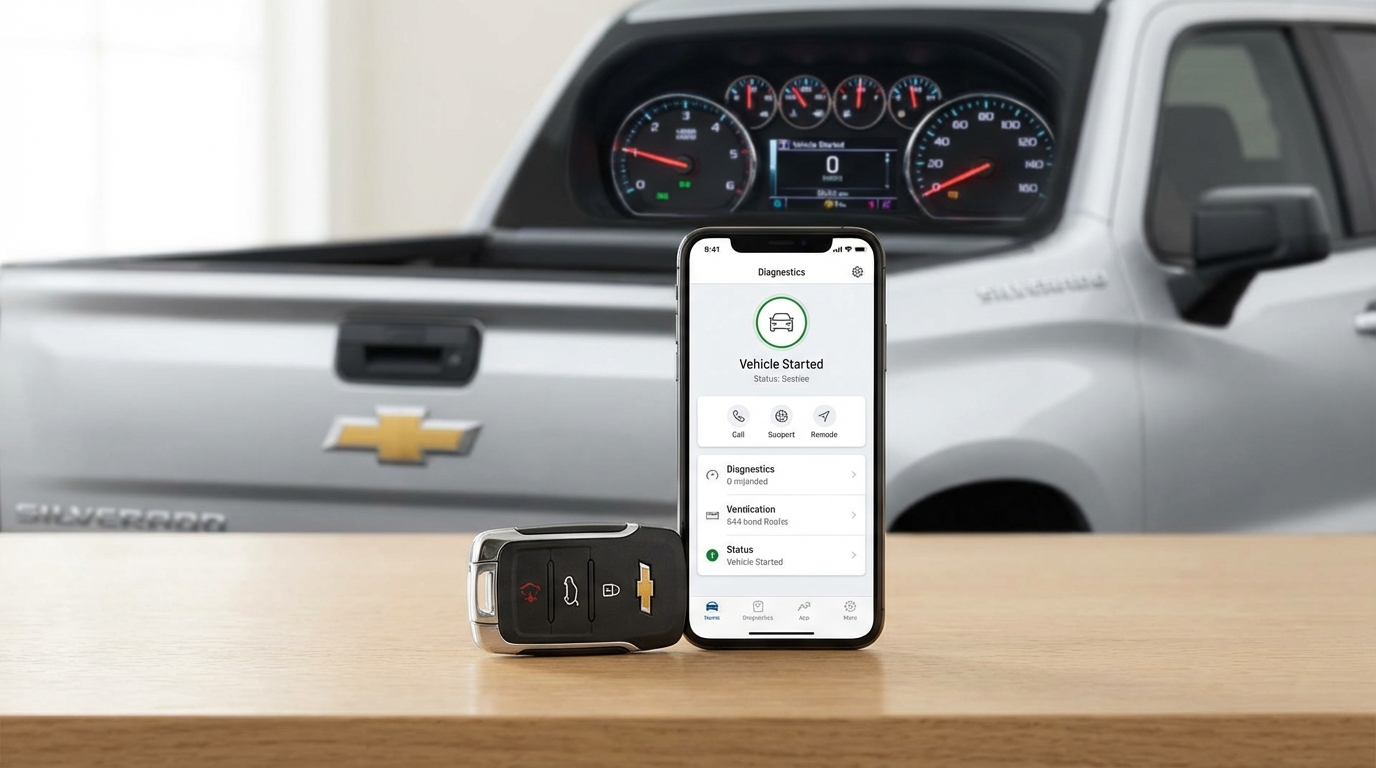
Key Takeaways: Quick Fix List
- Check Engine Light: If your dashboard light is on (even for a gas cap), remote start is disabled for safety.
- Hood Latch Sensor: The most common mechanical failure on Silverados. If the truck thinks the hood is open, it wont start.
- Key Fob Battery: Replace the CR2032 battery. Weak signal = no start.
- Limit Reached: You only get two remote starts (10-15 mins each) before you must insert the physical key.
- Vehicle Settings: Check your infotainment screen under Settings > Vehicle > Remote Lock, Unlock, Start to make sure it's actually toggled "On".
The Short Answer: Why Your Truck Won't Remote Start
If your Chevy Silverado remote start isn't working the first thing you need to look at is your dashboard. Is the Check Engine Light (CEL) on? If yes, that is your problem. Chevy programs these trucks to disable remote start the second a fault code is detected. It's a safety feature designed to prevent the engine from running without a driver present if something is mechanically wrong.
If there is no Check Engine Light, the second most likely culprit is your hood latch sensor or a dying battery in your key fob. Don't panic, you probably don't need a mechanic for this. Most of the time, you can fix this in your driveway in about five minutes.
Let's get into the nitty gritty of how to troubleshoot this yourself so you aren't freezing in the morning.
1. The "Check Engine Light" Rule
I know I just mentioned this, but it bears repeating cause it is the number one reason people think their remote start is broken. It's not actually broken; it's disabled.
According to the Chevrolet owner's manuals, the remote vehicle start function will not operate if the malfunction indicator lamp is on. This could be something serious, or it could be something incredibly stupid like a loose gas cap.
How to fix it:
If you see the light, you need to read the codes. You don't need to pay a dealer $100 for this. Go to an auto parts store like AutoZone or O'Reillys; they will plug a scanner in and read the code for free. If the code is for an EVAP leak, go tighten your gas cap and drive for a few days. The light might clear itself, and your remote start will work again.
If you are a DIY type of person, just buy a cheap OBDII scanner online. Clear the codes yourself, and try the remote start. If it fires right up, you know the system works, and you just need to fix whatever is tripping the sensor.
2. The Hood Latch Sensor (The Silverado Achilles Heel)
This is arguably the most annoying specific issue with Chevy trucks. There is a tiny microswitch inside the hood latch mechanism that tells the computer if the hood is closed. If the truck thinks the hood is open, it will refuse to remote start to prevent you from, say, remote starting the engine while a mechanic has their hands near the fan belt.
Over time, dirt, grease, and road salt gunk up this sensor. Or sometimes the switch just fails.
The Diagnosis:
Sit inside the truck. Turn the ignition on (engine doesn't need to be running). Look at your Driver Information Center (the screen between your gauges). Does it say "Hood Open"? If it says the hood is open but you know for a fact it's closed, you found your problem.
The Fix:
You have two options here:
- Clean it: Get a can of electrical contact cleaner or even WD-40. Open the hood and spray the heck out of the latch mechanism located right in the center of the grille area. Open and close the hood firmly a few times. Sometimes this unsticks the switch.
- Replace it: If cleaning doesnt work, you need a new hood latch assembly. It's not expensive, usually around $40-$60 for the part. It's held on by a couple of bolts and has one electrical connector. You can swap it out in 15 minutes with a basic socket set.
3. Key Fob Issues (It's Not Always the Battery)
Obviously, if your key fob battery is dead, nothing works. But Silverados can be picky about the way you use the fob.
The Correct Sequence
I've seen people forget this, especially when they get a new truck. You can't just press the start button. You have to press LOCK first, and then immediately press and HOLD the start button (the circle arrow) for at least 4 seconds. The turn signal lamps should flash to confirm the request.
Changing the Battery
If you're pressing the buttons hard and the range seems short, change the battery. It takes a CR2032. You can buy these at any drugstore. Pop the side of the key fob open with a small flathead screwdriver, swap it, and snap it back together. No reprogramming needed.
Pro Tip: If you have a spare key fob, try that one. If the remote start works with the spare but not your main key, the contact pads inside your main key might be worn out.
4. Maximum Start Attempts (The "Two Start" Limit)
Here is a feature that catches a lot of people off guard. Chevy limits how many times you can remote start the vehicle between drive cycles.
You can remote start the truck once (it runs for 10 or 15 minutes depending on the year). You can extend that time once by doing the remote start sequence again. That gives you a total of 20-30 minutes of run time.
However, after those two cycles are done, the remote start will be disabled until you physically get in the truck, insert the key (or push the start button), and turn the ignition on. This resets the counter.
So, if you were playing with the fob to test it, or if you started it earlier and forgot, you might have hit the limit. Go turn the truck on manually to reset it.
5. Check Your Vehicle Settings (Infotainment)
Sometimes, usually after a battery disconnect or a software update, the setting simply turns itself off. It's rare, but I've seen it happen.
Go to your main touchscreen:
- Tap Settings.
- Tap Vehicle.
- Scroll down to Remote Lock, Unlock, Start.
- Look for Remote Start.
- Make sure "On" is selected.
While you are in there, check the "Remote Window Operation" too, just so you know how it works. But definitely make sure the start toggle is active.
6. The Hazard Lights Switch
This is a weird one, but stick with me. If your hazard lights (flashers) are turned on, remote start is disabled. I don't know why you would leave your truck with the hazards on and try to remote start it, but hey, life happens.
Ensure the hazard button on the dashboard isn't depressed.
7. Coolant and Oil Pressure Safety
The truck's computer (ECU) is smart. It monitors vital signs before allowing a remote start. If the oil pressure is reading too low, or if the coolant temperature is dangerously high, it will abort the start to save the engine.
Usually, this would trigger a Check Engine Light, but not always immediately. If your truck tries to start, cranks for a second, and then shuts off, this might be the issue. It's the truck saying, "Whoa, something doesn't feel right, I'm shutting down."
8. Valet Mode
Does your Silverado have a "Valet Mode"? If this is active, it restricts a lot of features to keep parking attendants from joyriding or snooping in your infotainment system. Remote start is often disabled in Valet Mode. Check your settings to ensure this is turned off.
9. Aftermarket Key Fobs
Did you buy a cheap fob off Amazon or eBay? Look, I love saving money, but Chevy's anti-theft system is pretty aggressive. Sometimes aftermarket fobs lose their programming or just don't send a strong enough signal for the remote start sequence, even if they unlock the doors just fine.
If you are using a cheap knock-off fob, try to find the original OEM one. If the OEM one works, the aftermarket one is junk.
Deep Dive: Troubleshooting with a Multimeter (For the Geeks)
If you're handy with tools and none of the above worked, you might have a blown fuse or a bad BCM (Body Control Module) signal.
Check the Fuse
Open your fuse box (usually under the hood on the driver's side). Look for a fuse labeled "R/STRT" or something similar. Consult the diagram on the lid of the fuse box. If that fuse is blown, replace it. But remember, fuses usually blow for a reason, so if it pops again immediately, you have a short circuit somewhere.
Testing the Hood Switch
If you suspect the hood latch but aren't sure, you can find the connector going to the latch. It's usually a two-wire plug. You can unplug it and use a paperclip or a jumper wire to "close the circuit" (simulate the switch being closed). If the remote start works with the jumper wire in place, you know 100% that the latch sensor is the broken part.
Note: Don't drive around with a jumper wire in place. It's a safety feature for a reason.
Is It Cold Weather Related?
I've noticed on forums like SilveradoSierra.com that people complain about this more in extreme cold. While the cold kills batteries (both truck and fob), it can also make the grease in the hood latch thick and sticky.
If it's -20 degrees out and the remote start fails, try giving the hood a firm press down near the latch. Sometimes that's enough to make the contact for the sensor.
When to See a Dealer
I hate going to the dealership as much as you do. But there are times when you have to bite the bullet.
If you have:
1. No Check Engine Light
2. A new battery in the fob
3. Verified the hood latch works
4. Verified settings are "On"
...and it still won't start, you might have a BCM (Body Control Module) software glitch. Sometimes the computer just gets confused and needs to be reflashed by the dealer's proprietary tools. If your truck is under warranty (3 years/36,000 miles typically), this should be free.
Using the OnStar App as a Test
If you have the myChevrolet app (formerly OnStar RemoteLink) on your phone, try starting the truck with the app. This sends a signal via satellite/cellular data directly to the truck, bypassing the key fob receiver (RCDLR).
The Result:
If the app starts the truck, but the key fob doesn't, your truck is fine! The problem is strictly with your key fob or the receiver antenna in the truck.
If the app fails to start the truck, the issue is with the truck itself (hood latch, engine codes, system lockout).
Summary of the Fix
Look, 90% of the time, this is the Check Engine Light. Even if you don't think you have an engine problem, a sensor is tripping somewhere. Get those codes scanned.
If there's no light, go straight to the hood latch. Wiggle it, clean it, or replace it. Those two things account for almost every "Remote Start Not Working" complaint I've ever heard on a Chevy.
Frequently Asked Questions
Does a low tire pressure light disable remote start?
Generally, no. A TPMS (Tire Pressure Monitoring System) light usually does not disable the remote start on a Chevy Silverado. However, very low pressure that triggers a severe safety warning might in some newer models, but typically it's only the Check Engine Light that stops it.
Why do my lights flash but the truck doesn't start?
If the parking lights flash once but the engine doesn't crank, the truck received the signal but rejected the request. This confirms it's not a dead key fob battery. It usually points to a safety lockout (Hood Open, Hazard Switch On, or Check Engine Light).
Can I reset the remote start system by disconnecting the battery?
Yes, sometimes a "hard reset" works. Disconnect the negative (black) battery terminal on the truck for about 15 minutes. Reconnect it and tighten it down. This resets the truck's computers. Note that you might lose some radio presets, but it can clear temporary glitches in the BCM.
How long does the remote start run for?
On most Silverados, it runs for 10 minutes. You can extend it once for another 10 minutes. After that, the engine shuts off.
Will remote start work if my fuel light is on?
It depends on the year, but usually, yes. However, if the fuel level is critically low, the system might disable remote start to prevent the line from sucking air and damaging the fuel pump.
What does "Remote Start Disabled" mean on the dashboard?
If you actually see text saying "Remote Start Disabled" on your DIC (Driver Information Center), it's usually because the key is currently in the ignition, the hazard lights are on, or the alarm was triggered recently. Cycle the ignition with the key to clear it.